You are using an outdated browser. Please
upgrade your browser to improve your experience.

PDF to Photo Converter makes converting PDFs into images simple and efficient

PDF to Photo Converter ™
by Andy Sutanto

What is it about?
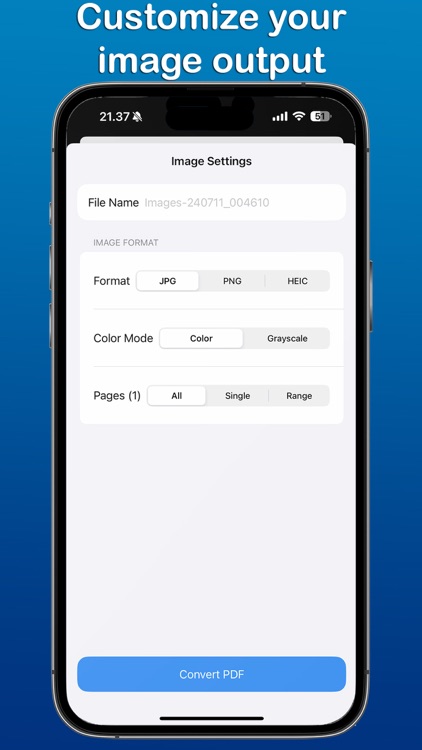
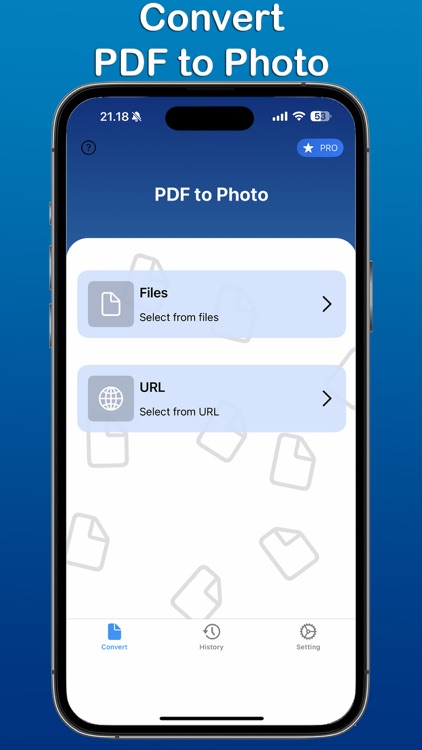
PDF to Photo Converter makes converting PDFs into images simple and efficient. Whether you need to convert entire documents or select specific pages, this app offers flexibility and control over your conversions. Choose from popular formats like JPG, PNG, and HEIC, and easily share or print your images. Customize your output with various color modes to suit your preferences.
App Screenshots
App Store Description
PDF to Photo Converter makes converting PDFs into images simple and efficient. Whether you need to convert entire documents or select specific pages, this app offers flexibility and control over your conversions. Choose from popular formats like JPG, PNG, and HEIC, and easily share or print your images. Customize your output with various color modes to suit your preferences.
Features:
Convert PDFs to Images: Select from JPG, PNG, or HEIC formats.
Page Selection: Convert full documents or individual pages as needed.
Color Modes: Enhance your images with different color options.
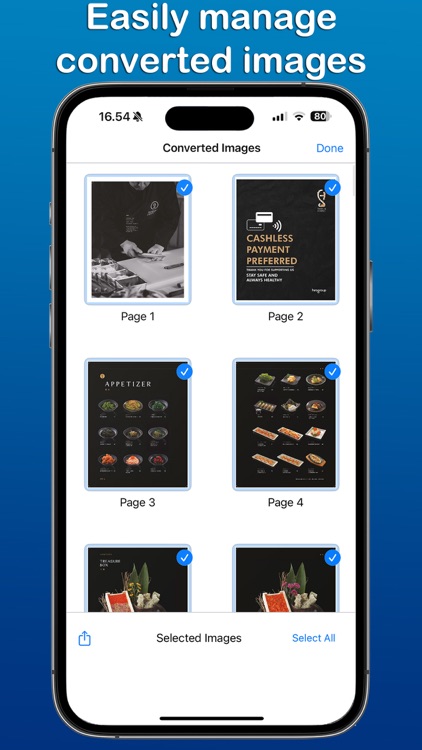
History Tracking: Keep a record of all your conversions for easy access.
Easy Sharing & Printing: Quickly share or print images directly from the app.
PDF to Photo Converter is designed to streamline your document management, making it perfect for both professional and personal use.
PDF to Photo Converter app is free. You can use it forever, at no cost. However, PDF to Photo Converter does offer premium features for its subscribers. If you decide to purchase an upgrade, you will unlock additional features.
Terms of Use: https://kociapp.github.io/PDF-to-Photo/term-of-use
Privacy Policy: https://kociapp.github.io/PDF-to-Photo/privacy-policy
Disclaimer:
AppAdvice does not own this application and only provides images and links contained in the iTunes Search API, to help our users find the best apps to download. If you are the developer of this app and would like your information removed, please send a request to takedown@appadvice.com and your information will be removed.
AppAdvice does not own this application and only provides images and links contained in the iTunes Search API, to help our users find the best apps to download. If you are the developer of this app and would like your information removed, please send a request to takedown@appadvice.com and your information will be removed.
