You are using an outdated browser. Please
upgrade your browser to improve your experience.

• The Pediatric Quality of Life and Evaluation of Symptoms Technology (PediQUEST) is designed to help health care providers learn more about your quality of life

PediQUEST
by Dana-Farber Cancer Institute

What is it about?
• The Pediatric Quality of Life and Evaluation of Symptoms Technology (PediQUEST) is designed to help health care providers learn more about your quality of life.
App Screenshots




App Store Description
• The Pediatric Quality of Life and Evaluation of Symptoms Technology (PediQUEST) is designed to help health care providers learn more about your quality of life.
• As of now, the App is only used within specific research studies. In order to use it, you need to be enrolled in one of our PediQUEST research studies and be registered by our research staff into the PediQUEST system.
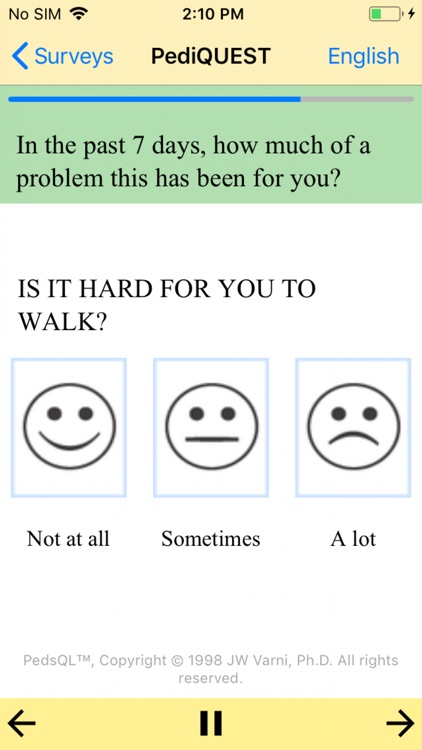
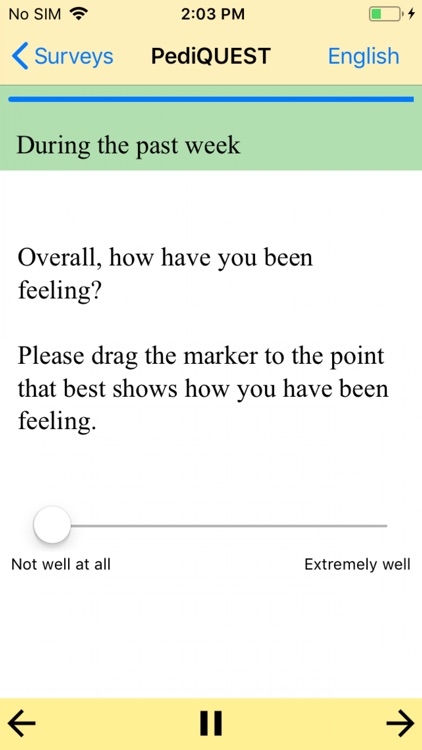
• Initially designed for children, adolescents and young adults with cancer, and their parents, the PediQUEST app regularly asks patients and parents, how the child, teen or young adult is feeling. Sometimes, depending on the study, patients, parents, and providers may also be able to see a report summarizing how the patient has been feeling.
• Users may occasionally be asked to answer other surveys using the PediQUEST app (for example, parents may be asked about how they are feeling).
• How it works
1. Once somebody registers you in the system, you will receive the login credentials over email. These credentials will allow users to complete the sign in process (create a password and password reset questions).
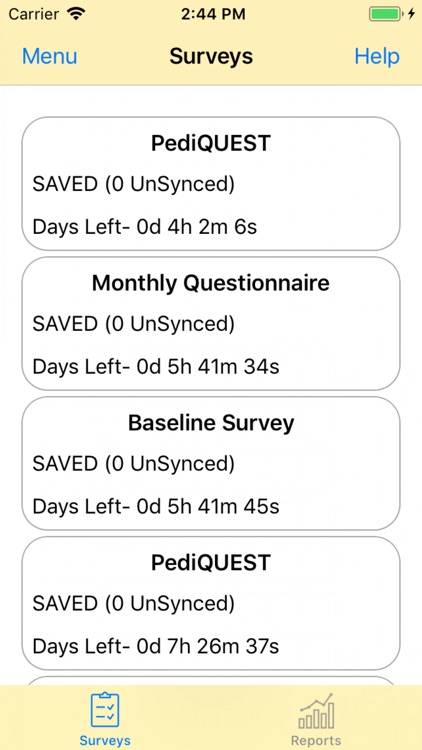
2. After entering the App, you will be able to see whether you have any surveys assigned. Click on survey card to start answering.
3. Users can use the App in multiple languages (only supporting English or Spanish at this time).
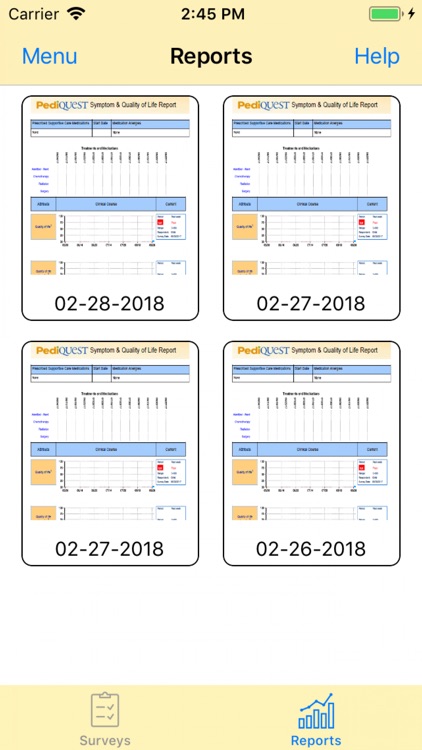
4. If the report feature is enabled for you, you will be able to see summary reports for each of the answered surveys. Reports summarize survey answers for the past three months, so they can help understand how the child has been doing lately.
5. Children have told us that looking at the reports helps them talk with their doctors, and parents can better understand how their child is feeling. Reports may also be seen by your clinicians.
Disclaimer:
AppAdvice does not own this application and only provides images and links contained in the iTunes Search API, to help our users find the best apps to download. If you are the developer of this app and would like your information removed, please send a request to takedown@appadvice.com and your information will be removed.
AppAdvice does not own this application and only provides images and links contained in the iTunes Search API, to help our users find the best apps to download. If you are the developer of this app and would like your information removed, please send a request to takedown@appadvice.com and your information will be removed.
