You are using an outdated browser. Please
upgrade your browser to improve your experience.
Photoshop Mix makes it quick and easy to transform your photos anywhere you are

Photo Tool-Guide for Adobe-Photoshop Pristine Mix
by Danna Mae Dela Cruz
What is it about?
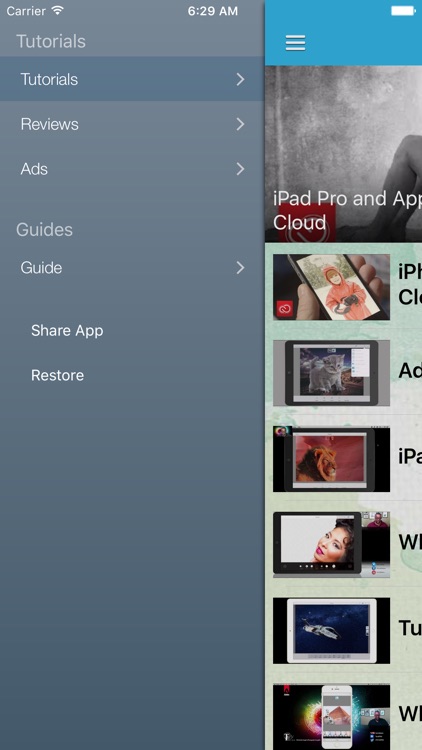
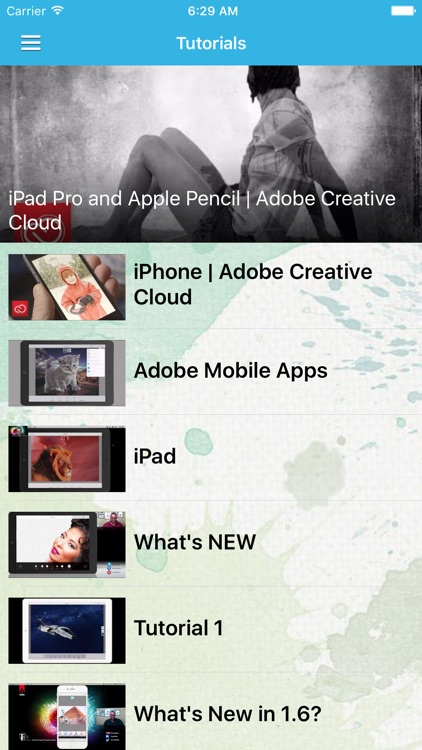
Photoshop Mix makes it quick and easy to transform your photos anywhere you are. Cut out, combine and seamlessly blend pictures to create sophisticated multilayered images. Apply one of over a dozen Looks to select areas or your whole photo. Share with friends for fun. And refine photos further or incorporate them into other creative projects by accessing them inside new Photoshop Fix or sending them to Photoshop CC on your desktop.
Photo Tool is FREE but there are more add-ons
-
$4.99
your FREE TRIAL
App Store Description
Photoshop Mix makes it quick and easy to transform your photos anywhere you are. Cut out, combine and seamlessly blend pictures to create sophisticated multilayered images. Apply one of over a dozen Looks to select areas or your whole photo. Share with friends for fun. And refine photos further or incorporate them into other creative projects by accessing them inside new Photoshop Fix or sending them to Photoshop CC on your desktop.
FEATURES:
• Information
• How To’s
• Education
• And many more
Explore the app with family and friends!
* Title of publication or service: 7 Day Free Trial
* Length of subscription: 7 Days free, then monthly subscription - $4.99 per month
* Payment will be charged to iTunes Account at confirmation of purchase
* Subscription automatically renews unless auto-renew is turned off at least 24-hours before the end of the current period
* Account will be charged for renewal within 24-hours prior to the end of the current period, and identify the cost of the renewal
* Subscriptions may be managed by the user and auto-renewal may be turned off by going to the user's Account Settings after purchase
* No cancellation of the current subscription is allowed during active subscription period
Disclaimer:
AppAdvice does not own this application and only provides images and links contained in the iTunes Search API, to help our users find the best apps to download. If you are the developer of this app and would like your information removed, please send a request to takedown@appadvice.com and your information will be removed.
AppAdvice does not own this application and only provides images and links contained in the iTunes Search API, to help our users find the best apps to download. If you are the developer of this app and would like your information removed, please send a request to takedown@appadvice.com and your information will be removed.
