You are using an outdated browser. Please
upgrade your browser to improve your experience.
SafeDoc is a safe place to keep photos, videos, documents, passwords, cards, notes, contacts, audios (voice notes), favourite locations, and banking cards

Photo Vault & App Lock Safedoc
by Liger Infotech

What is it about?
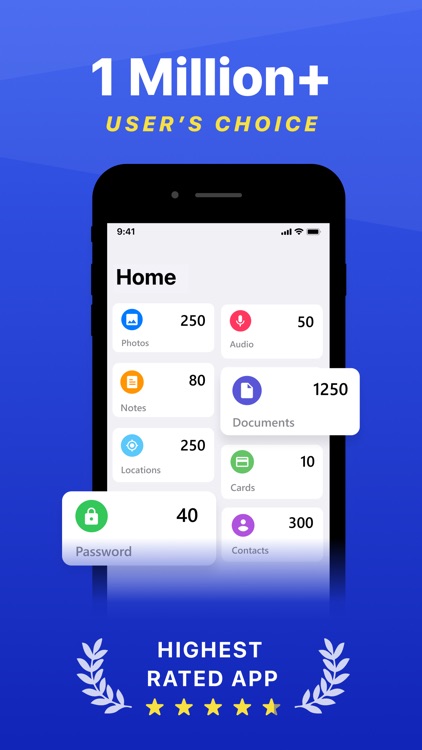
SafeDoc is a safe place to keep photos, videos, documents, passwords, cards, notes, contacts, audios (voice notes), favourite locations, and banking cards.
App Screenshots



App Store Description
SafeDoc is a safe place to keep photos, videos, documents, passwords, cards, notes, contacts, audios (voice notes), favourite locations, and banking cards.
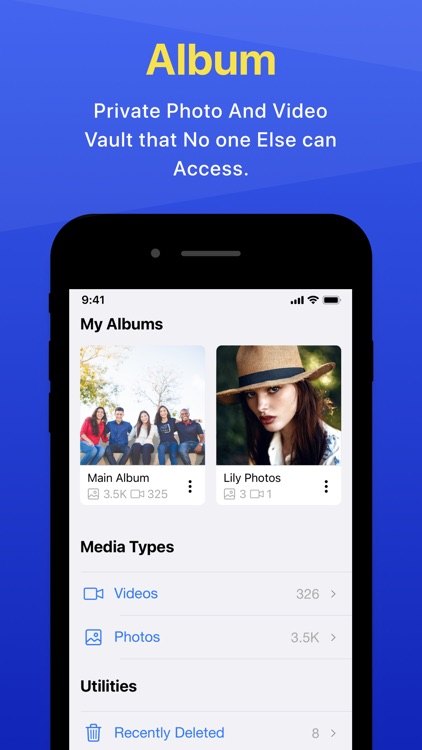
SafeDoc can be used as an alternative storage option or a private secure vault where you can store any type of data.
Use SafeDoc for:
• Irritated by having to remember a lot of passwords? Use SafeDoc Passwords.
• Capture or import special moments safely
• Add Or Import Defunct Contacts in SafeDoc to Prevent Sync With Social Apps.
• Save Your Favorite Personal Places
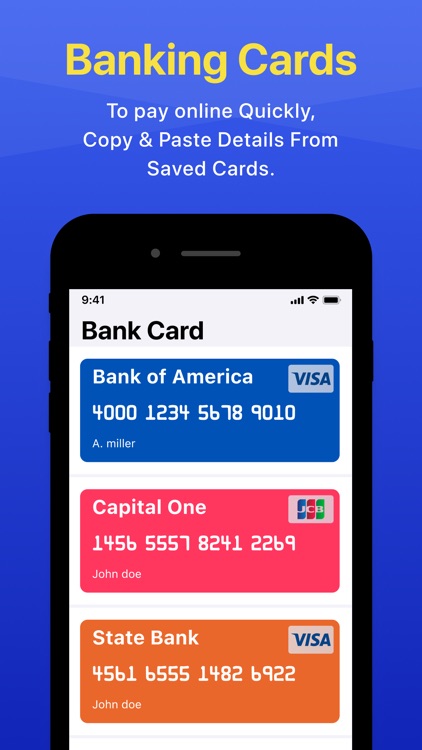
• Preserve the details of your bank cards on the device and copy them as needed.
• Organizing important documents in 1 app
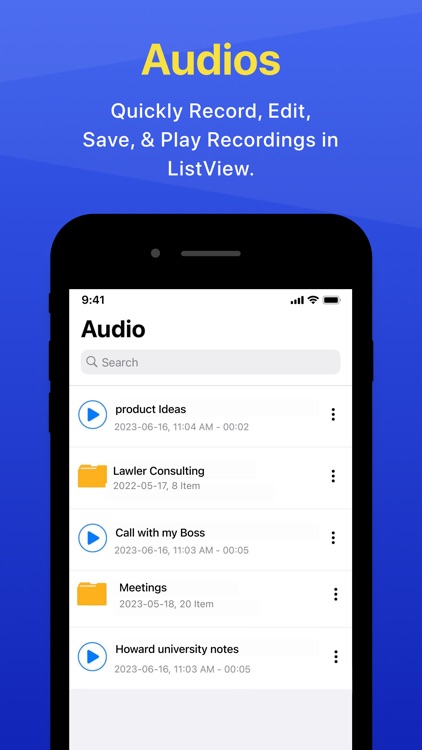
• Quickly Record, Edit, Save, & Play Audio Recordings in ListView.
• Note Anything & Add Text Directly To Notes Using OCR.
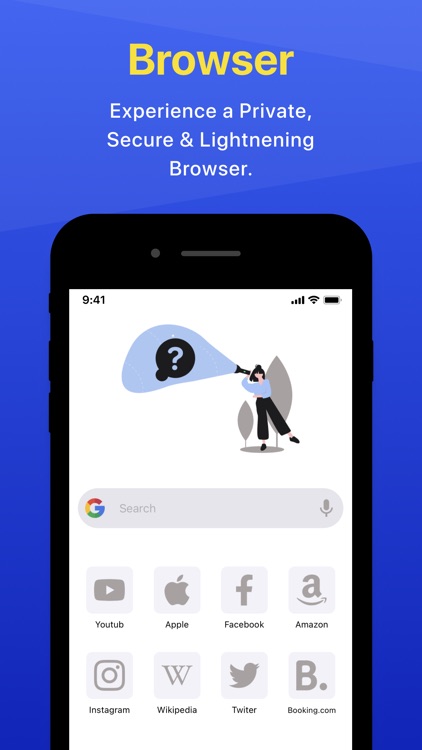
• Personal Browsing Experience (No Tracking)
Primary Features :
► Scan Documents / Import Files
It is possible to import any type of file into SafeDoc Documents, or to create a pdf by scanning a document.
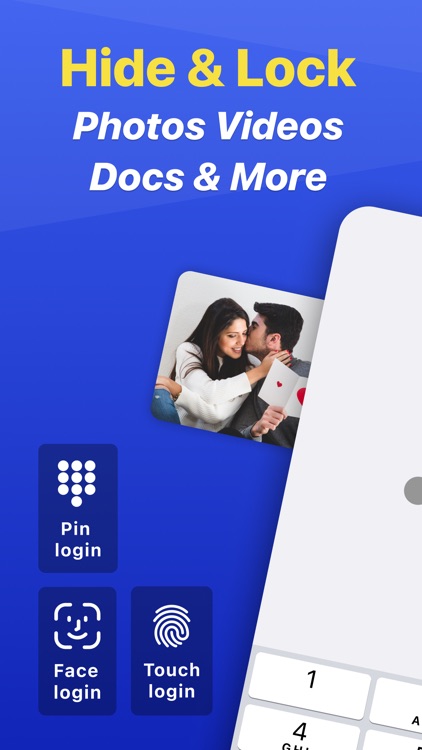
► Touch ID / Face ID
In addition to Passlock, SafeDoc supports Touch ID & FaceLock security.
► Facedown Lock
If someone approaches you while you're watching your personal videos or images, simply put your phone down and SafeDoc will switch to another app, such as mail or music.
► Break-in Attempts
When a wrong PIN is entered three times, SafeDoc takes a photo of the intruder as well as the date, time, and location.
► Private Browser
With Private browser, your internet surf will leave no traces behind. There will be no history saved in your search engine's account, so you can browse freely. Bookmark anything you like, & SafeDoc will save history offline on your device.
► Password recovery
Are you concerned about forgetting your password? Set up a security email address that will allow you to reset your password.
SUBSCRIPTION PRICING AND TERMS
In-App Purchase:
Weekly Subscription : USD $ 02.49
Monthly Subscription : USD $ 03.49
Yearly Subscription : USD $ 29.99
Please read our Terms and Service & Privacy Policy
Privacy :
http://safedoc.space/pp
Terms:
http://safedoc.space/tou
**Note : All of your data in this app is stored only in your device. We don't access or store your privacy.
We love SafeDoc and work tirelessly to make it the best it can be. If you have any questions or encounter any issues, please contact us at support@safedoc.space.
Thank you so much
Disclaimer:
AppAdvice does not own this application and only provides images and links contained in the iTunes Search API, to help our users find the best apps to download. If you are the developer of this app and would like your information removed, please send a request to takedown@appadvice.com and your information will be removed.
AppAdvice does not own this application and only provides images and links contained in the iTunes Search API, to help our users find the best apps to download. If you are the developer of this app and would like your information removed, please send a request to takedown@appadvice.com and your information will be removed.
