You are using an outdated browser. Please
upgrade your browser to improve your experience.


PhotoText
by Tommy Westerberg
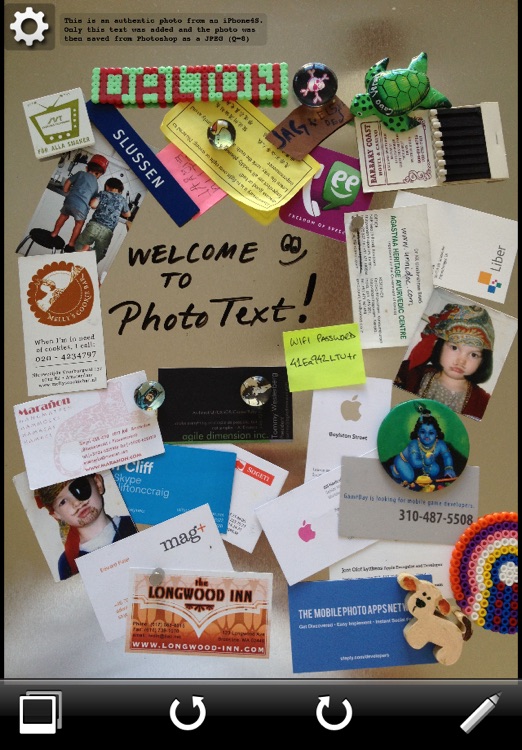
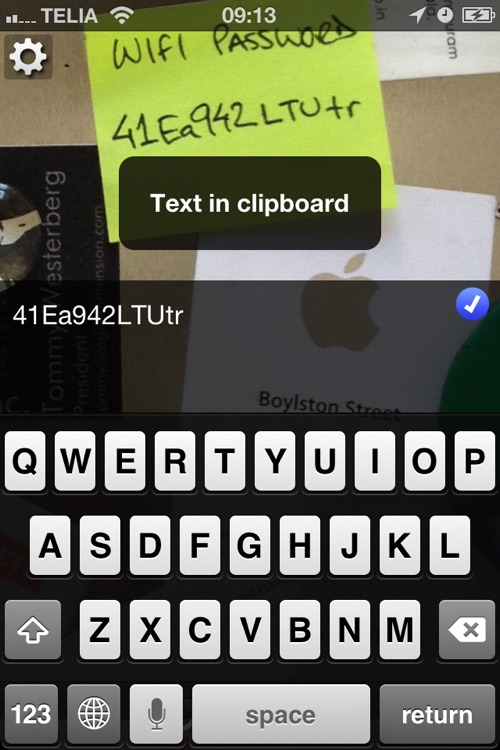
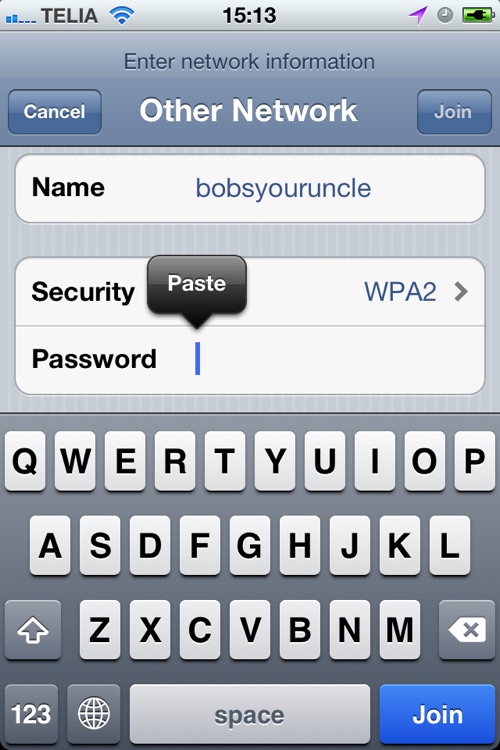
What is it about?
!!! FREE FOR A LIMITED TIME, v2.1 INTRODUCTION OFFER !!!
App Screenshots
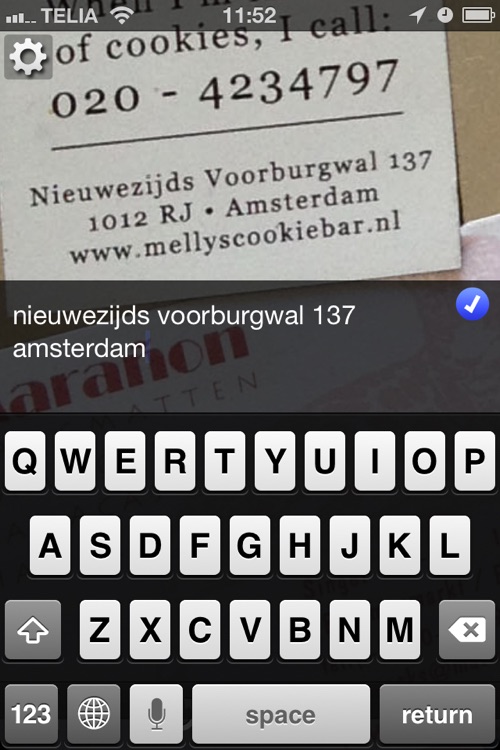
App Store Description
!!! FREE FOR A LIMITED TIME, v2.1 INTRODUCTION OFFER !!!
★★★★★ Amazing 1400+ five star ratings in the US App Store
If you use your camera for taking notes, like photos of whiteboards, ads, notes, posters, receipts, business cards etc, PhotoText will certainly ease your life. No more pen and paper needed! PhotoText is the perfect tool when an OCR app is not working well or is too time consuming.
If you have ever tried to recall a phone number from a photo in your phone, you understand the difficulty of trying to memorize a phone number in order to make a call.
----
Open the Photo app ... find the photo, zoom, rotate, memorize, memorize ... start the Phone app ... recall number, start typing the number ... Aaaargh! ... back to the photo app ... Help! - PhotoText to the rescue!
----
Use PhotoText to open a photo and then simply type the text of interest from the photo. Zoom, swipe, pinch, rotate to select the area of interest.
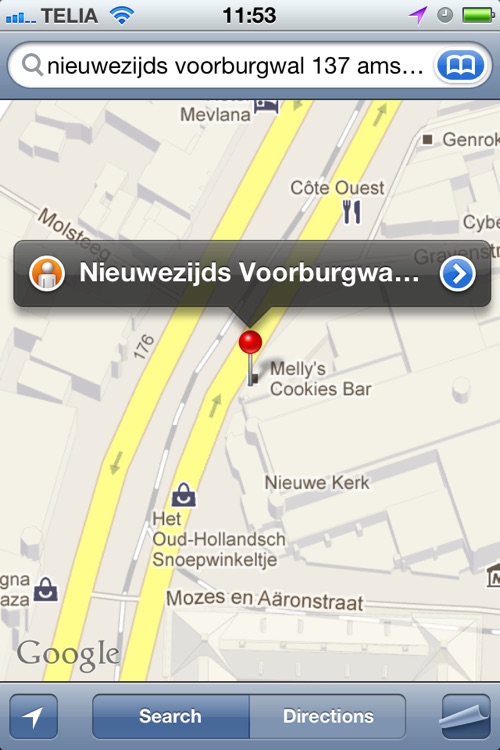
Use the text you wrote to initiate a call, create a contact, create a calendar event, write a text message, internet search, email, twitter. Use copy & paste to use the text in any app. Open maps from latitude/longitude data or an address.
PhotoText requires manual input of the text, as it doesn’t have an OCR (optical character recognition) feature, so don’t expect it to do all of the work for you ;)
Photo notes will be more useful than ever. This is an app that should come standard with every cellphone.
Note: PhotoText is ...
- Not a photo labeling app!
- Not an OCR app!
- Just the perfect tool when you need to read and type text from a photo!
Disclaimer:
AppAdvice does not own this application and only provides images and links contained in the iTunes Search API, to help our users find the best apps to download. If you are the developer of this app and would like your information removed, please send a request to takedown@appadvice.com and your information will be removed.
AppAdvice does not own this application and only provides images and links contained in the iTunes Search API, to help our users find the best apps to download. If you are the developer of this app and would like your information removed, please send a request to takedown@appadvice.com and your information will be removed.
