You are using an outdated browser. Please
upgrade your browser to improve your experience.

To combat the pandemic, it’s important we stay indoors

PiQup-Scheduling and delivery
by QBurst Inc
What is it about?
To combat the pandemic, it’s important we stay indoors. With PiQup, you can order your groceries, vegetables, milk, and medicines from the safety of your home.
App Screenshots
App Store Description
To combat the pandemic, it’s important we stay indoors. With PiQup, you can order your groceries, vegetables, milk, and medicines from the safety of your home.
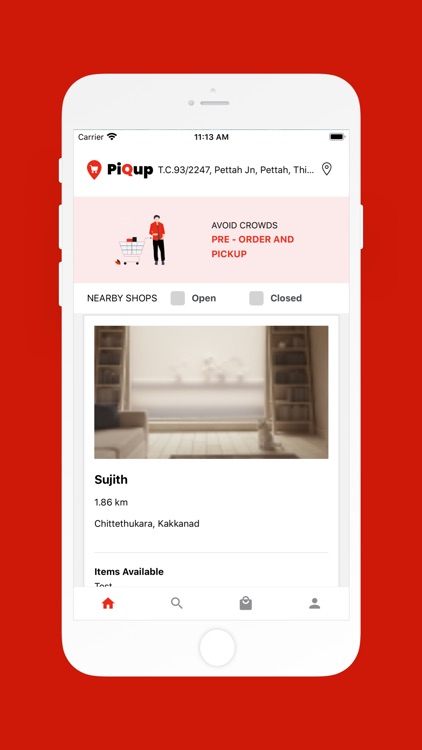
Place your orders on PiQup and pick them up when they are ready (or have them delivered to you if the seller offers home delivery service).
PiQup makes your job as a seller easy too. Don’t worry about crowd control. Just focus on delivering exceptional service during these extraordinary times by scheduling visits to your store.
PiQup, the free shopping app, was developed by QBurst to support the state government's Break the Chain initiative. It connects sellers and buyers on a simple, easy-to-use platform.
How does PiQup work?
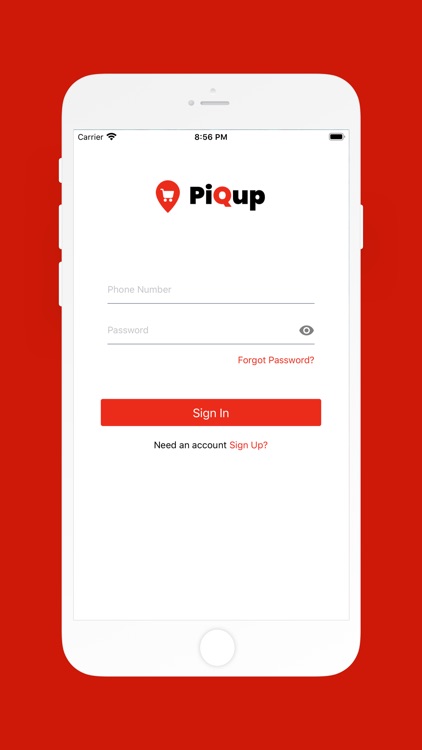
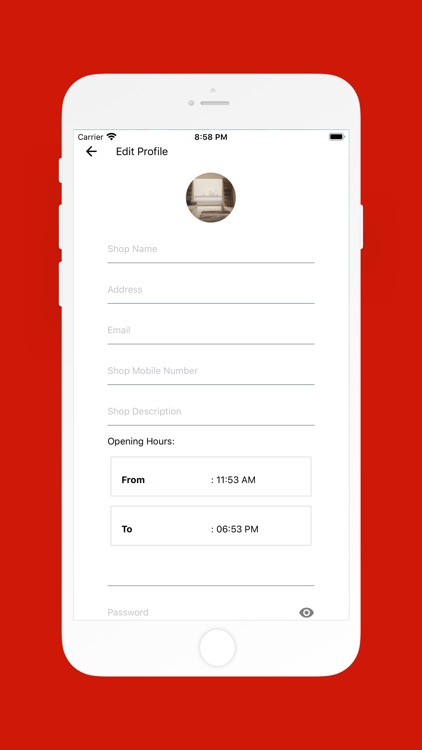
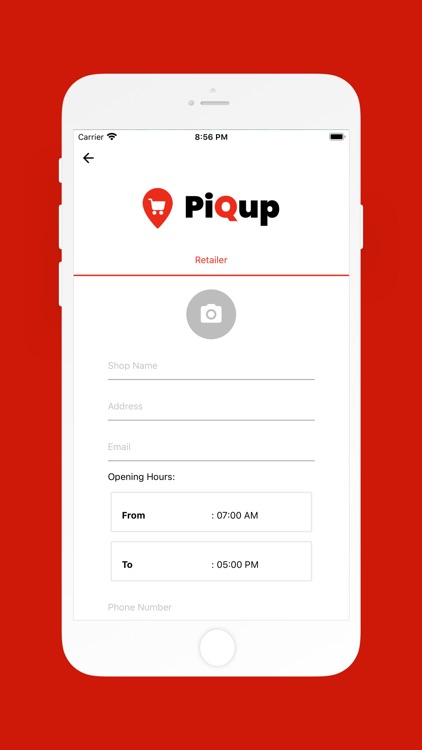
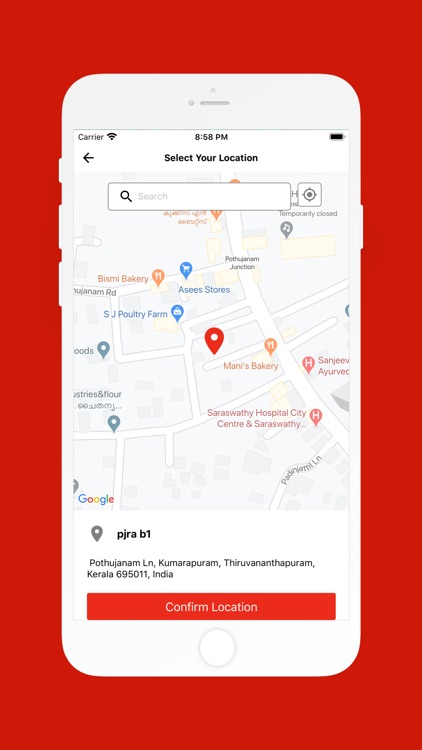
Sign up for the free grocery delivery service on the app. It takes only a few details and OTP verification to do so. Bring your neighborhood stores on board by asking them to sign up too. Once they join PiQup, you are ready to go!
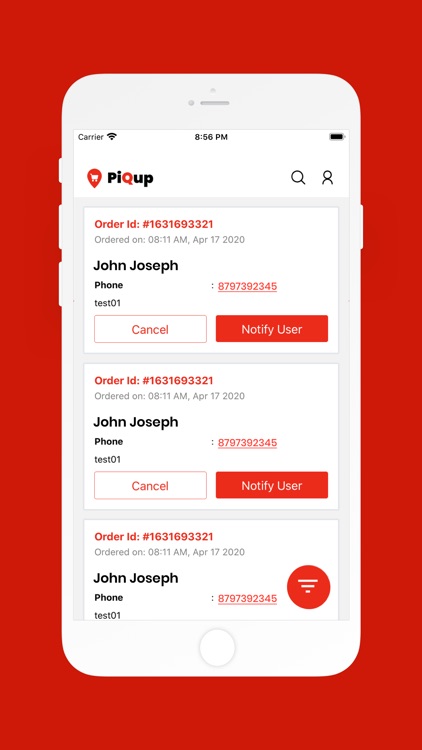
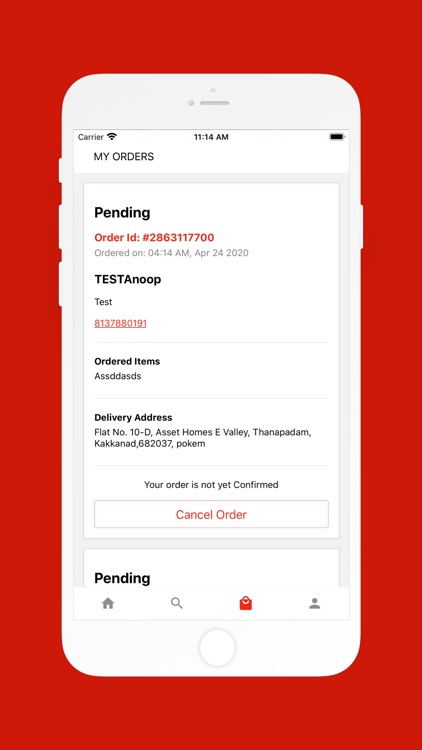
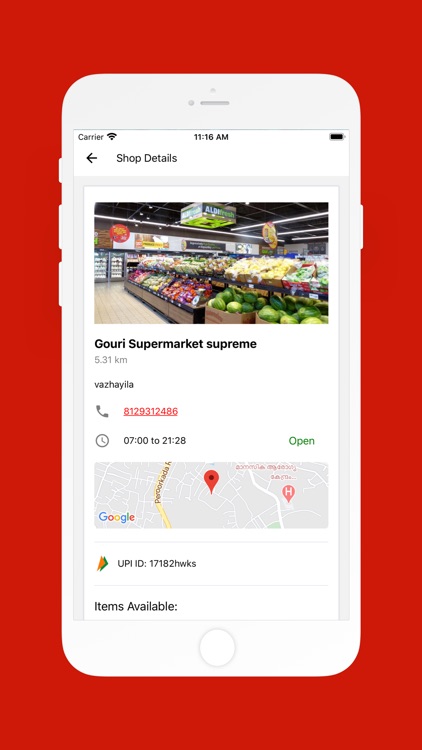
When it’s time to shop, log into PiQup and select a nearby store. Submit your shopping list in the text box just like you’d write it out on a piece of paper. The seller will receive your order instantly and respond with the amount you need to pay and the pickup time (these details come in handy during police verification too). Go to the store at the appointed time, pay for the goods, collect your order, and get back home.
Disclaimer:
AppAdvice does not own this application and only provides images and links contained in the iTunes Search API, to help our users find the best apps to download. If you are the developer of this app and would like your information removed, please send a request to takedown@appadvice.com and your information will be removed.
AppAdvice does not own this application and only provides images and links contained in the iTunes Search API, to help our users find the best apps to download. If you are the developer of this app and would like your information removed, please send a request to takedown@appadvice.com and your information will be removed.
