You are using an outdated browser. Please
upgrade your browser to improve your experience.
The first and only Keyboard with Minecraft theme in the App Store

Pixel Keyboard - Minecraft Theme
by SHMUEL COHEN
What is it about?
The first and only Keyboard with Minecraft theme in the App Store!
App Store Description
The first and only Keyboard with Minecraft theme in the App Store!
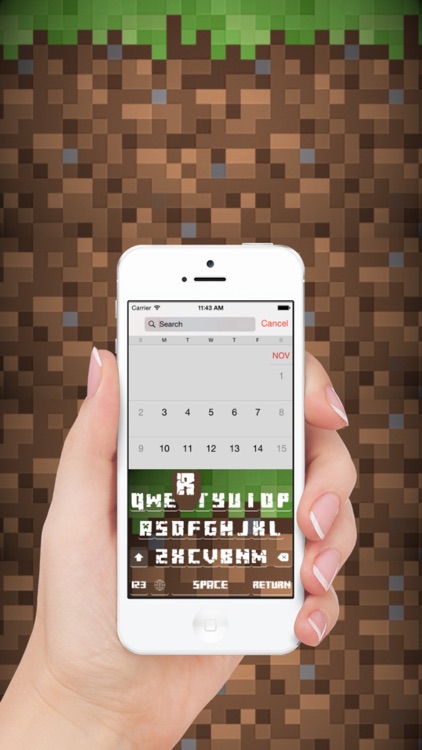
You love the game?? You must have this great looking keyboard with look & feel of Minecraft,
The best game in the history!
This keyboard supports all iOS 8 devices; iPhone, iPad & iPod in Portrait & Landscape mode.
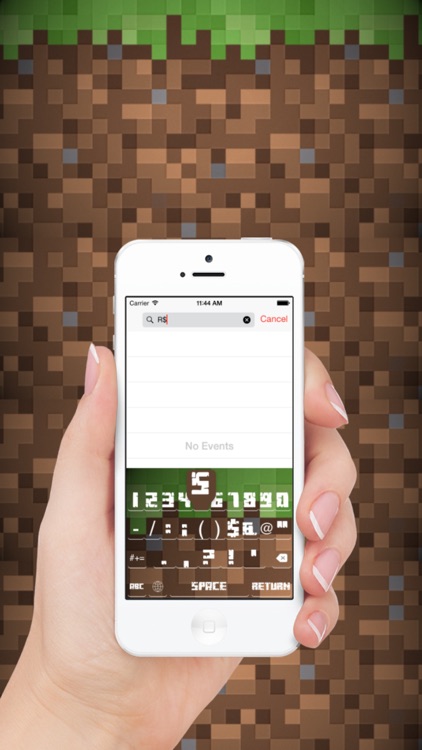
The keys and fonts are much bigger than the original iOS keyboard which makes typing much easier and faster!
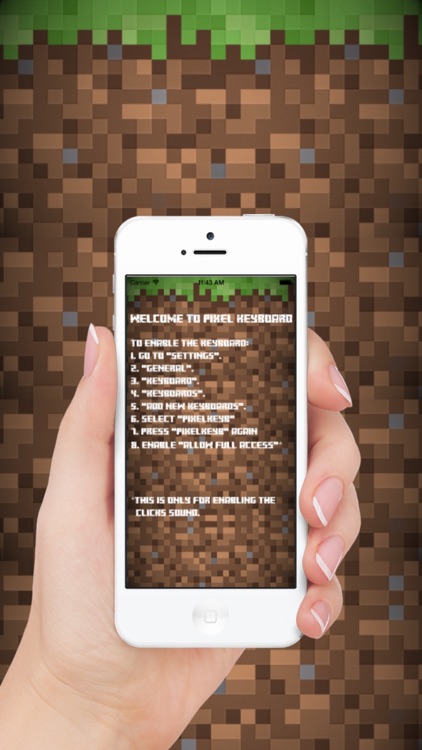
To activate the keyboard go to:
Settings->General->Keyboards->Add new keyboard...-> Select "PixelKeyB".
Then choose the keyboard you just added from the keyboards, and enable "Allow full access", this is only for enabling the click sounds.
I am not using any information from this keyboard and not saving it anywhere.
Enjoy!
Disclaimer:
AppAdvice does not own this application and only provides images and links contained in the iTunes Search API, to help our users find the best apps to download. If you are the developer of this app and would like your information removed, please send a request to takedown@appadvice.com and your information will be removed.
AppAdvice does not own this application and only provides images and links contained in the iTunes Search API, to help our users find the best apps to download. If you are the developer of this app and would like your information removed, please send a request to takedown@appadvice.com and your information will be removed.
