You are using an outdated browser. Please
upgrade your browser to improve your experience.
With the Pixelate App you are able to add a pixelation effect to your images quickly and easily

Pixelate my Image Effect Photo
by Leonardos Thiesing
What is it about?
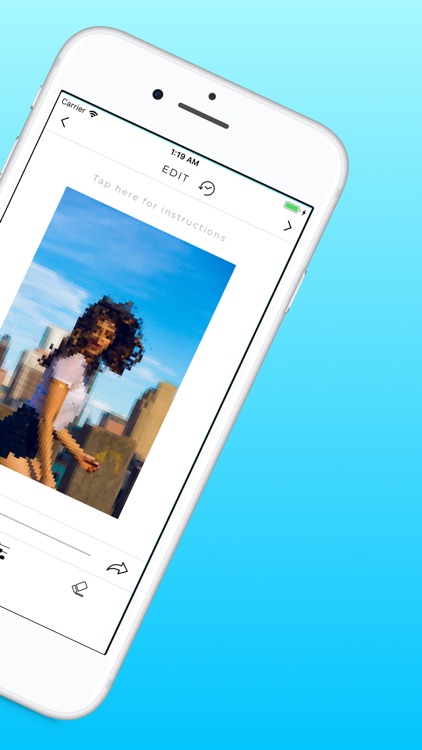
With the Pixelate App you are able to add a pixelation effect to your images quickly and easily.
App Screenshots
App Store Description
With the Pixelate App you are able to add a pixelation effect to your images quickly and easily.
FEATURES
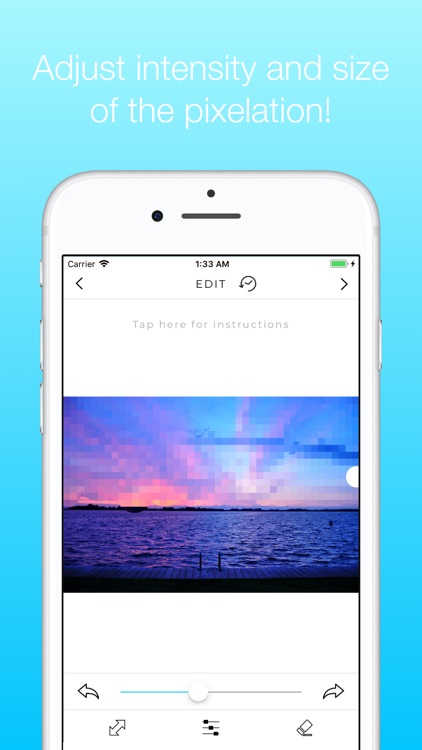
▶ Change the size of the pixelate effect
▶ Erase the color spplash effect/make parts black and white again
▶ Adjust the size of the pixels
▶ Undo/Redo changes
▶ See your editing history
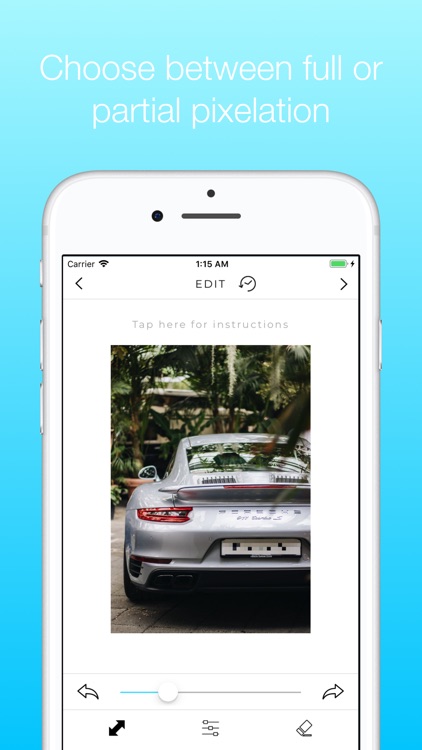
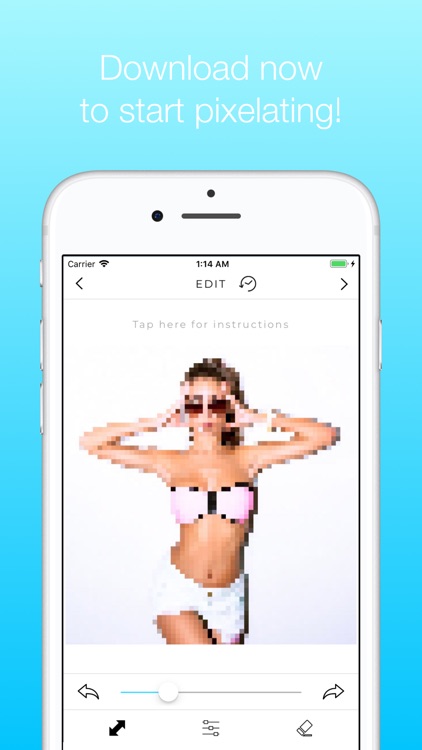
Ever wanted to draw some extra attention to a specific part of your image or simply hide specific part? Well now you can by partially pixelating out the unnecessary parts or objects like number plates, that you simply do not feel comfortable to show!
Download now to start pixelating your images!
Disclaimer:
AppAdvice does not own this application and only provides images and links contained in the iTunes Search API, to help our users find the best apps to download. If you are the developer of this app and would like your information removed, please send a request to takedown@appadvice.com and your information will be removed.
AppAdvice does not own this application and only provides images and links contained in the iTunes Search API, to help our users find the best apps to download. If you are the developer of this app and would like your information removed, please send a request to takedown@appadvice.com and your information will be removed.
