You are using an outdated browser. Please
upgrade your browser to improve your experience.

The plugCAM™ home monitoring solution is the first of its kind using HomePlug® AV-compliant powerline communications (PLC) technology

plugCAM
by Apps Developer
What is it about?
The plugCAM™ home monitoring solution is the first of its kind using HomePlug® AV-compliant powerline communications (PLC) technology.
App Details
Version
1.3.2
Rating
(31)
Size
11Mb
Genre
Utilities Lifestyle
Last updated
April 21, 2015
Release date
February 24, 2012
App Screenshots
App Store Description
The plugCAM™ home monitoring solution is the first of its kind using HomePlug® AV-compliant powerline communications (PLC) technology.
Setup is as easy as 1-2-3:
Step 1 - Plug the PLC adapter into a wall socket and connect it to your router or broadband modem using the included Ethernet cable.
Step 2 - Plug the plugCAM™ into a wall socket and place the camera in a location you wish to monitor.
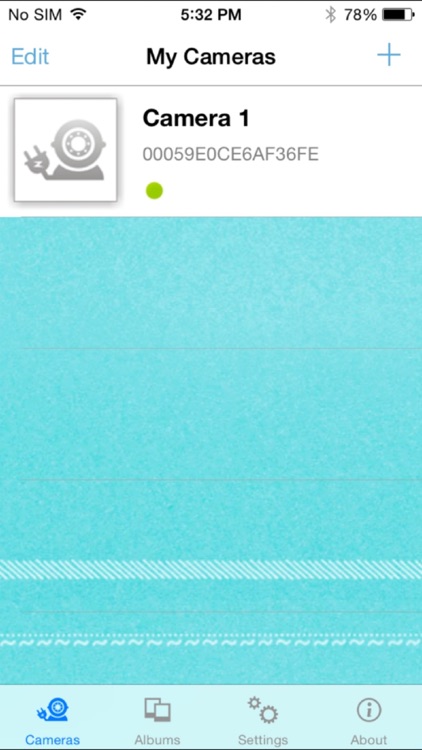
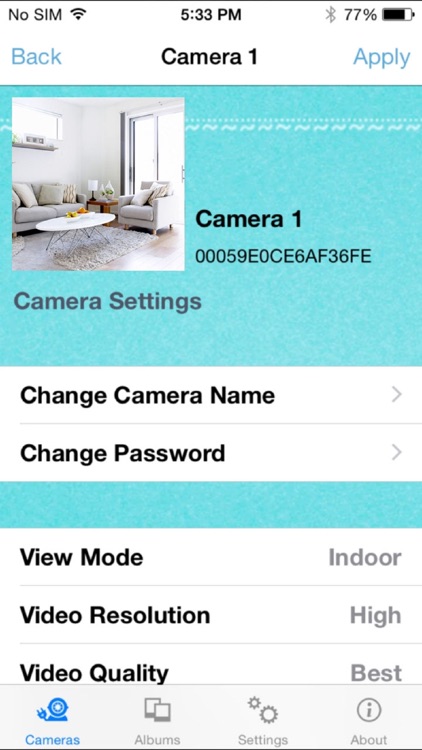
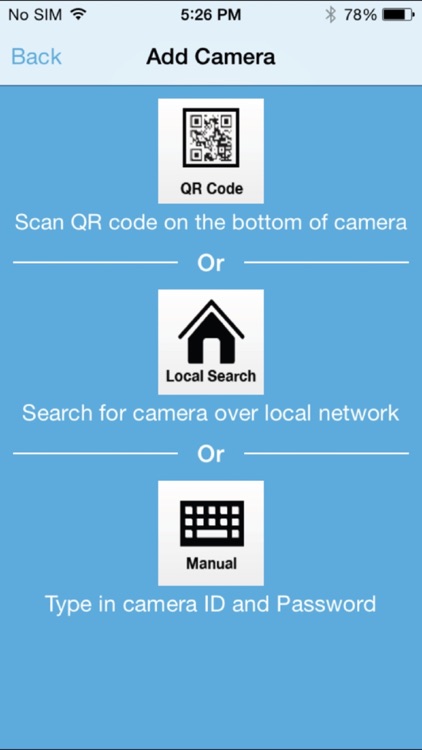
Step 3 - Download the free plugCAM™ App onto your smartphone and add the camera by scanning the QR code(printed on the bottom of the camera), searching for it over a local network or by typing in the camera ID and Password. The choice is yours!
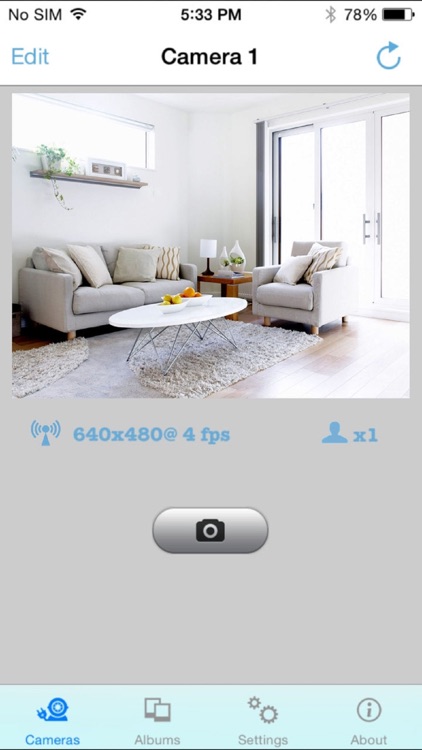
The advanced Plug and Play Technology automatically configures and connects the plugCAM™ Camera to the plugCAM™ App. After the initial setup, you can begin viewing the area selected for monitoring right from your smartphone, anytime, anywhere using the smartphone’s 3G, 4G, LTE or Wi-Fi connections.
The plugCAM™ solution supports multiple room monitoring. Simply plug in an additional plugCAM™ Camera and add it to the plugCAM™ App.
Disclaimer:
AppAdvice does not own this application and only provides images and links contained in the iTunes Search API, to help our users find the best apps to download. If you are the developer of this app and would like your information removed, please send a request to takedown@appadvice.com and your information will be removed.
AppAdvice does not own this application and only provides images and links contained in the iTunes Search API, to help our users find the best apps to download. If you are the developer of this app and would like your information removed, please send a request to takedown@appadvice.com and your information will be removed.
