You are using an outdated browser. Please
upgrade your browser to improve your experience.
D-Link Portable Media Ceter is an app which enables users to access media services and config D-Link Mobile router settings on D-Link mobile router

Portable Media Center
by D-Link Corporation
What is it about?
D-Link Portable Media Ceter is an app which enables users to access media services and config D-Link Mobile router settings on D-Link mobile router. The major functions includes:
App Screenshots
App Store Description
D-Link Portable Media Ceter is an app which enables users to access media services and config D-Link Mobile router settings on D-Link mobile router. The major functions includes:
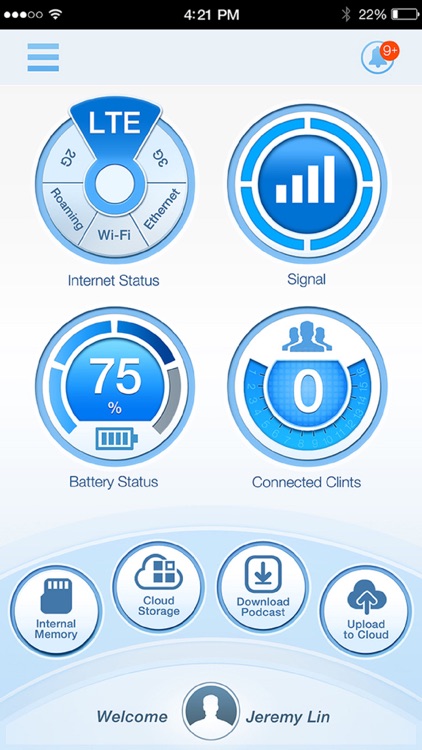
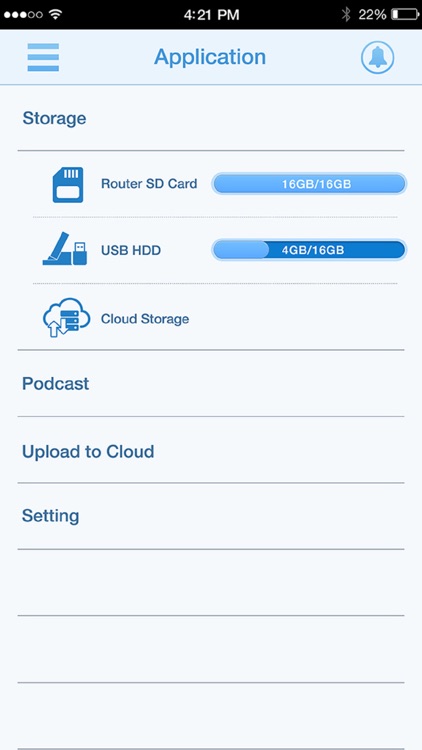
- File sharing: D-Link router allows family members to share the storage space on the router SD card. You can access both your private folder and the public folder being shared.
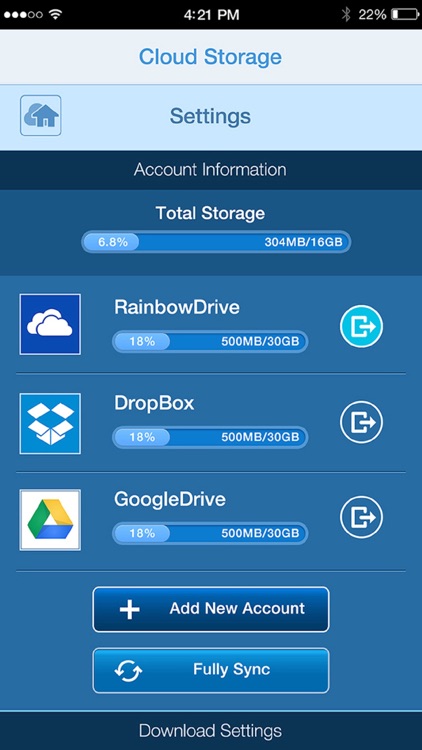
- Cloud Storage: Access your multiple cloud accounts with the cloud storage function.
- Upload to cloud: You can upload your files to D-Link router. It can even upload the files to your cloud accounts automatically for file backup!
- Download Podcast: Just subscribe Podcast channels you are interested in. D-Link router will auto-download the latest ones for you!
Disclaimer:
AppAdvice does not own this application and only provides images and links contained in the iTunes Search API, to help our users find the best apps to download. If you are the developer of this app and would like your information removed, please send a request to takedown@appadvice.com and your information will be removed.
AppAdvice does not own this application and only provides images and links contained in the iTunes Search API, to help our users find the best apps to download. If you are the developer of this app and would like your information removed, please send a request to takedown@appadvice.com and your information will be removed.
