You are using an outdated browser. Please
upgrade your browser to improve your experience.

• SwypeID Enterprise works with private backend PROVER Enterprise, that is why you need to install your own private instance of PROVER

PROVER Enterprise Swype ID
by Nordavind
What is it about?
• SwypeID Enterprise works with private backend PROVER Enterprise, that is why you need to install your own private instance of PROVER. If you want to use public version of PROVER please install simple PROVER SwypeID application instead.
App Store Description
• SwypeID Enterprise works with private backend PROVER Enterprise, that is why you need to install your own private instance of PROVER. If you want to use public version of PROVER please install simple PROVER SwypeID application instead.
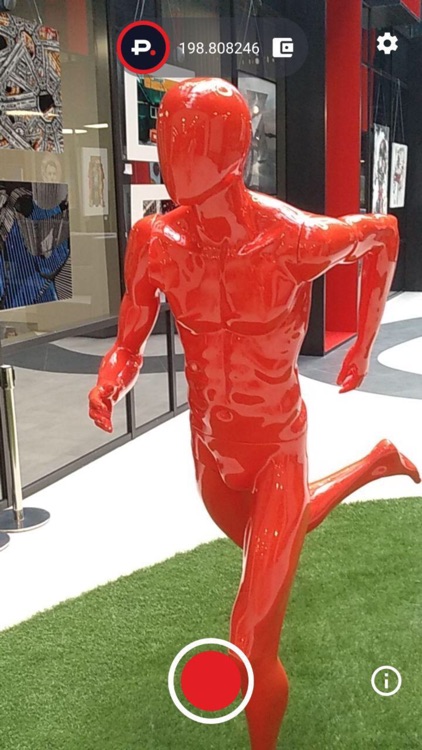
• SwypeID Enterprise lets you record videos by your mobile camera with the ability to confirm its authenticity later.
• SwypeID Enterprise helps you to confirm the authenticity of events captured on the camera of your smartphone.
Features:
• An excellent opportunity to confirm your handshake agreements, remote reports, and pieces of evidences, the occurrence of significant events and facts, authorship, and copyright, etc.
• To make confirmed video statements and verify your identity (KYC) for financial organizations, confirm the state of the insurance objects (cars, apartments, and others) for insurance companies, etc.
Great way to get the verified authentic video:
• Install your own private instanсe of PROVER Enterprise backend on your computer and recharge your balance.
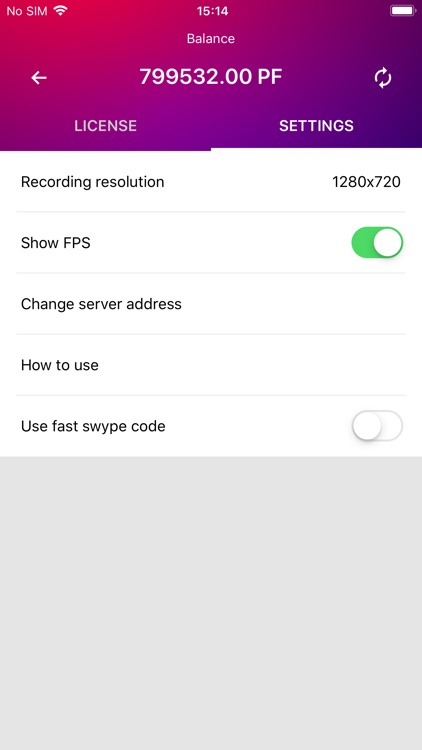
• Connect to your private instance in mobile application.
• Set up the required video quality.
• Start filming.
• To activate the SWYPE ID function make a circular movement. The application will automatically generate the unique swype code based on the information from blockchain and display it on the screen.
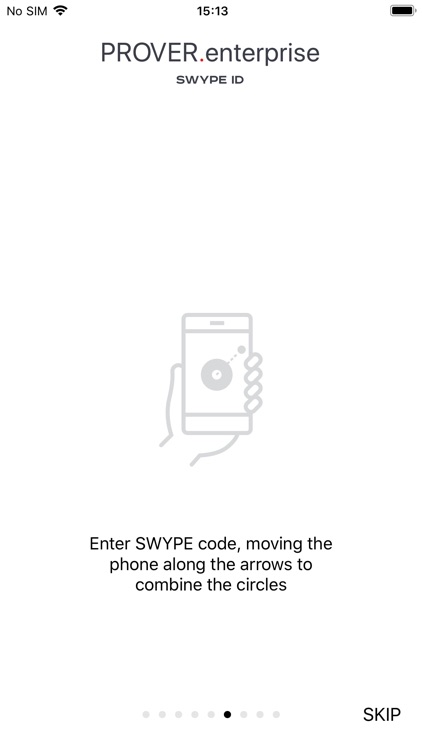
• Enter swype code moving the phone along the arrows to combine the circles.
• Continue filming.
• Finish filming and keep the file.
• After the video recording is completed, the unique hash of the file will be saved in the blockchain and you will always be able to confirm that your video content was created no earlier than the moment when the swype code was generated and no later than the moment of loading the unique hash in the blockchain.
WARNING!
• Do not change the file! Sending the file over messengers might recode the file! Any modification of the file (including re-coding) makes authentication impossible!
Requirements:
• Your own private instance of PROVER Enterprise backend installed on your computer.
• Internet connection is needed to generate the swype code.
• Balance must be refilled in order to pay for the swype code generation.
Disclaimer:
AppAdvice does not own this application and only provides images and links contained in the iTunes Search API, to help our users find the best apps to download. If you are the developer of this app and would like your information removed, please send a request to takedown@appadvice.com and your information will be removed.
AppAdvice does not own this application and only provides images and links contained in the iTunes Search API, to help our users find the best apps to download. If you are the developer of this app and would like your information removed, please send a request to takedown@appadvice.com and your information will be removed.
