You are using an outdated browser. Please
upgrade your browser to improve your experience.

What is PZPIC

PZPIC: Pan & Zoom Effect Video
by PHOTO3DLAB

What is it about?
What is PZPIC?
App Screenshots
App Store Description
What is PZPIC?
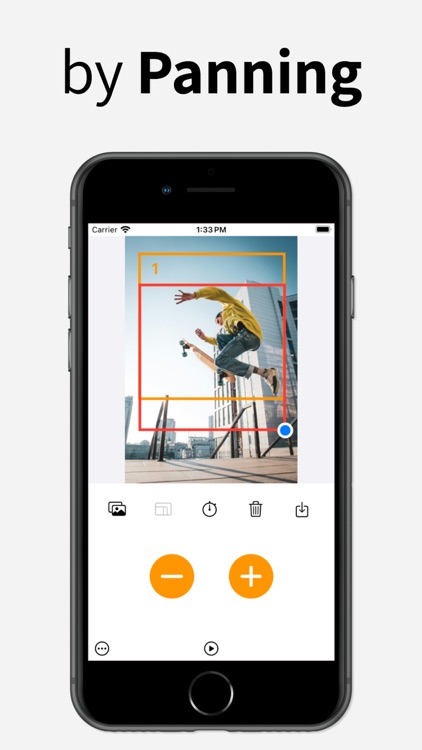
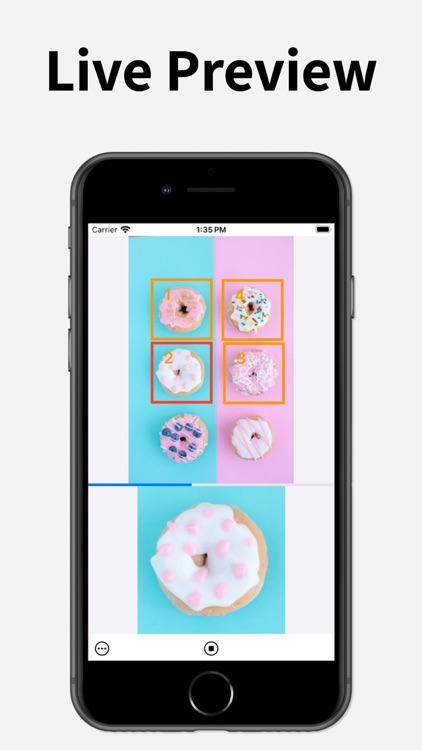
PZPIC is a video maker that lets you create beautiful videos from a single picture by adding the pan and zoom effect (known as the Ken Burns effect).
What is the Ken Burns effect?
The Ken Burns effect, also known as "animatics," is a panning and zooming effect used in motion picture production from a still photograph. The Ken Burns effect utilizes slow zooming and panning motion to enhance a static image.
How does PZPIC work?
Using PZPIC is easy, intuitive, and fun
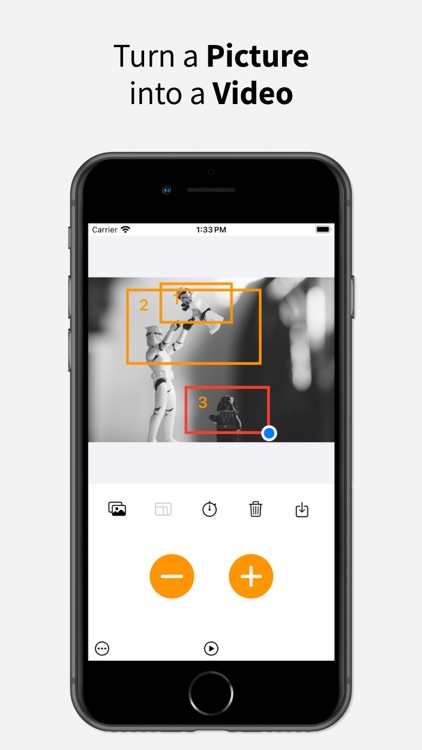
1. Select a picture from the gallery
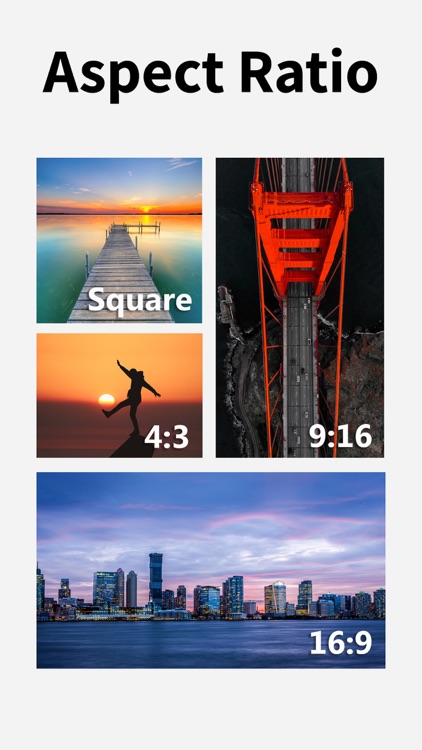
2. Choose the aspect ratio for your video
3. Select keyframes in the picture by panning and zooming the red rectangle
4. Press the plus (+) button to add a keyframe (press the minus (-) button to remove an added keyframe)
5. Select the pace for the keyframes (staying time for keyframes and moving speed between keyframes)
6. Save as MP4
Buttons
- Gallery: Open the gallery to select an image
- Aspect ratio: Choose from 4:3, 16:9, 1:1 square (Instagram feed), 3:4, 4:5, or 9:16 for Instagram Story, Reels, YouTube Shorts, Snapchat, and TikTok
- Timer: Select the pace
- Trash can: Delete all keyframes/remove the current picture
- Save: Save the video as MP4
- Plus (+) button: Add a keyframe
- Minus (-) button: Remove a keyframe
Moiré pattern removal
- PZPIC offers Moiré pattern removal to prevent flickering in the resulting video.
Premium Features
- No watermark
- No ads
- HD 1080p
- Image interpolation method: High (Bicubic interpolation)
Terms of Use: https://www.apple.com/legal/internet-services/itunes/dev/stdeula/
Disclaimer:
AppAdvice does not own this application and only provides images and links contained in the iTunes Search API, to help our users find the best apps to download. If you are the developer of this app and would like your information removed, please send a request to takedown@appadvice.com and your information will be removed.
AppAdvice does not own this application and only provides images and links contained in the iTunes Search API, to help our users find the best apps to download. If you are the developer of this app and would like your information removed, please send a request to takedown@appadvice.com and your information will be removed.
