You are using an outdated browser. Please
upgrade your browser to improve your experience.

The lite version allows only 25 entries

Quickee Lite
by Rusdy Taib
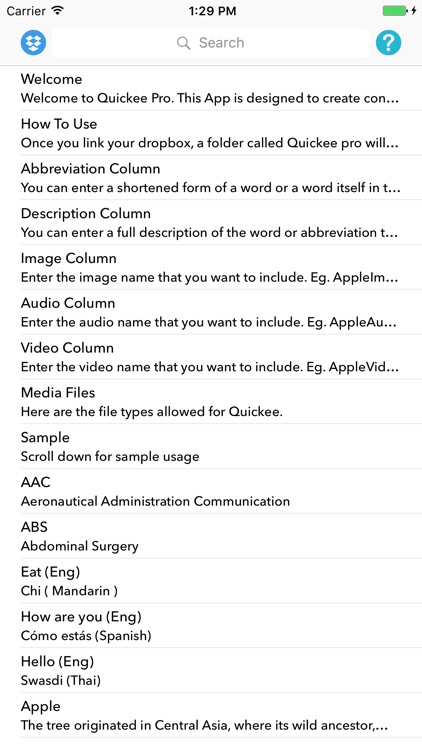
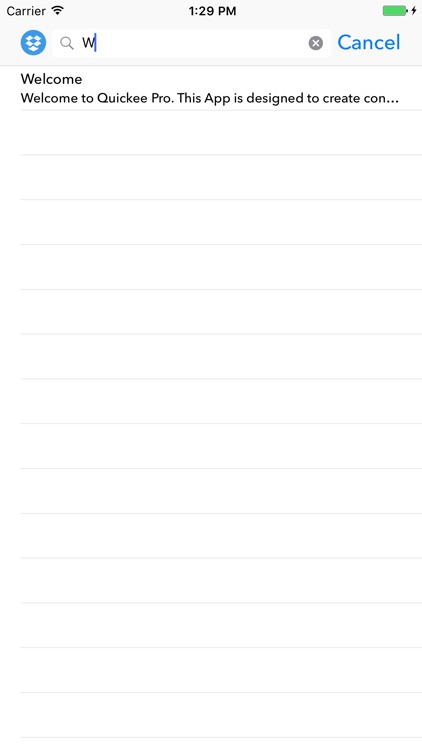
What is it about?
The lite version allows only 25 entries. For unlimited entries please support or app by buying the pro version.
App Screenshots


App Store Description
The lite version allows only 25 entries. For unlimited entries please support or app by buying the pro version.
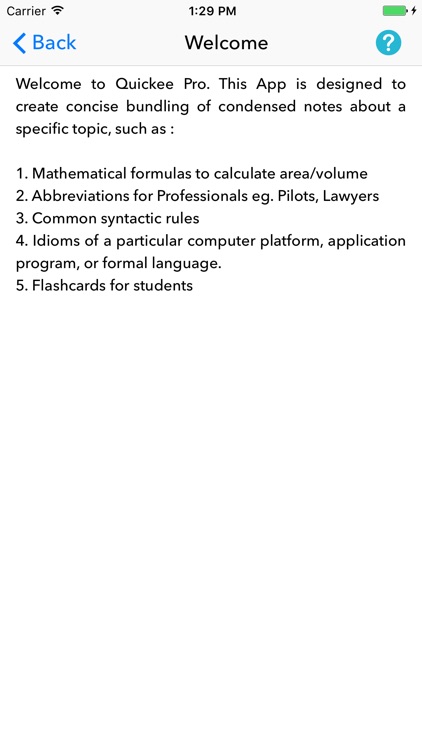
This App is designed to create concise bundling of condensed notes about a specific topic, such as :
1. Mathematical formulas to calculate area/volume
2. Abbreviations for Professionals eg. Pilots, Lawyers
3. Common syntactic rules
4. Idioms of a particular computer platform, application program, or formal language.
5. Flashcards for students
Instructions:-
Once you link your dropbox, a folder called Quickee pro will be created with a sample excel(csv) file.
There are 5 columns :
1. Abbreviation
2. Description
3. Image
4. Audio
5. Video
You can edit the Quickee.csv to your own content. Once you saved it, click on the dropbox icon to refresh. If you want to add media (Image, Audio, Video) , please make sure that you have saved the files in the same folder as the Quickee.csv file.
Abbreviation Column, You can enter a shortened form of a word or a word itself in the abbreviation column.
Description Column, You can enter a full description of the word or abbreviation that you have entered in the abbreviation column.
Image Column, Enter the image name that you want to include. Eg. AppleImage.jpg
Audio Column, Enter the audio name that you want to include. Eg. AppleAudio.mp3
Video Column, Enter the video name that you want to include. Eg. AppleVideo.mp4
Media Files, Here are the file types allowed for Quickee.
Image : .jpg , .png
Audio : .mp3 , .wav
Video : .3gp , .mp4 , .mov
Disclaimer:
AppAdvice does not own this application and only provides images and links contained in the iTunes Search API, to help our users find the best apps to download. If you are the developer of this app and would like your information removed, please send a request to takedown@appadvice.com and your information will be removed.
AppAdvice does not own this application and only provides images and links contained in the iTunes Search API, to help our users find the best apps to download. If you are the developer of this app and would like your information removed, please send a request to takedown@appadvice.com and your information will be removed.
