You are using an outdated browser. Please
upgrade your browser to improve your experience.
RCCSD Classlink Portal is your personalized cloud desktop giving access to school from anywhere

RCCSD Classlink Portal
by ClassLink, Inc
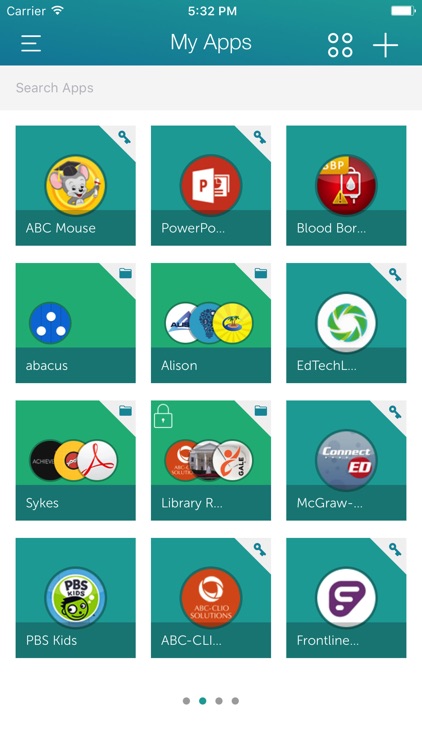
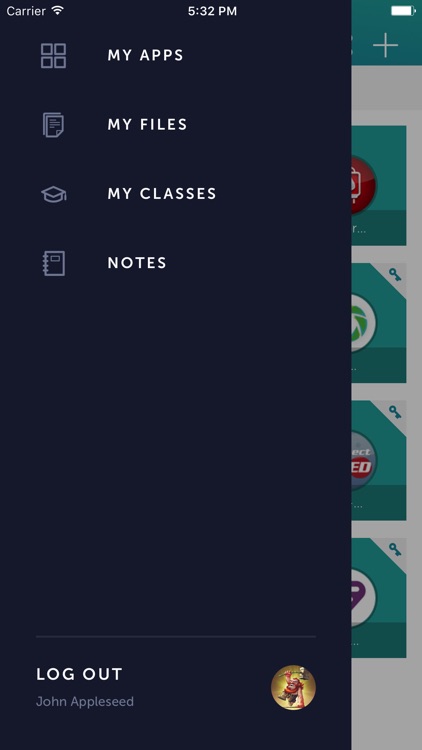
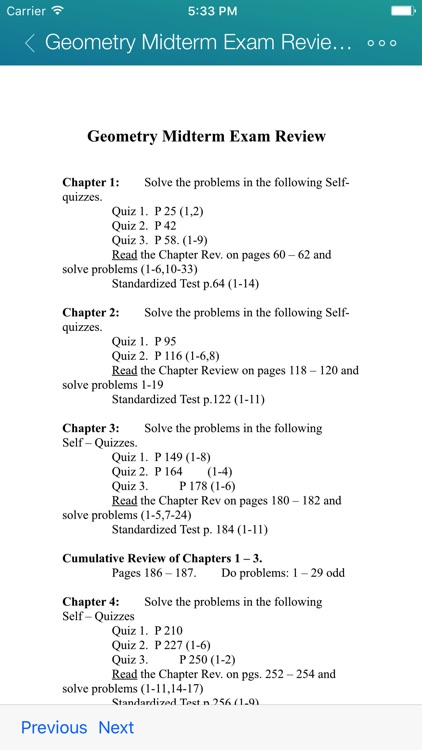
What is it about?
RCCSD Classlink Portal is your personalized cloud desktop giving access to school from anywhere. Accessible from any device,
App Screenshots

App Store Description
RCCSD Classlink Portal is your personalized cloud desktop giving access to school from anywhere. Accessible from any device,
RCCSD Classlink Portal is ideal for BYOD initiatives.
RCCSD Classlink Portal's multiple views include an innovatively simple virtual desktop and an empowering instructional desktop.
With more and different devices showing up in the classrooms today, users expecting 24/7 access, and schools needing to lower costs, a different approach is needed and quick.
RCCSD Classlink Portal gives you real time access to your cloud folders, any mapped Active Directory shares and Apps if your school or organization has
RCCSD Classlink Portal.
Seamlessly access all your files:
Dropbox
Google Drive
SkyDrive
School Network
RCCSD Classlink Portal Cloud Drive
Now with printing support! Print your documents to any Air Print connected printer.
PLEASE NOTE: Your school or organization must have
RCCSD Classlink Portal WEB EDITION for this app to work.
Disclaimer:
AppAdvice does not own this application and only provides images and links contained in the iTunes Search API, to help our users find the best apps to download. If you are the developer of this app and would like your information removed, please send a request to takedown@appadvice.com and your information will be removed.
AppAdvice does not own this application and only provides images and links contained in the iTunes Search API, to help our users find the best apps to download. If you are the developer of this app and would like your information removed, please send a request to takedown@appadvice.com and your information will be removed.
