You are using an outdated browser. Please
upgrade your browser to improve your experience.
Next Update: Tilting back to show/hide menus

Real Memo Pro - Handwriting
by ParkPill
What is it about?
Next Update: Tilting back to show/hide menus
App Store Description
Next Update: Tilting back to show/hide menus
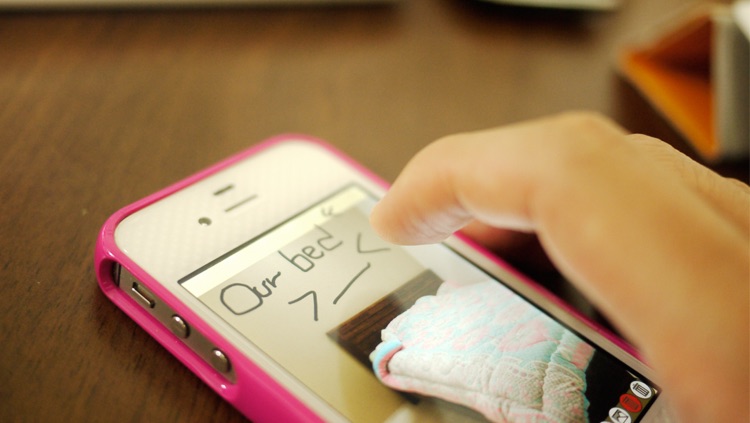
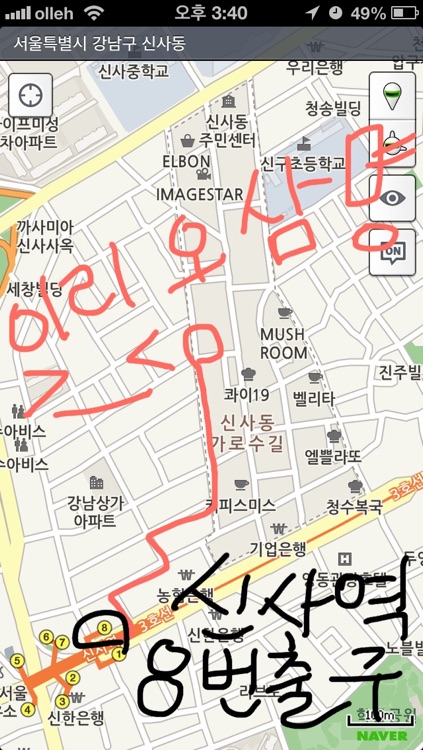
Real Memo is the perfect app to write down or draw a memo real quick!
Quick Start!
Super easy to use!
And super easy to learn!
How to:
1. Tilt left to create new page or go to next page.
2. Tilt right to go to previous page.
3. Tilt back to delete the page or change pen type.
4. Save: Toucn save button or take a screen shot. That is the advantage of the FULL SCREEN!
USE THIS APP WHEN YOU HAVE TO:
1.Draw an idea you about to forget.
2.Write down a shopping list.
3.Explain something with a drawing.
4.Write down a To-Do list.
5.Drawing a mathematical things.
6.Write down an unusual letters.
It is optimized for Memo, not painting.
And it is full screen. You can always take a screen shot.
Tell me if this is the app you are looking for.
★★Are U looking for a one-line memo app?
★★Search for "Cocktail Memo"
Disclaimer:
AppAdvice does not own this application and only provides images and links contained in the iTunes Search API, to help our users find the best apps to download. If you are the developer of this app and would like your information removed, please send a request to takedown@appadvice.com and your information will be removed.
AppAdvice does not own this application and only provides images and links contained in the iTunes Search API, to help our users find the best apps to download. If you are the developer of this app and would like your information removed, please send a request to takedown@appadvice.com and your information will be removed.
