You are using an outdated browser. Please
upgrade your browser to improve your experience.
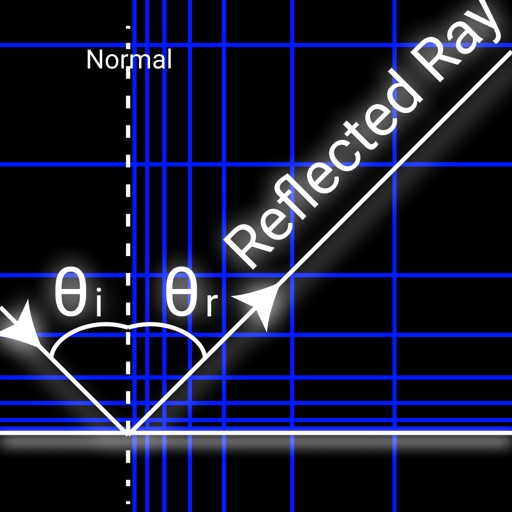
This app draws reflected ray of Monster for Monster Strike

Reflected Ray
by Yoshihiko Nishihata

What is it about?
This app draws reflected ray of Monster for Monster Strike.
App Store Description
This app draws reflected ray of Monster for Monster Strike.
- Place blocks
- Change reflection counts
- On app starts, import a latest screenshot automatically (Option)
[How to use]
1. Take a screenshot on Monster Strike app.
2. Change to this app and import the screenshot.
3. Put the red circle on Monster ball.
4. Tap anywhere on the screen and move your finger to change the angle of reflected ray.
[How to place blocks]
- Tap "+" button to add a block.
- You can change the direction to add a block by "arrow and box" button.
- Drag white bars to move a block.
- On moving a block with "Snap" on, it joins to the near block.
- Tap a block to change white bars target.
- Tap "x" button to remove a block with white bars.
Disclaimer:
AppAdvice does not own this application and only provides images and links contained in the iTunes Search API, to help our users find the best apps to download. If you are the developer of this app and would like your information removed, please send a request to takedown@appadvice.com and your information will be removed.
AppAdvice does not own this application and only provides images and links contained in the iTunes Search API, to help our users find the best apps to download. If you are the developer of this app and would like your information removed, please send a request to takedown@appadvice.com and your information will be removed.
