You are using an outdated browser. Please
upgrade your browser to improve your experience.

With Remotely Possible you can control Windows applications on your PC from your iPod Touch or iPhone

Remotely Possible
by ValidBit LLC
What is it about?
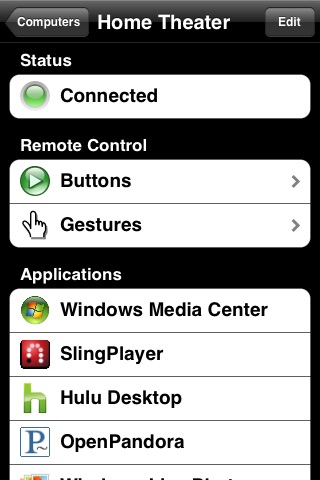
With Remotely Possible you can control Windows applications on your PC from your iPod Touch or iPhone. You can use the built-in application profiles to control applications such as Windows Media Center, Pandora, Hulu Desktop, PowerPoint, and SlingPlayer (Slingbox receiver for Windows). You can quickly create a profile for any other Windows applications on your PC. This highly customizable application allows you to use your iPod Touch or iPhone as a remote control that works best for you.
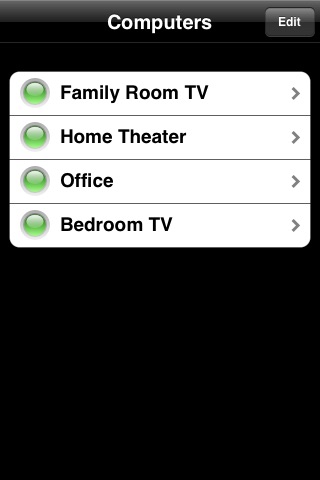
App Screenshots
App Store Description
With Remotely Possible you can control Windows applications on your PC from your iPod Touch or iPhone. You can use the built-in application profiles to control applications such as Windows Media Center, Pandora, Hulu Desktop, PowerPoint, and SlingPlayer (Slingbox receiver for Windows). You can quickly create a profile for any other Windows applications on your PC. This highly customizable application allows you to use your iPod Touch or iPhone as a remote control that works best for you.
Remotely Possible works with your Wi-Fi network, so you can control playback from anywhere in and around your home. You will not have to worry about line-of-sight, sunlight glare, or plasma TV interference issues that are common with standard infrared remotes.
Features of Remotely Possible:
Button Controls:
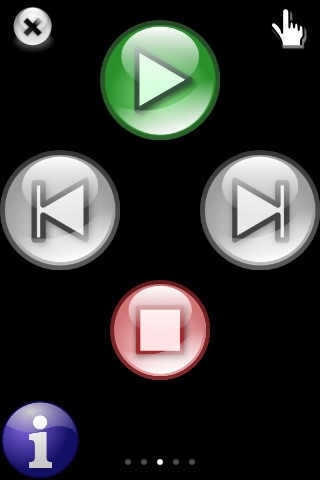
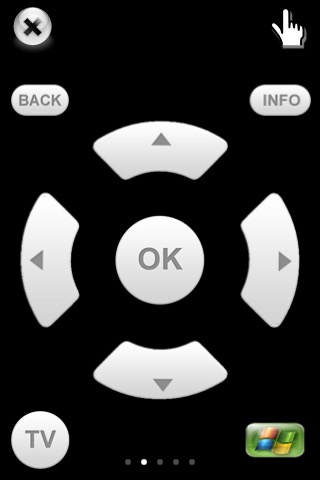
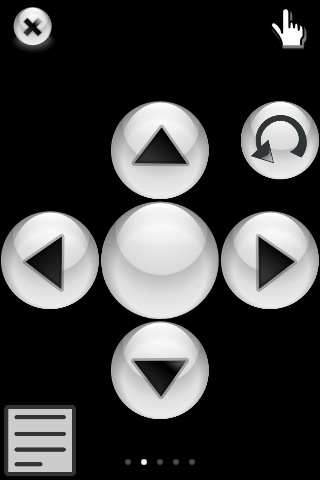
Much like the application home screen, you can scroll through multiple pages of buttons. You can easily change the image, size and location of each button right from your device. Additionally, each button can be customized with application specific functions. For example, the play button could start playing music or a recorded TV show with Windows Media Center or it could start a presentation with Power Point. On an iPod Touch, you can even use the hardware volume buttons to control the volume of your PC.
Gestures:
Using simple and intuitive slides, flicks and taps, you can control your PC without having to look at your device. Similar to the buttons, each gesture can be customized per application.
Device Orientation:
Both gestures and buttons will work in any orientation, even if you hold your device upside down. Additionally, you can customize different button layouts for landscape and portrait modes.
Power Savings:
Remotely Possible is optimized to be power efficient. It reads and writes to the internal flash memory only when absolutely necessary. Typically it only uses the flash memory at startup. It will only send a minimal amount of data over the Wi-Fi connection so that the antenna can remain in a lower power state for longer periods of time. An optional screen saver can reduce the light output from your device when you are not actively using it. You can even put your device into sleep/standby mode without affecting the application. When you wake up the device, Remotely Possible will quickly reconnect to your PC.
Remotely Possible requires a PC with Windows XP, Windows Vista or Windows 7 installed. It also requires a Wi-Fi network to communicate with your PC. Finally, you will need to install the Remotely Possible Windows application that is available for free at: http://www.ValidBit.com.
Disclaimer:
AppAdvice does not own this application and only provides images and links contained in the iTunes Search API, to help our users find the best apps to download. If you are the developer of this app and would like your information removed, please send a request to takedown@appadvice.com and your information will be removed.
AppAdvice does not own this application and only provides images and links contained in the iTunes Search API, to help our users find the best apps to download. If you are the developer of this app and would like your information removed, please send a request to takedown@appadvice.com and your information will be removed.
