You are using an outdated browser. Please
upgrade your browser to improve your experience.
This App helps you to remove password from PDF, remove encryption, and unlock a protected PDF file

Remove Password from PDF
by Payal Rakholiya
What is it about?
This App helps you to remove password from PDF, remove encryption, and unlock a protected PDF file
App Screenshots

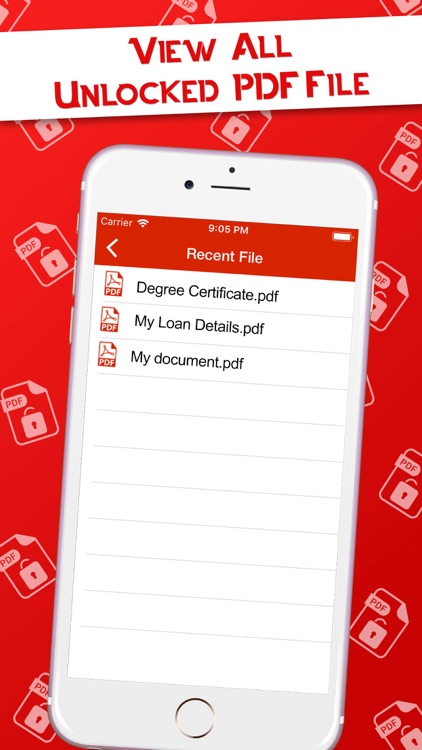
App Store Description
This App helps you to remove password from PDF, remove encryption, and unlock a protected PDF file
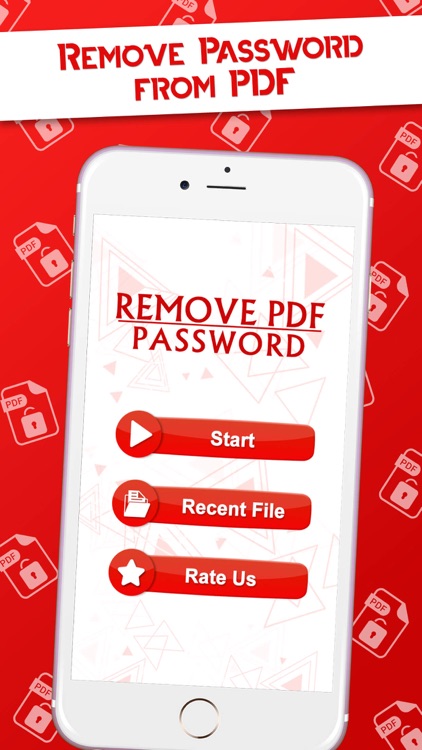
Remove Password from PDF is work as PDF Unlocker you can remove password from the PDF easily. So once you unlock PDF and Remove PDF password it will give you the freedom to use your PDFs as you want.
Key Features:
- Instantly remove PDF password
We can strip your password-protected PDF file of its security if no strong encryption exists. Your PDF will be unlocked and ready for download within seconds.
- Most PDFs can be unlocked!
Files with an owner password can be unlocked instantly. However, if the file is thoroughly encrypted, you can only unlock the file by providing the correct password.
- Easy PDF password removal online
Just upload your file and the password will be removed from your PDF. You can receive the unlocked PDF by simply clicking download and you are good to go!
Three-Step to Remove Password from PDF using our App:
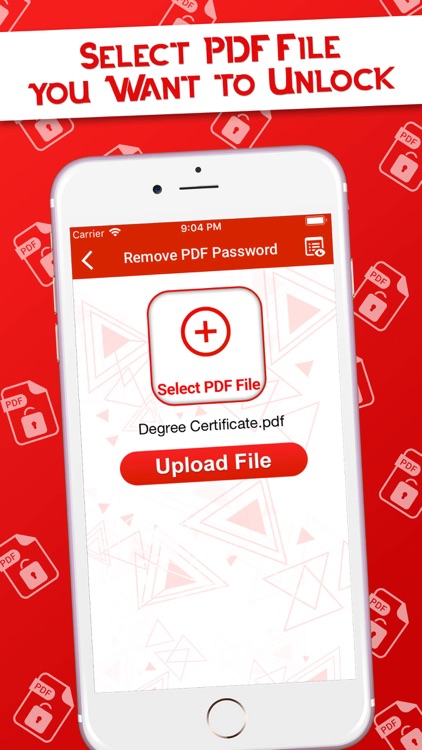
1. Choose a PDF file to unlock
Select PDF file you want to unlock or remove password from PDF.
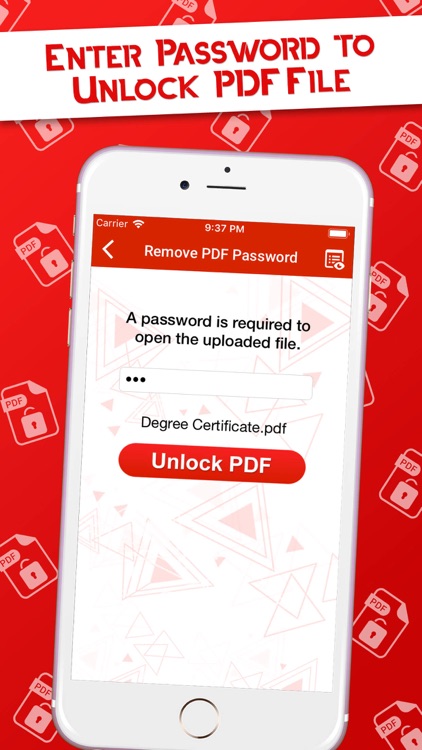
2. Unlock PDF file
Enter the password used to restrict access to the file. If the password you entered matches the one created to lock the file, all restrictions to the file will be removed and you will be able to access it freely.
3. Download Unlocked PDF file
Once your file has been unlocked, you will be able to access it by downloading it to your iPhone.
That's it, You had Remove password from a PDF. I love to access PDF, you too!
Disclaimer:
AppAdvice does not own this application and only provides images and links contained in the iTunes Search API, to help our users find the best apps to download. If you are the developer of this app and would like your information removed, please send a request to takedown@appadvice.com and your information will be removed.
AppAdvice does not own this application and only provides images and links contained in the iTunes Search API, to help our users find the best apps to download. If you are the developer of this app and would like your information removed, please send a request to takedown@appadvice.com and your information will be removed.
