You are using an outdated browser. Please
upgrade your browser to improve your experience.

Do not risk staying in bed in the morning and in moments of relaxation put an alarm so as to safeguard your important commitments or your free time

Rooster Wake Up
by Jonathan Petrelli

What is it about?
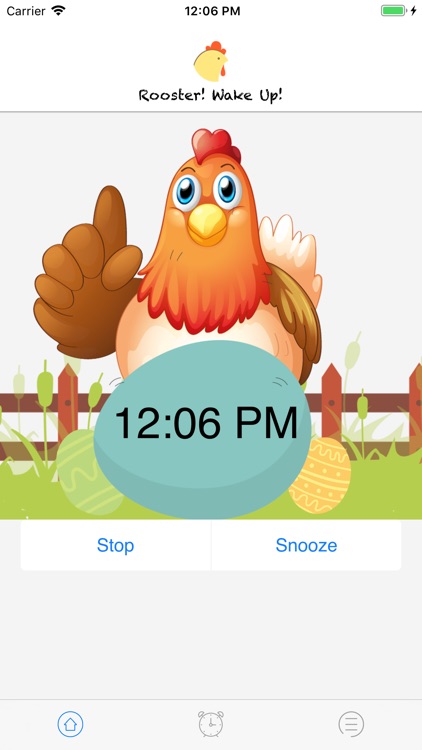
Do not risk staying in bed in the morning and in moments of relaxation put an alarm so as to safeguard your important commitments or your free time. With Rooster WakeUp you can wake up and do much more with the sound of a real rooster.
App Screenshots
App Store Description
Do not risk staying in bed in the morning and in moments of relaxation put an alarm so as to safeguard your important commitments or your free time. With Rooster WakeUp you can wake up and do much more with the sound of a real rooster.
Features:
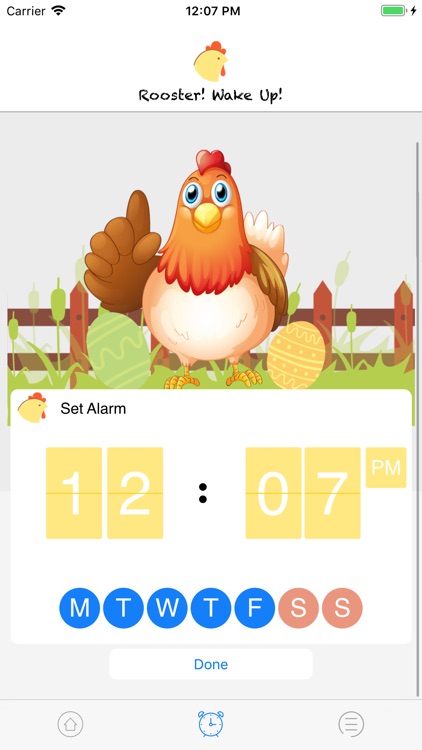
1. Set alarm with selected day and time
2. Stop alarm at any time
3. Set Snooze for 2 mint
4. Get Notification on active alarm
5. Daily, Weekly and Yearly Notifications
6. Active or Deactivate alarm at any time
Subscription:
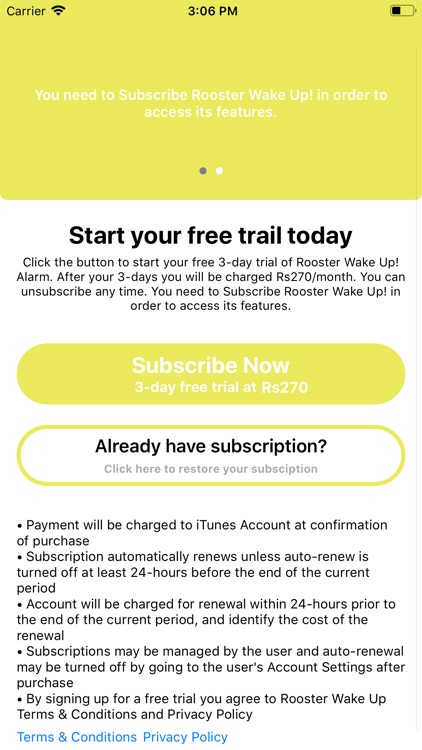
Rooster Wake Up! comes with 3 day trial. After your 3-days you will be charged “$1.99/month. You can unsubscribe any time. You need to Subscribe Rooster Wake Up! in order to access its features.
• Payment will be charged to iTunes Account at confirmation of purchase
• Subscription automatically renews unless auto-renew is turned off at least 24-hours before the end of the current period
• Account will be charged for renewal within 24-hours prior to the end of the current period, and identify the cost of the renewal
• Subscriptions may be managed by the user and auto-renewal may be turned off by going to the user's Account Settings after purchase
Disclaimer:
AppAdvice does not own this application and only provides images and links contained in the iTunes Search API, to help our users find the best apps to download. If you are the developer of this app and would like your information removed, please send a request to takedown@appadvice.com and your information will be removed.
AppAdvice does not own this application and only provides images and links contained in the iTunes Search API, to help our users find the best apps to download. If you are the developer of this app and would like your information removed, please send a request to takedown@appadvice.com and your information will be removed.
