You are using an outdated browser. Please
upgrade your browser to improve your experience.

Need to solve a system of equations by row reducing

Row Reduction
by Brian Veitch

What is it about?
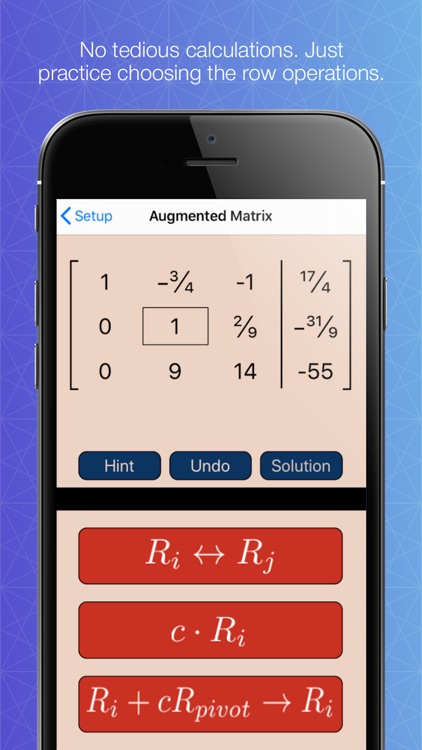
Need to solve a system of equations by row reducing? Finished row reducing but you're not getting the right answer? One of the major drawbacks to row reduction (Gauss Jordan Elimination) is you have to keep track of a page full of tedious calculations AND choose the correct row operations. When you first learn this technique it's hard to do both correctly.
App Screenshots

App Store Description
Need to solve a system of equations by row reducing? Finished row reducing but you're not getting the right answer? One of the major drawbacks to row reduction (Gauss Jordan Elimination) is you have to keep track of a page full of tedious calculations AND choose the correct row operations. When you first learn this technique it's hard to do both correctly.
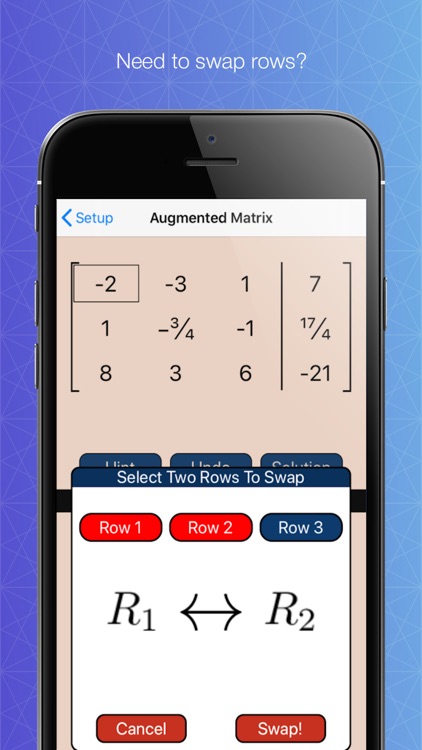
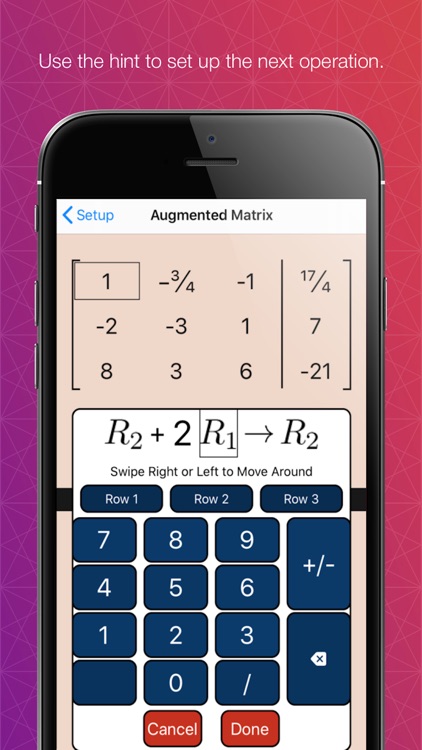
Row reducing involves using three different elementary row operations. This app allows you to work through (and choose) the row operations without having to do the actual calculations. You get to focus solely on practicing and experimenting.
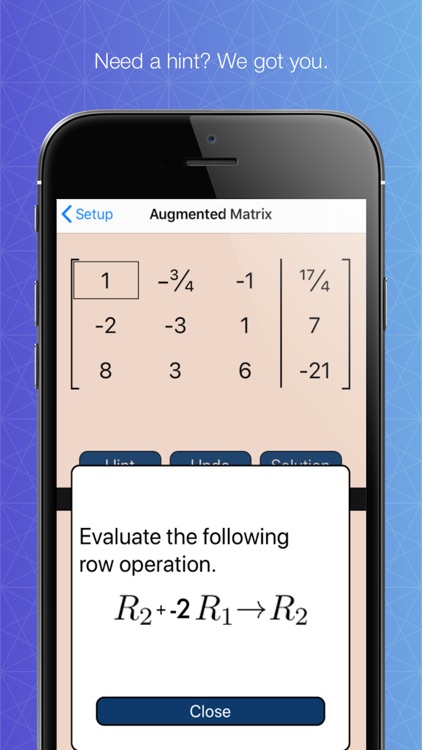
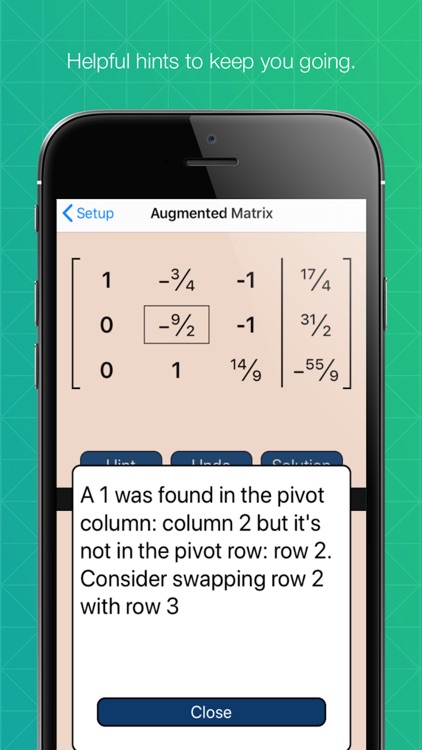
This app guides you through the row reducing process from start to finish. If you get stuck use the HINT option. It may give you a suggestion on what to do next or simply tell you the next operation. If you click HINT when your matrix is row reduced it will display the answer.
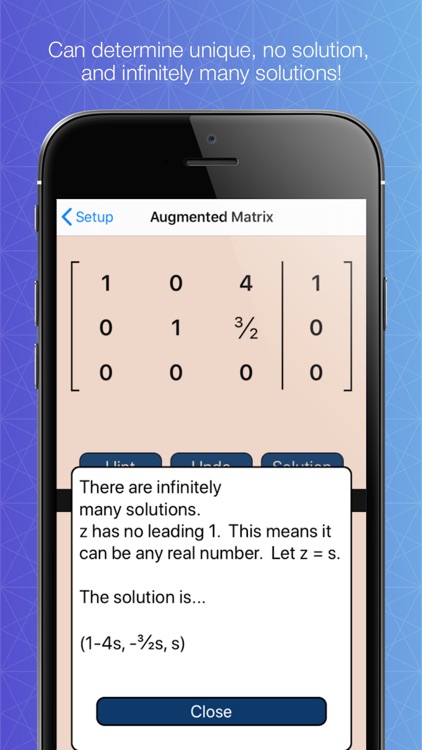
Another benefit to this app is it will display all three types of solutions: unique, no solution, or infinitely many. If the solution is infinitely many it will display the answer using parameters.
What if you do all this handwritten work and still can't get the answer?
You can also purchase the Instant Solution upgrade. Type in the system of equations and click SOLUTION. It will generate all the correct row operations and matrices and display them all at once. Now you can follow along and try to find your mistake.
Disclaimer:
AppAdvice does not own this application and only provides images and links contained in the iTunes Search API, to help our users find the best apps to download. If you are the developer of this app and would like your information removed, please send a request to takedown@appadvice.com and your information will be removed.
AppAdvice does not own this application and only provides images and links contained in the iTunes Search API, to help our users find the best apps to download. If you are the developer of this app and would like your information removed, please send a request to takedown@appadvice.com and your information will be removed.
