You are using an outdated browser. Please
upgrade your browser to improve your experience.
In the past meeting planners had to wait days if not weeks to have a professional floor plan drawn to determine if the space was large enough for rear screen projection

RP Calculator
by Brett Johnsen
What is it about?
In the past meeting planners had to wait days if not weeks to have a professional floor plan drawn to determine if the space was large enough for rear screen projection. Now the meeting planner can make a confident decision within seconds to determine if the space will meet their needs.
App Screenshots


App Store Description
In the past meeting planners had to wait days if not weeks to have a professional floor plan drawn to determine if the space was large enough for rear screen projection. Now the meeting planner can make a confident decision within seconds to determine if the space will meet their needs.
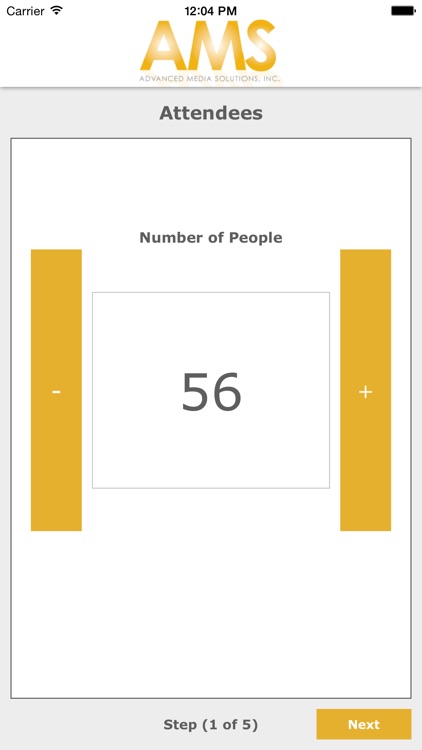
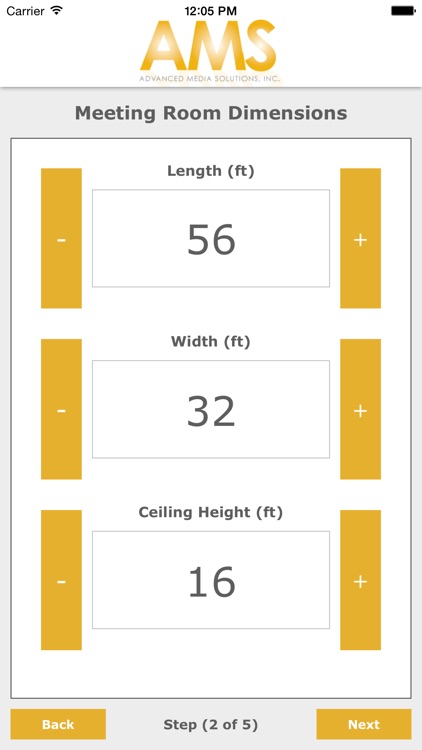
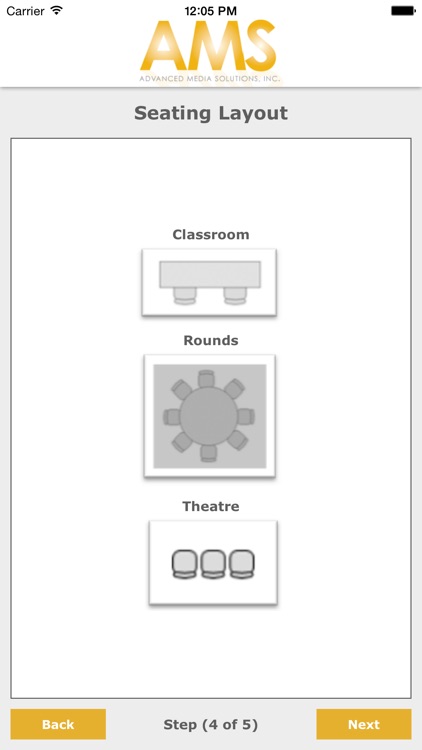
The RP Calculator is a great tool for meeting planners selecting venues when the event requires rear screen projection. By inputting the room dimensions, ceiling height, audience size and seating format, the RP Calculator will determine if the venue is large enough for rear screen projection.
The RP calculator automatically selects the appropriate screen size for the audience and calculates projection throw distances. To determine if the audience will fit in the room the RP calculator also takes into account stage size, aisle requirements and needed space for additional AV such as technician control areas, lighting and speakers.
Disclaimer:
AppAdvice does not own this application and only provides images and links contained in the iTunes Search API, to help our users find the best apps to download. If you are the developer of this app and would like your information removed, please send a request to takedown@appadvice.com and your information will be removed.
AppAdvice does not own this application and only provides images and links contained in the iTunes Search API, to help our users find the best apps to download. If you are the developer of this app and would like your information removed, please send a request to takedown@appadvice.com and your information will be removed.
