You are using an outdated browser. Please
upgrade your browser to improve your experience.
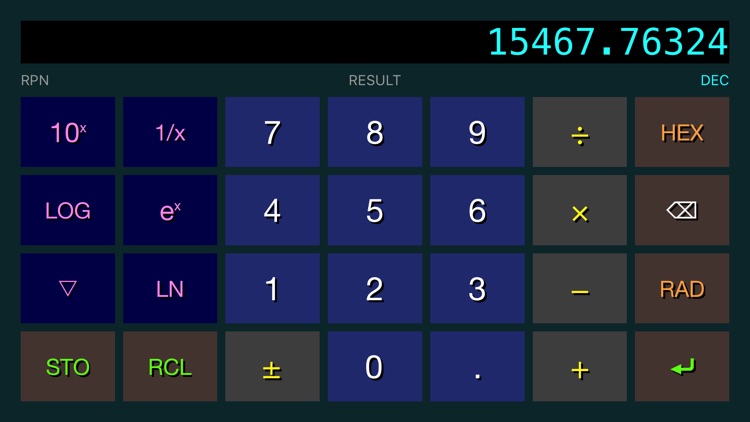
This RPN scientific calculator provides useful hexadecimal functions, including:

RPN HexCalc
by Paul Young
What is it about?
This RPN scientific calculator provides useful hexadecimal functions, including:
App Screenshots
App Store Description
This RPN scientific calculator provides useful hexadecimal functions, including:
Bit Set,
Bit Clear,
Bit Shift Left,
Bit Shift Right,
Reverse Bit Order,
Invert Bits,
Divide (with fractional results),
Multiply, Subtract and Add.
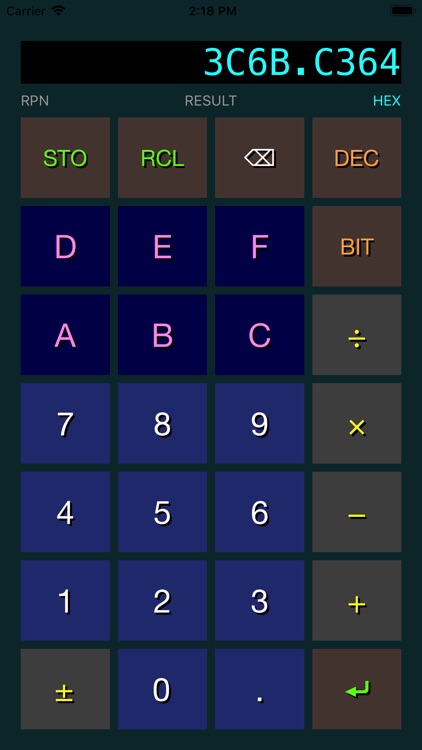
Bit Set, Bit Clear, Bit Shift Left, and Bit Shift Right are all implemented by typing a decimal number and then tapping BIT, then SET, CLR, SHL, or SHR. For example, to set bit 12, type 1, 2, BIT, SET. To shift left 3 bits, type 3, BIT, SHL.
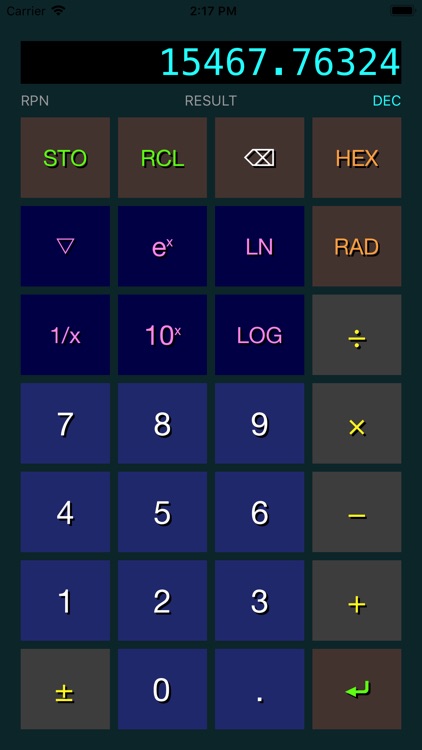
In decimal mode (accessed by pressing DEC), popular arithmetic functions are supported, including:
y to the x power,
10 to the x power,
e to the x power,
common and natural logarithms of x,
square root of x,
inverse of x,
sine and cosine of x (in radians),
conversion of x from degrees to radians,
and the constant pi.
There are 6 storage registers (A through F) supported by this calculator. Registers stored in hex mode can be recalled in decimal mode and vice-versa.
A backspace button can correct inputs before an operation button has been pressed.
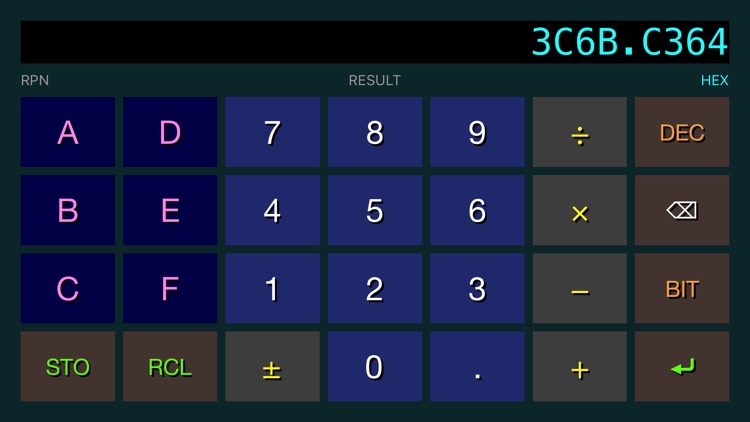
This calculator supports both portrait and landscape orientations.
Disclaimer:
AppAdvice does not own this application and only provides images and links contained in the iTunes Search API, to help our users find the best apps to download. If you are the developer of this app and would like your information removed, please send a request to takedown@appadvice.com and your information will be removed.
AppAdvice does not own this application and only provides images and links contained in the iTunes Search API, to help our users find the best apps to download. If you are the developer of this app and would like your information removed, please send a request to takedown@appadvice.com and your information will be removed.
