You are using an outdated browser. Please
upgrade your browser to improve your experience.
With the SAP System Monitoring mobile app for iPhone and iPad, you can monitor availability, performance, and exceptions of important systems in the landscape anywhere and anytime

SAP System Monitoring
by SAP SE
What is it about?
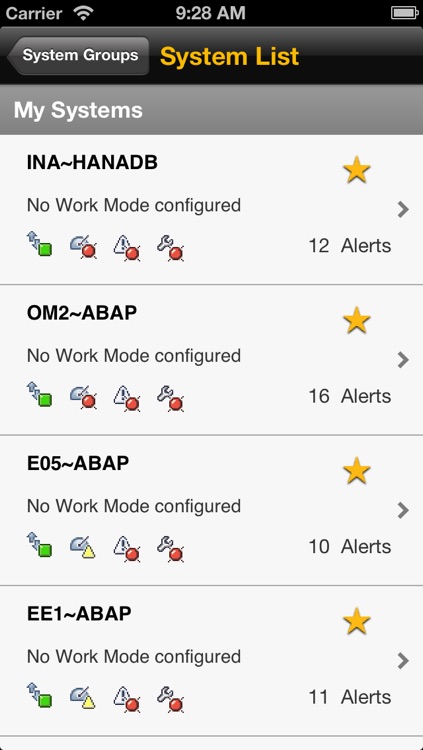
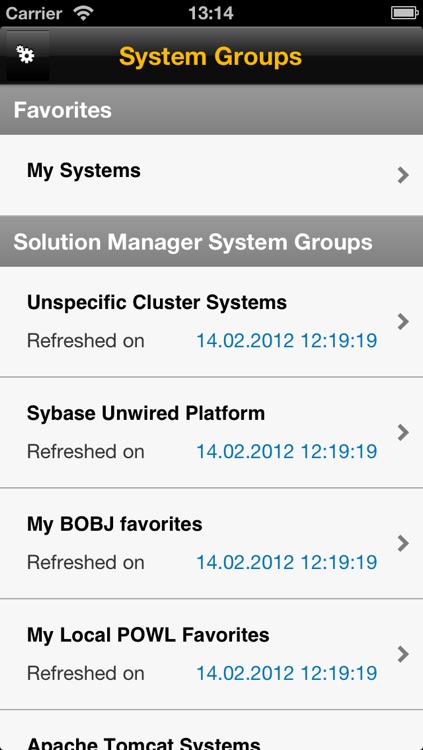
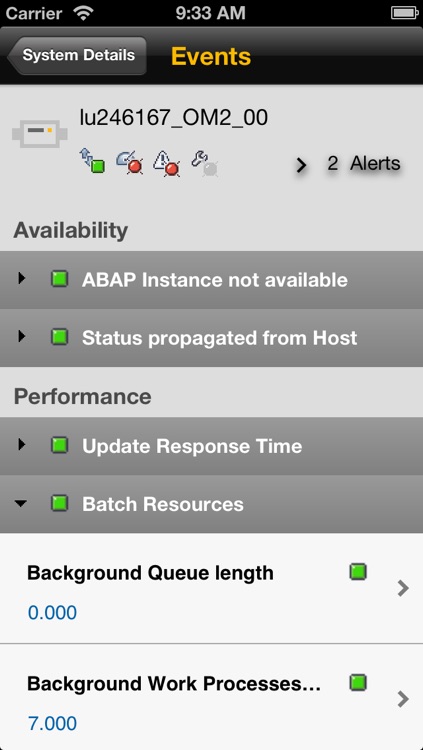
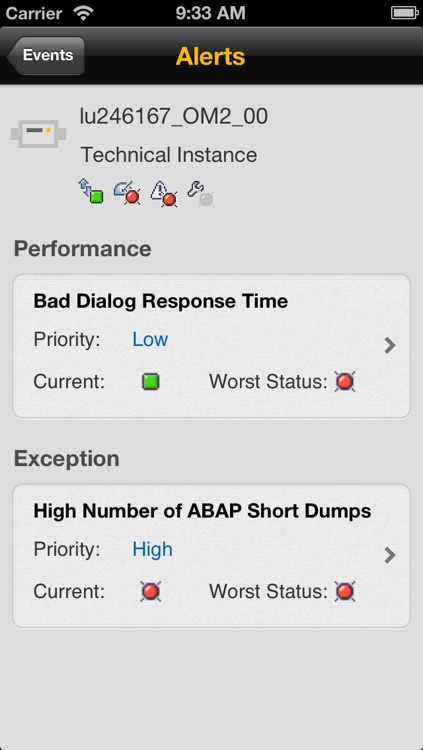
With the SAP System Monitoring mobile app for iPhone and iPad, you can monitor availability, performance, and exceptions of important systems in the landscape anywhere and anytime. This app connects to the SAP Solution Manager application management solution and allows administrators to check alerts and monitor metrics directly from their iPhone or iPad.
App Screenshots
App Store Description
With the SAP System Monitoring mobile app for iPhone and iPad, you can monitor availability, performance, and exceptions of important systems in the landscape anywhere and anytime. This app connects to the SAP Solution Manager application management solution and allows administrators to check alerts and monitor metrics directly from their iPhone or iPad.
Key features of SAP System Monitoring for iPhone and iPad
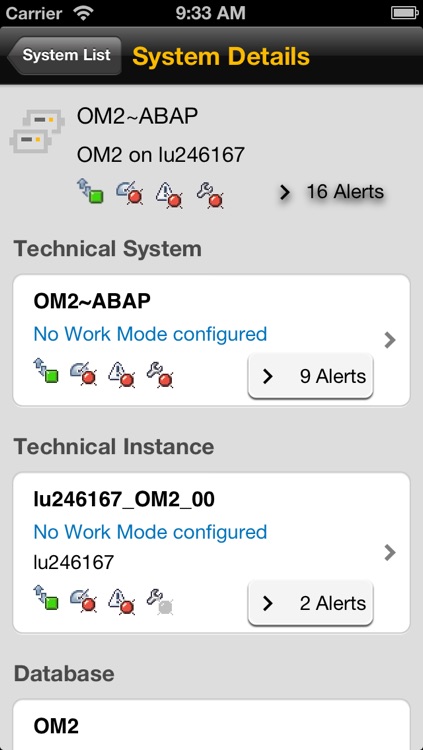
• Display status overviews of technical systems, instances, databases, and hosts
• Drill down to single metrics and events
• View overviews of alerts for technical systems, instances, databases, and hosts
• Get alert details for deep-dive analyses of certain symptoms
Note: To use SAP System Monitoring with your business data, you must be a user of SAP Solution Manager, with mobile services enabled by your IT department. You can try out the app first using sample data.
Disclaimer:
AppAdvice does not own this application and only provides images and links contained in the iTunes Search API, to help our users find the best apps to download. If you are the developer of this app and would like your information removed, please send a request to takedown@appadvice.com and your information will be removed.
AppAdvice does not own this application and only provides images and links contained in the iTunes Search API, to help our users find the best apps to download. If you are the developer of this app and would like your information removed, please send a request to takedown@appadvice.com and your information will be removed.
