You are using an outdated browser. Please
upgrade your browser to improve your experience.
SATEC Tenant Mobile Application (TEMA) provides insight about your hourly/daily/monthy consumption trends as well as anonymous comparison to other tenants’ consumption per area

SATEC ExpertPower for tenants
by GREAT POSITIVE-APPS LTD
What is it about?
SATEC Tenant Mobile Application (TEMA) provides insight about your hourly/daily/monthy consumption trends as well as anonymous comparison to other tenants’ consumption per area. It also provides timely notifications whenever consumption goes beyond a configurable threshold so you know when an appliance was left on with no good reason.
App Screenshots
App Store Description
SATEC Tenant Mobile Application (TEMA) provides insight about your hourly/daily/monthy consumption trends as well as anonymous comparison to other tenants’ consumption per area. It also provides timely notifications whenever consumption goes beyond a configurable threshold so you know when an appliance was left on with no good reason.
This tool helps you save on energy, by being aware to exceptional consumption on an hourly basis.
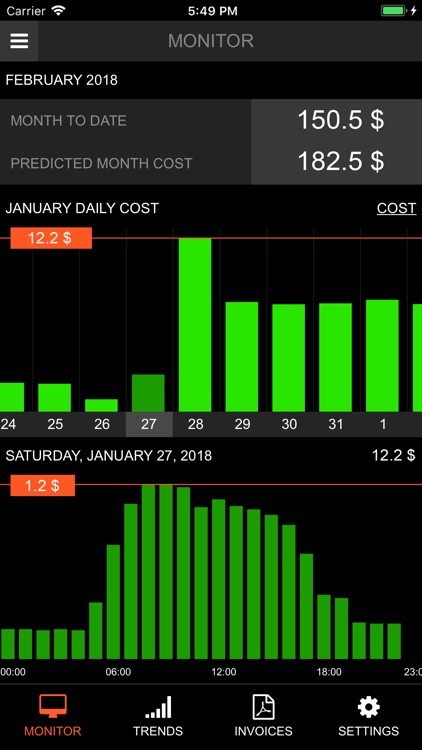
1. Monitor Page
• Month-to-date cost
• Predicted Monthly cost – Estimation according to consumption so far.
• Bar Charts with daily / hourly energy cost or consumption in kWh.
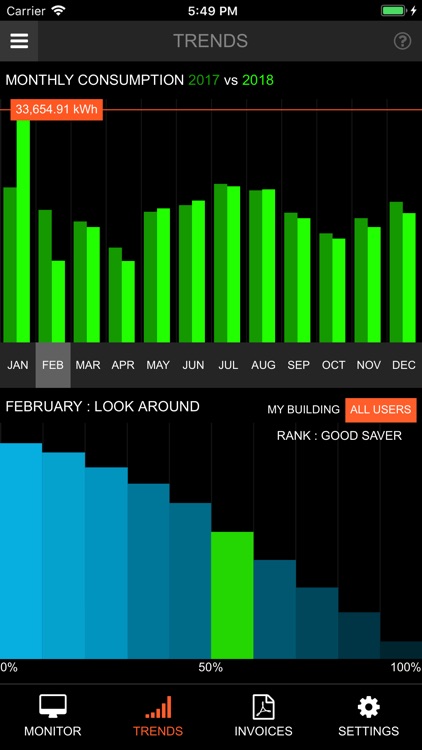
2. Trends Page
Compare Consumption of current vs. last year (KWh):
• Select time base resolution – Days/Weeks/Months.
• Swipe horizontally to scroll and move the current selected time point.
• See two bars for each point for current year/last year.
• Trophy indication for months where I was among top 20% saver compared with my building surrounding apartments/shops.
• Look around ranking: My relative percentile compared with energy/square foot of other users (Click to switch between ‘All Users’, ‘My Building’)
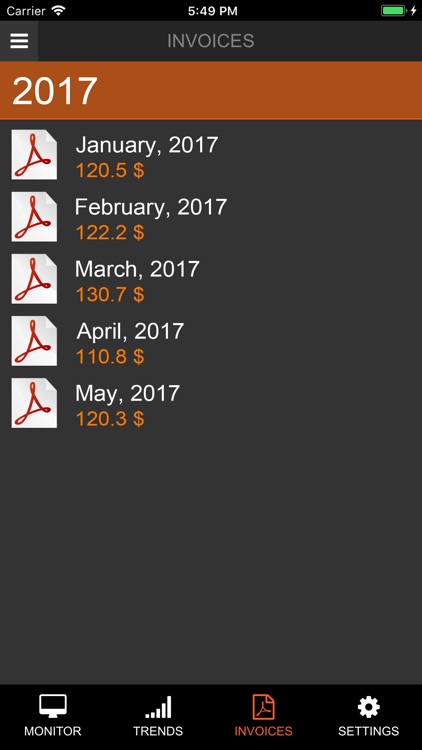
3. Invoices Page
View or download your past bills.
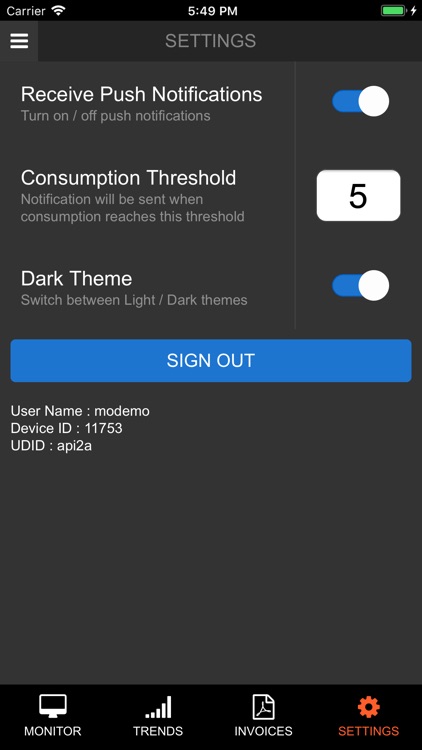
4. Settings Page
• Push notifications On/Off
• Hourly kWh threshold for sending notifications
• Dark/Light Theme selector
Disclaimer:
AppAdvice does not own this application and only provides images and links contained in the iTunes Search API, to help our users find the best apps to download. If you are the developer of this app and would like your information removed, please send a request to takedown@appadvice.com and your information will be removed.
AppAdvice does not own this application and only provides images and links contained in the iTunes Search API, to help our users find the best apps to download. If you are the developer of this app and would like your information removed, please send a request to takedown@appadvice.com and your information will be removed.
