You are using an outdated browser. Please
upgrade your browser to improve your experience.

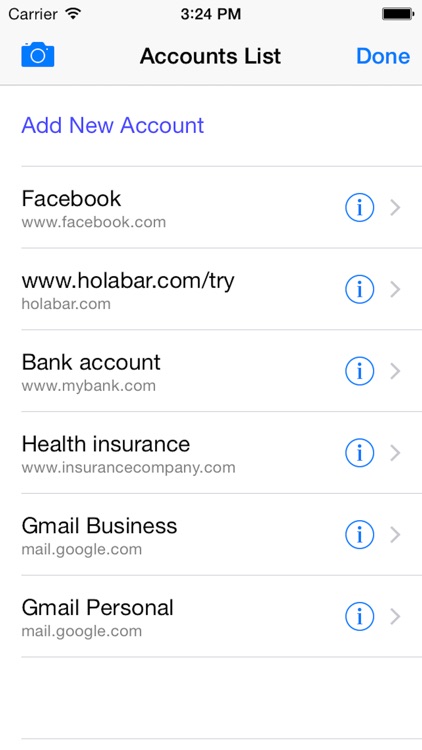
Scan2Login is a Personal Password Manager + QR Code Scanner, that lets you login to websites by scanning a QR code with your phone

Scan2Login
by BABAGAM Ltd.

What is it about?
Scan2Login is a Personal Password Manager + QR Code Scanner, that lets you login to websites by scanning a QR code with your phone.
App Screenshots
App Store Description
Scan2Login is a Personal Password Manager + QR Code Scanner, that lets you login to websites by scanning a QR code with your phone.
#######################################
# Download our browser add-on from:
# http://holabar.com/downloads
#######################################
How it works:
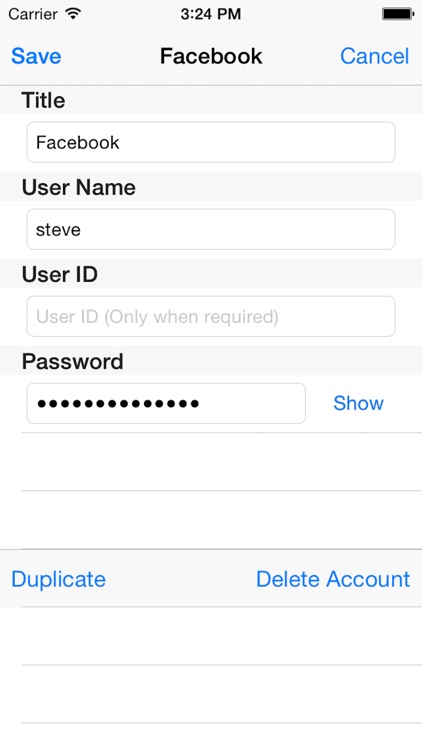
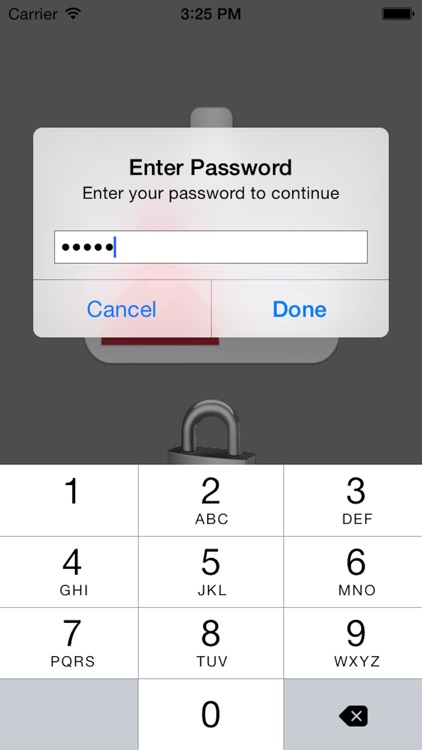
- Scan2Login is an innovative passwords manager tool, which securely stores your login information (using AES 128bit) on your personal phone.
- With the Scan2Login extension on your PC browser ,the application will automatically fill your login information.
How to use:
1. On your PC, browse to the login page.
2. Go over the Scan2Login icon on the bottom right corner and a QR-code will appear.
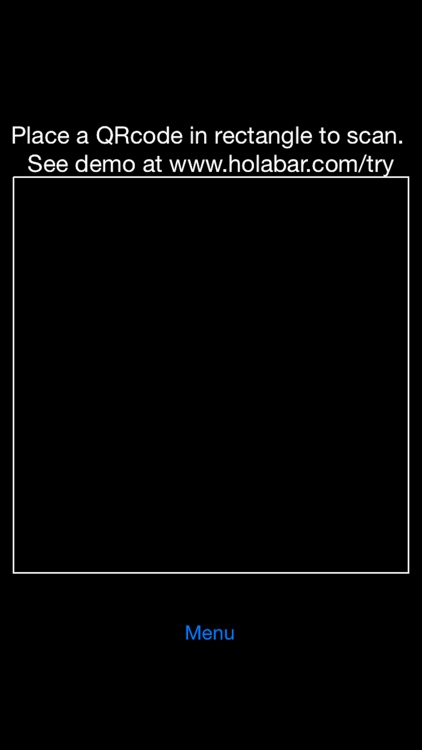
3. Scan the QR-code using the application.
4. You will be automatically logged in.
Login to a web site on the first time:
The first time you will try to login to a web site, you will get a message: "Account not found!".
Then you will be asked to enter your login information.
Web site:
http://www.holabar.com
Disclaimer:
AppAdvice does not own this application and only provides images and links contained in the iTunes Search API, to help our users find the best apps to download. If you are the developer of this app and would like your information removed, please send a request to takedown@appadvice.com and your information will be removed.
AppAdvice does not own this application and only provides images and links contained in the iTunes Search API, to help our users find the best apps to download. If you are the developer of this app and would like your information removed, please send a request to takedown@appadvice.com and your information will be removed.
