You are using an outdated browser. Please
upgrade your browser to improve your experience.

Download ScannerBar and turn your iPhone or iPad into a full-featured and powerful scanner in a second

Scanner Bar
by 道远 牛


What is it about?
Download ScannerBar and turn your iPhone or iPad into a full-featured and powerful scanner in a second!
App Screenshots



App Store Description
Download ScannerBar and turn your iPhone or iPad into a full-featured and powerful scanner in a second!
Easily scan your documents, receipts, photos, business cards, and more on the go, and save them as
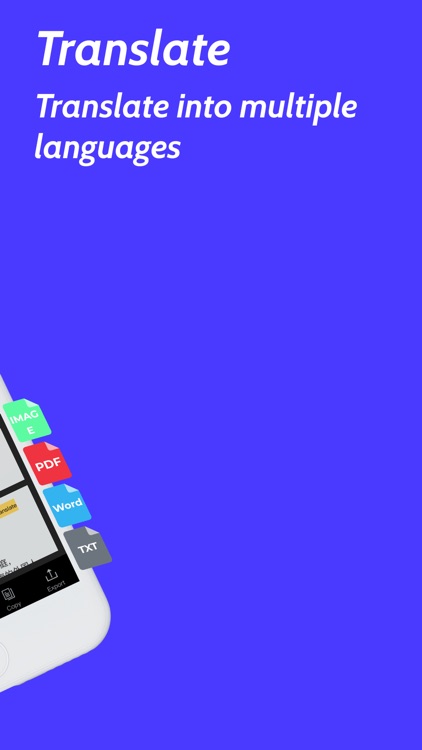
multi-page, high-quality PDF, JPEG, GIF, ZIP, or TXT files
Scanned documents can be emailed, printed, faxed, exported to camera roll.
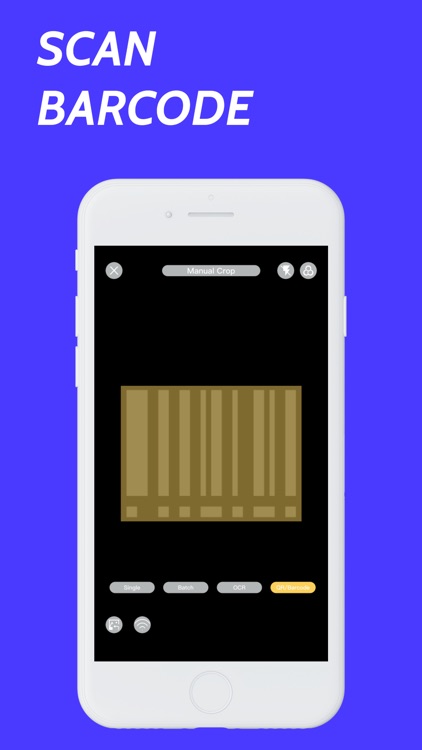
ScannerBar built-in advanced scanning algorithm automatically detects borders of the page, corrects perspective
and distortion, eliminates shadows and sets a perfect contrast for text - black on white.
Easy Scanner FEATURES:
- Automatic document edge detection and perspective correction
- Advanced image processing with enhancement and color correction, noise removing and more
- Multipage scanning(Batch mode) and document managing
- Document naming, storage inside the app, and smart search
- Document sorting by date and name
- Adding or reordering pages in a document
- Email the scans as PDF, JPEG, GIF, ZIP, TXT or save to Camera Roll
- Add signatures to scans
- Add text to scans
- Extract text from documents with OCR
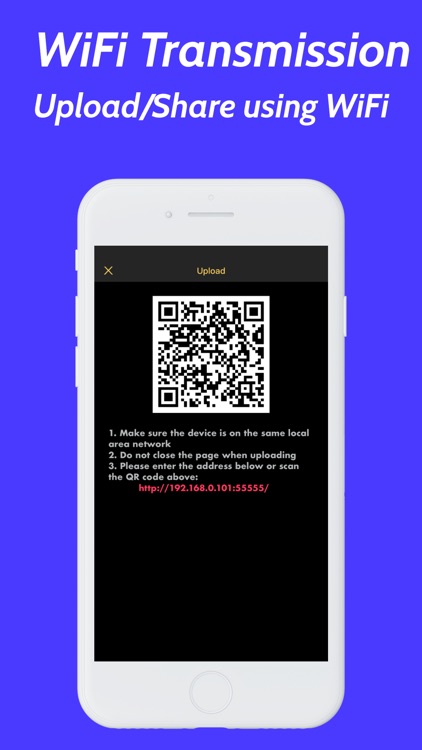
- Upload/Share with WiFi
Documents are processed on the phone without an internet connection. Your scans remain fully private always and
not sent to a third-party server.
We are constantly improving ScannerBar to create the best scanner app and help you digitize your documents
easier and faster than ever. If you want to send us your feedback or have a problem with Scanner App, please
contact us at sbscannerbar@gmail.com before submitting a comment to the App Store. Remember, we can’t reply to
your reviews on the App Store.
Payment will be charged to iTunes Account at confirmation of purchase. Subscription automatically renews unless
auto-renew is turned off at least 24-Hours before the end of the current period. Account will be charged for
renewal within 24-hours prior to the end of the current period, and identify the cost of the renewal.
Subscriptions may be managed by the user and auto-renewal may be turned off by going to the user’s account
settings after purchase
The following subscription plans are available (price may vary depending on location):
- 3-days free trial,then renew at $39.99/year.Cancel anytime
- $9.99/month.Cancel anytime
By using ScannerBar, you accept our Terms of Use and Privacy Policy.
Terms of Use: https://sites.google.com/view/scannerbarpro/term
Privacy Policy: https://sites.google.com/view/scannerbarpro/privacy
Disclaimer:
AppAdvice does not own this application and only provides images and links contained in the iTunes Search API, to help our users find the best apps to download. If you are the developer of this app and would like your information removed, please send a request to takedown@appadvice.com and your information will be removed.
AppAdvice does not own this application and only provides images and links contained in the iTunes Search API, to help our users find the best apps to download. If you are the developer of this app and would like your information removed, please send a request to takedown@appadvice.com and your information will be removed.
