You are using an outdated browser. Please
upgrade your browser to improve your experience.
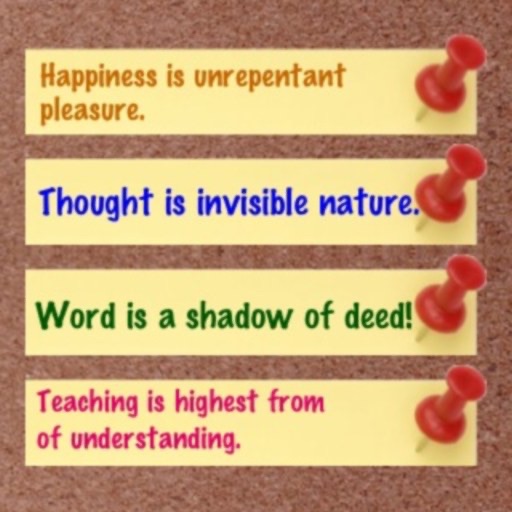
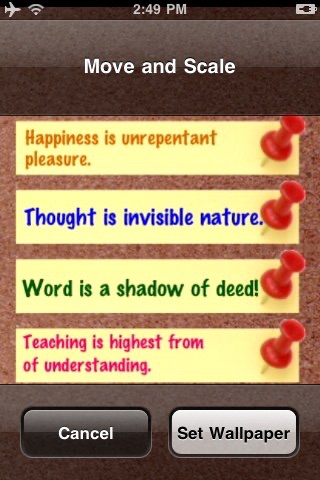
★This is an awesome application that you can make colorful notes(memo, Aphorism or motto) on the screen and save it as a wallpaper(with or without tips)

Screen Note
by xiaohui qi
What is it about?
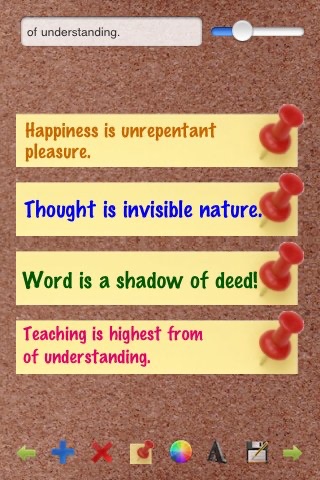
★This is an awesome application that you can make colorful notes(memo, Aphorism or motto) on the screen and save it as a wallpaper(with or without tips). So you can check these notes easily even as iPhone is sleeping.
App Screenshots

App Store Description
★This is an awesome application that you can make colorful notes(memo, Aphorism or motto) on the screen and save it as a wallpaper(with or without tips). So you can check these notes easily even as iPhone is sleeping.
DIRECTIONS:
-Input
Input words in the textfield, and the current note will flash on the screen.
-Size
Slide the slider to change the word size.
-Position
Move your finger on the screen to move the note position.
-Add note
Click the "plus" button to add a new note.
-Delete note
Click the "X" button to delete current note.
-Select note
Click "left arrow" or "right arrow" button to select prev/next note.
-Text Color
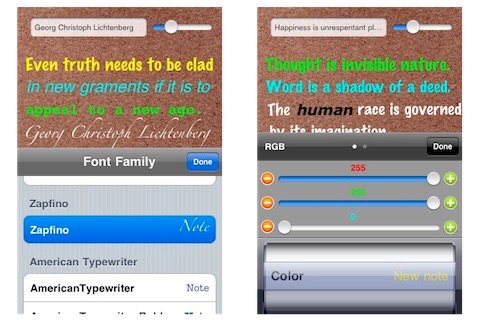
Change the note color with RGB or HEX value.
-Show/Hide note tips
Click the "note" button to show/hide note tips.
-Font
Select font from Font Family.
-Save
Save the Screen note as a image to iPhone Camera Roll.
★★★ version 2.0 ★★★
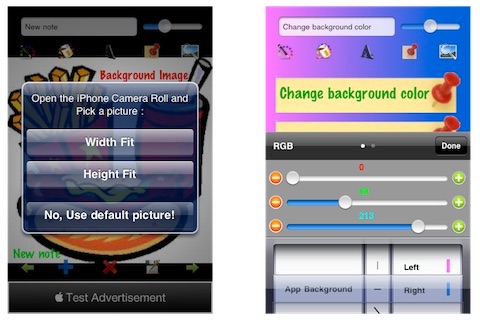
1.Now you can pick picture from iPhone Camera Roll as the background.
2. iAd has been added.
★★★ version 2.5 ★★
1.Now you can change the background to a pure color or gradient color(horizontal, vertical, diagonal)!
Disclaimer:
AppAdvice does not own this application and only provides images and links contained in the iTunes Search API, to help our users find the best apps to download. If you are the developer of this app and would like your information removed, please send a request to takedown@appadvice.com and your information will be removed.
AppAdvice does not own this application and only provides images and links contained in the iTunes Search API, to help our users find the best apps to download. If you are the developer of this app and would like your information removed, please send a request to takedown@appadvice.com and your information will be removed.
