You are using an outdated browser. Please
upgrade your browser to improve your experience.

The SecureDoc FileViewer application provides security-conscious users the ability to access and decrypt files that have been encrypted using SecureDoc CloudSync and SecureDoc File Encryption

SecureDoc File Viewer
by WinMagic Inc.

What is it about?
The SecureDoc FileViewer application provides security-conscious users the ability to access and decrypt files that have been encrypted using SecureDoc CloudSync and SecureDoc File Encryption. SecureDoc users are able to securely share encrypted files externally with non-SecureDoc users, who can install the SecureDoc FileViewer application on their iOS devices to decrypt and access files.
App Store Description
The SecureDoc FileViewer application provides security-conscious users the ability to access and decrypt files that have been encrypted using SecureDoc CloudSync and SecureDoc File Encryption. SecureDoc users are able to securely share encrypted files externally with non-SecureDoc users, who can install the SecureDoc FileViewer application on their iOS devices to decrypt and access files.
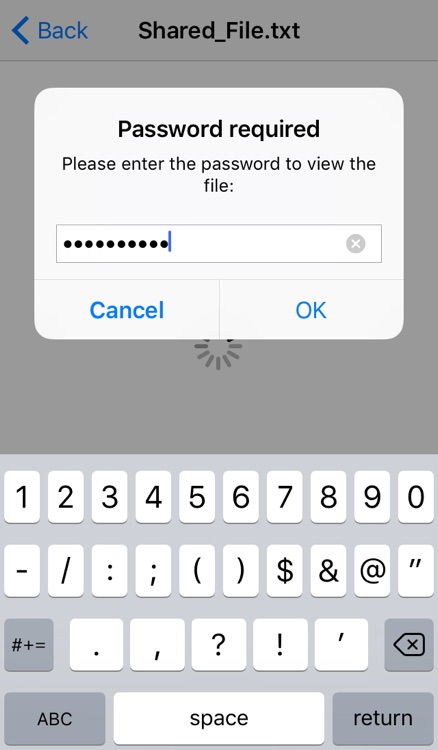
SecureDoc FileViewer can open encrypted files that are sent through e-mail or opened in other apps, including Cloud services such as Dropbox, Box, OneDrive, Google Drive and more. In order to successfully view encrypted files, users must provide a valid password, or have access to the correct encryption key by connecting to their company’s SecureDoc Enterprise Server (SES).
If the file is modified, users can re-encrypt these files before sending them back or uploading back to a Cloud service. For complete protection, files should always be encrypted when residing in Cloud folders.
Disclaimer:
AppAdvice does not own this application and only provides images and links contained in the iTunes Search API, to help our users find the best apps to download. If you are the developer of this app and would like your information removed, please send a request to takedown@appadvice.com and your information will be removed.
AppAdvice does not own this application and only provides images and links contained in the iTunes Search API, to help our users find the best apps to download. If you are the developer of this app and would like your information removed, please send a request to takedown@appadvice.com and your information will be removed.
