You are using an outdated browser. Please
upgrade your browser to improve your experience.

Using Share & Download app you can download free video from VistaCreate video

Share & Download - Go Offline
by Asis Patra


What is it about?
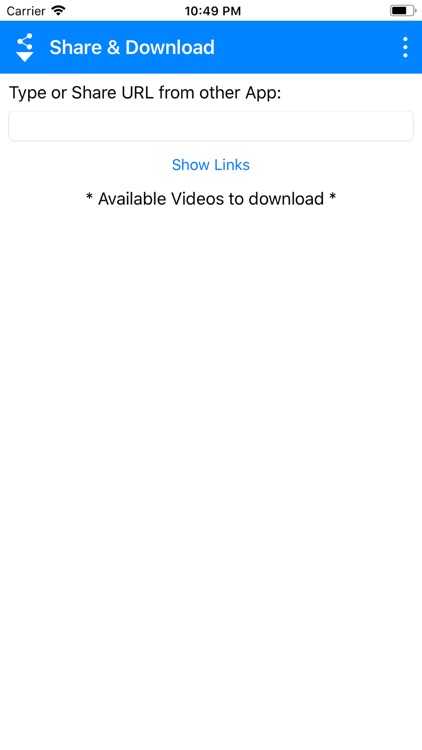
Using Share & Download app you can download free video from VistaCreate video. So that downloaded video can be used to make beautiful presentation on your device.
App Screenshots

App Store Description
Using Share & Download app you can download free video from VistaCreate video. So that downloaded video can be used to make beautiful presentation on your device.
How to Use:
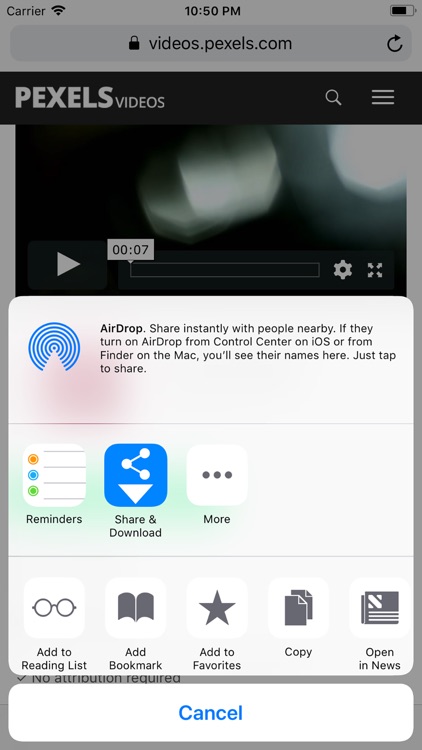
1. Share or copy free video links from https://create.vista.com/unlimited/videos/ to Share & Download app.
2. Click on "SHOW LINKS" Button.
3. It will list different video links below of the button.
4. Click on any of the link from the list.
5. Download will start.
6. Downloaded file will be available in Photos.
# Permissions Needed:
This application need the following permissions to work properly.
1. Access to NETWORK and INTERNET
2. Access to STORAGE to save the downloaded video.
3. Access to Notification to alert download completion.
# For any feedback or query please visit Facebook page:
https://www.facebook.com/ShareAndDownload
All VistaCreate video clips are royalty-free, which means they are completely free for personal and commercial use with attribution.
License agreements: https://create.vista.com/faq/legal/licensing/license_agreements/
Acknowledgement: All the option icons are used from https://icons8.com/ under the license called Creative Commons Attribution-NoDerivs 3.0 Unported.
Disclaimer:
AppAdvice does not own this application and only provides images and links contained in the iTunes Search API, to help our users find the best apps to download. If you are the developer of this app and would like your information removed, please send a request to takedown@appadvice.com and your information will be removed.
AppAdvice does not own this application and only provides images and links contained in the iTunes Search API, to help our users find the best apps to download. If you are the developer of this app and would like your information removed, please send a request to takedown@appadvice.com and your information will be removed.
