You are using an outdated browser. Please
upgrade your browser to improve your experience.

Note: SignalScope Pro has been replaced by the new SignalScope X and will no longer be updated

SignalScope Pro
by Faber Acoustical, LLC

What is it about?
Note: SignalScope Pro has been replaced by the new SignalScope X and will no longer be updated. You will be able to continue to use SignalScope Pro as long as you run it on a device with a compatible version of iOS. SignalScope X offers powerful new tools and features. You can download it for free and try out the Pro features for free for up to 7 days.
SignalScope Pro is $149.99 but there are more add-ons
-
$39.99
Real-time 3D Spectrogram Tool
-
$19.99
Real-time 2D Spectrogram Tool
-
$24.99
3D Spectrogram Upgrade
App Screenshots
App Store Description
Note: SignalScope Pro has been replaced by the new SignalScope X and will no longer be updated. You will be able to continue to use SignalScope Pro as long as you run it on a device with a compatible version of iOS. SignalScope X offers powerful new tools and features. You can download it for free and try out the Pro features for free for up to 7 days.
SignalScope Pro for iOS devices is a real-time signal analysis toolset, suitable for use in areas such as acoustics, audio, electronics, and vibration. SignalScope Pro includes tools for dynamic signal analysis, as well as a signal generator for producing test signals.
Features:
- Analyze signals coming from the iOS device’s current audio input device or from the built-in accelerometer.
- Assign input channel units and sensitivities for individual USB Audio devices. Direct support is included for the Digiducer 333D01 accelerometer and miniDSP UMIK-1 measurement microphone.
- Manually switch between available audio input and output sources.
- Load microphone frequency response data (FRD) and apply frequency response correction (FRC) to FFT spectrum measurements.
- Audio input is typically sampled at 48 kHz or 44.1 kHz (higher and lower sample rates are possible, even up to 192 kHz, with hardware that supports it). Built-in accelerometer data is sampled at roughly 100 Hz.
- Assign engineering units to your input signals and calibrate external transducers for accurate measurements.
- Save acquired time or frequency data to CSV, tab-delimited ASCII text, or MAT files.
- Retrieve your data files from your device via iTunes File Sharing, or through a web browser on your Mac or PC.
- Save high-resolution analyzer display images to PDF files or to the iOS device's built-in photo album.
- Pinpoint individual sample values or frequencies with a cursor.
Tools:
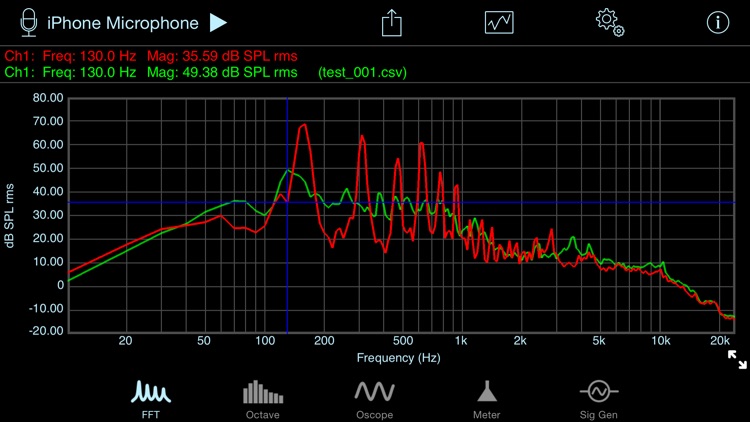
- FFT Analyzer
-- Frequency resolutions between 0.5 Hz and 50 Hz may be specified for audio input (between 0.1 Hz and 10 Hz for the built-in accelerometer)
-- Input data can be windowed with one of 7 different data window types
-- Lin, log, and dB magnitude scales
-- Lin and log frequency scales
-- Auto, normal, and single-shot triggering
-- Trigger slope and threshold options
- Real-time Spectrogram Analyzer (available via in-app purchase in 2D and 3D versions)
-- Frequency resolutions between 1 and 50 Hz may be specified for audio input (between 1 Hz and 10 Hz for the built-in accelerometer)
-- Input data can be windowed with one of 7 different data window types
-- Lin, log, and dB magnitude scales
-- Lin and log frequency scales
-- Fractional-octave band frequency smoothing in 1/6, 1/12, and 1/24-octave bands.
-- Cursor peak track can track peaks in time, frequency, or both.
-- Color scale bar graph enables manual adjustment of magnitude scale and offset. The color scale can also be hidden.
-- Data may be exported to CVS, MAT, or TXT files for post processing or plotting. Optionally, include GPS location information with exported data.
-- Optionally save a high-resolution PDF file of the spectrogram plot, or save an image to your Photos library.
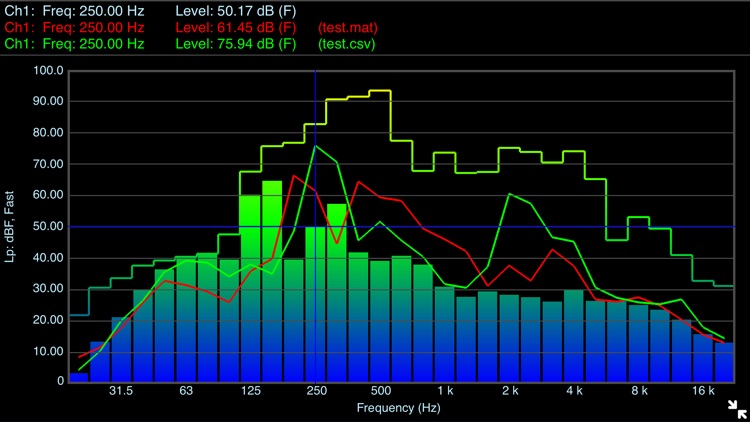
- Octave-band Analyzer
-- Whole and 1/3-octave RTA (based on digital Butterworth bandpass filters)
-- Fast, Slow, and Impulse response times
-- Flat, A, and C frequency weighting
-- Equivalent and time-weighted exponential average levels
-- Max, peak, and elapsed time also captured
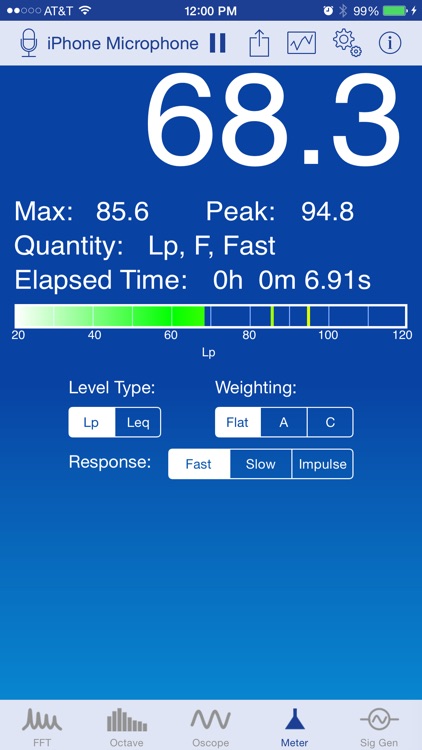
- Level Meter
-- Equivalent and time-weighted exponential average levels
-- Flat, A, and C frequency weighting
-- Max, peak, and elapsed time also captured
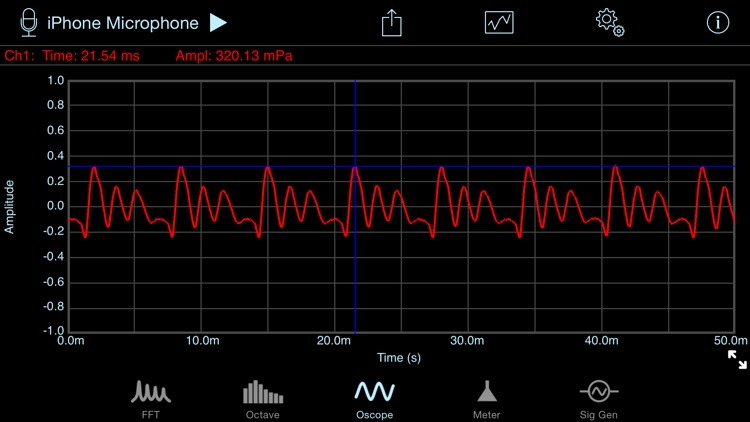
- Oscilloscope
-- Time scales from 0.1 to 1.0 second per division
-- Auto, normal, and single-shot triggering
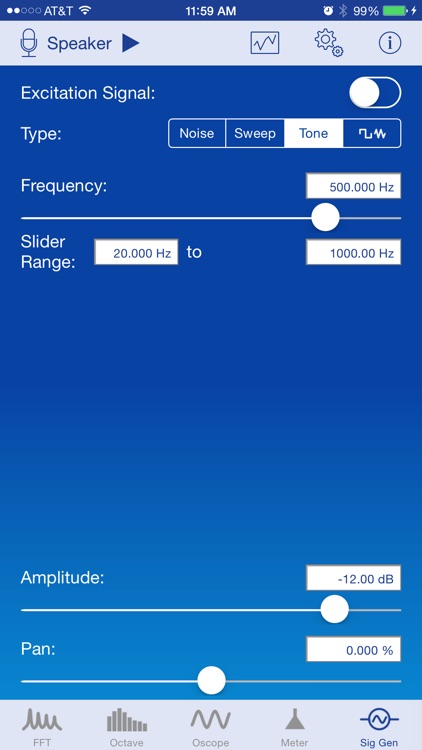
- Stereo Signal Generator
-- Random and periodic pseudorandom noise
-- White and pink noise
-- Frequency sweeps
-- Tone generator
Disclaimer:
AppAdvice does not own this application and only provides images and links contained in the iTunes Search API, to help our users find the best apps to download. If you are the developer of this app and would like your information removed, please send a request to takedown@appadvice.com and your information will be removed.
AppAdvice does not own this application and only provides images and links contained in the iTunes Search API, to help our users find the best apps to download. If you are the developer of this app and would like your information removed, please send a request to takedown@appadvice.com and your information will be removed.
