You are using an outdated browser. Please
upgrade your browser to improve your experience.

- TERMS OF USE -

Smart Board - Management
by Tuncay Ugur
What is it about?
- TERMS OF USE -
App Screenshots



App Store Description
- TERMS OF USE -
https://www.apple.com/legal/internet-services/itunes/dev/stdeula/
- PRIVACY POLICY -
http://egitimyazilim.com/privacypolicy/smartboard/privacy_policy.html
- WHO CAN USE -
* Schools , Teachers
- WHAT IT DOES -
* Prevents unauthorized use of smart boards and computers in your school by students
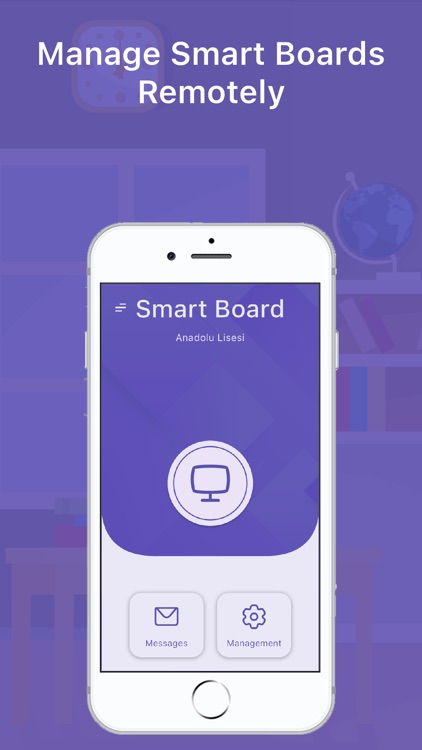
* Smart boards and computers can be opened remotely via mobile application
- WHAT CAN'T -
* Smartboards must be turned on to be managed
* The operating system of smart boards cannot be started remotely
- HOW TO USE -
* Download app and add your school
* Install the "Smart Board Desktop" application on the smart boards or computers whose access you want to restrict
* Run the "Smart Board Desktop" application you installed on the computer. You should see a QR code on the screen
* Click the add button on the smart boards screen in the mobile application
* You should see QR code reader
* Scan QR code by pointing camera at computer
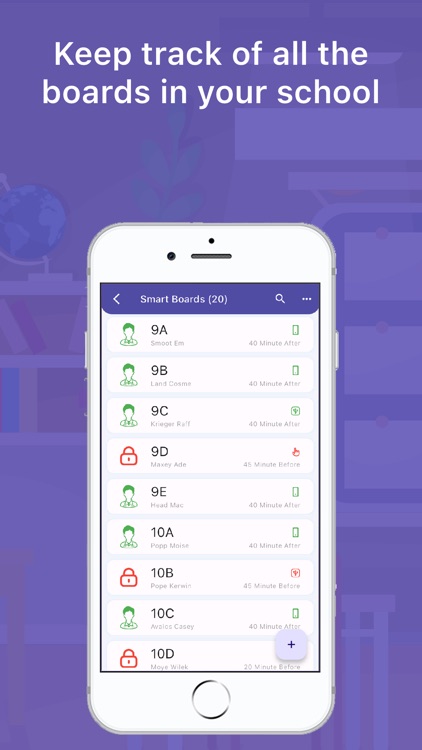
* The smart board should appear within the mobile app
* You can manage smart boards with the mobile application
- HELP -
* You can send a message from the help tab under the main menu on the main screen in the application to convey all your opinions and suggestions or ask questions.
* You can review the tutorials by clicking the assistant button next to the screen
- FOLLOW US -
* Web : www.egitimyazilim.com
* Help Videos : https://www.youtube.com/playlist?list=PLupkXgJvxV-K8iDrMAwyteG5H9tQcyky0
* Instagram : https://instagram.com/egitim_yazilim
* Facebook : https://facebook.com/egitimyazilimlari
* Telegram : https://t.me/egitimyazilimlari
* Twitter : https://twitter.com/egitim_yazilim
* Email: egitimyazilim.com@gmail.com
* Linkedin : https://www.linkedin.com/in/egitimyazilim/
- PAID FEATURES -
* If you pay, all devices throughout the school can perform unlimited transactions during the subscription period without restrictions
* When you first install the application, you have 100 transactions per device
* You must wait 24 hours after each transaction when your rights expire
- FEATURES -
* You can add as many users and smartboards as you want
* You can open and close the smart board locks remotely with the mobile application.
* You can turn smart boards on and off with flash memory
* You can turn smart boards on and off with instant password
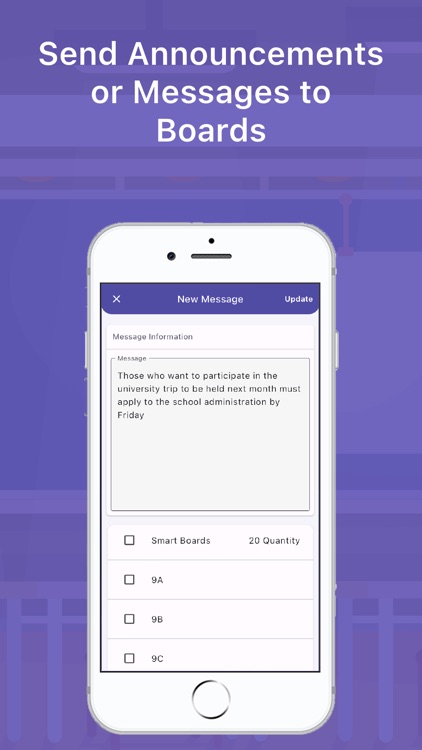
* You can send announcements and messages to smart boards
* You can turn the sound of smart boards on and off with the mobile application
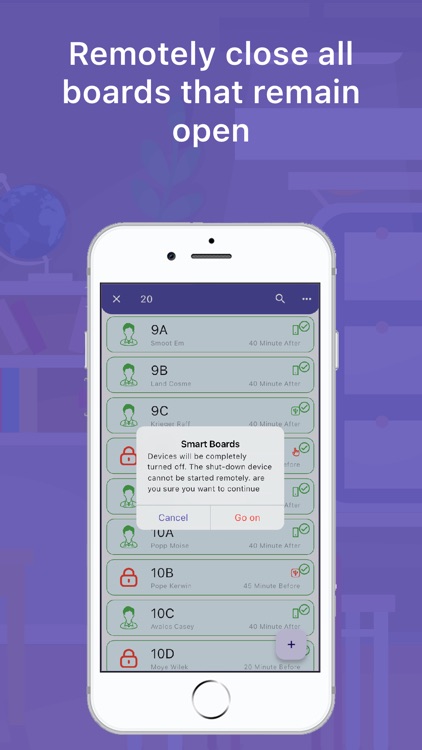
* You can turn off or restart smart boards remotely with the mobile application
Disclaimer:
AppAdvice does not own this application and only provides images and links contained in the iTunes Search API, to help our users find the best apps to download. If you are the developer of this app and would like your information removed, please send a request to takedown@appadvice.com and your information will be removed.
AppAdvice does not own this application and only provides images and links contained in the iTunes Search API, to help our users find the best apps to download. If you are the developer of this app and would like your information removed, please send a request to takedown@appadvice.com and your information will be removed.
