You are using an outdated browser. Please
upgrade your browser to improve your experience.
Smartisan Technology proudly presents Smartisan Calendar

Smartisan Calendar
by Beijing Dayanxingkong Technology Co., Ltd.

What is it about?
Smartisan Technology proudly presents Smartisan Calendar. Like Smartisan Notes and Smartisan Clock, Smartisan Calendar is beautifully designed and carefully crafted to provide the very best experience of its kind.
App Screenshots

App Store Description
Smartisan Technology proudly presents Smartisan Calendar. Like Smartisan Notes and Smartisan Clock, Smartisan Calendar is beautifully designed and carefully crafted to provide the very best experience of its kind.
Top Features
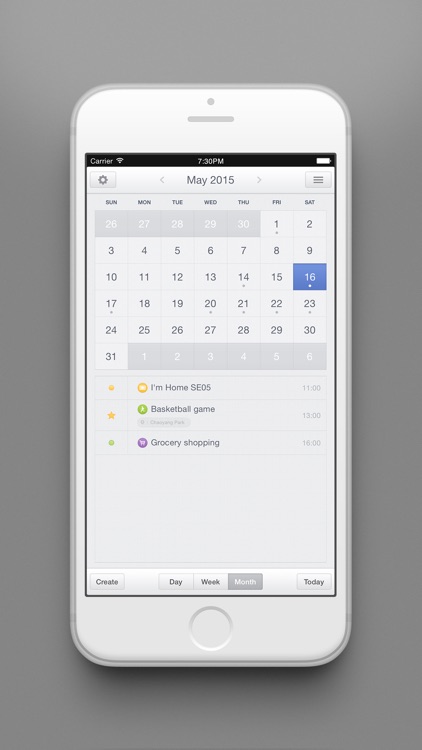
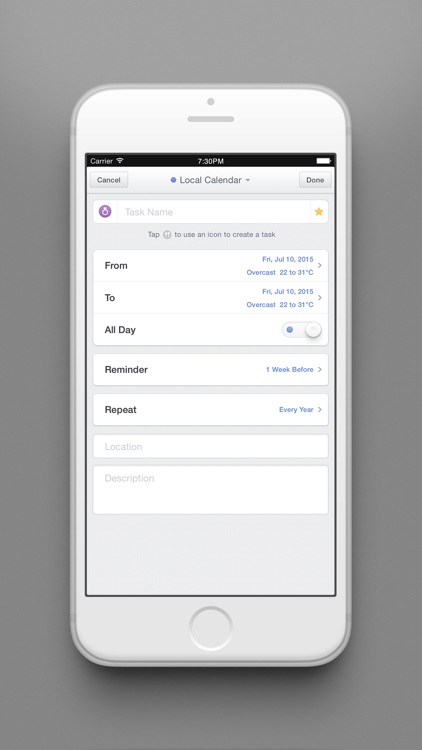
- Pick an icon for your task: almost all daily tasks can be covered with our 28 built-in icons. In most cases no keyboard is needed in creating tasks--just pick an icon and you are all set.
- Quick actions: swipe right for quick actions including sharing, staring, marking as complete and deleting, so that you can quickly deal with finished tasks and focus on those yet to be done.
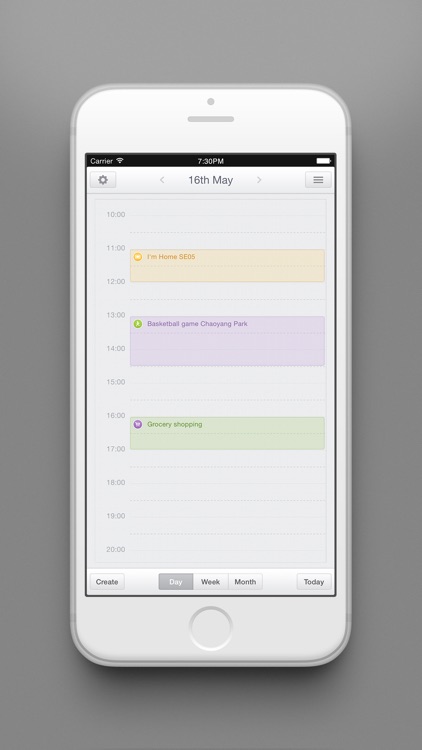
- Drag-and-Drop tasks: rescheduling a calendar task has never been easier: simply long press one and you can quickly drag it to another date.
- Tasks List: a searchable list of all tasks can be accessed by tapping the upper-right icon.
- Built-in weather forecast service: we provide weather information for 5 future days. When creating a new task you can also see the weather on that day.
- Multi-account and syncing support: all tasks can be synced with iCloud, Google, Exchange, Smiling Cloud and other Calendars.
- Lunar Calendar Integration: Built-in Lunar Calendar support in Day, Week and Month view.
Smartisan Calendar supports iOS 6 or later, and optimizes for iPhone 6 and 6 Plus screen.
Disclaimer:
AppAdvice does not own this application and only provides images and links contained in the iTunes Search API, to help our users find the best apps to download. If you are the developer of this app and would like your information removed, please send a request to takedown@appadvice.com and your information will be removed.
AppAdvice does not own this application and only provides images and links contained in the iTunes Search API, to help our users find the best apps to download. If you are the developer of this app and would like your information removed, please send a request to takedown@appadvice.com and your information will be removed.
