You are using an outdated browser. Please
upgrade your browser to improve your experience.

The target audience of this app are professional truck drivers in USA, whose companies use "Smartrackin" transportation management software

SmarTrackin
by Milorad Ubovic
What is it about?
The target audience of this app are professional truck drivers in USA, whose companies use "Smartrackin" transportation management software.
App Store Description
The target audience of this app are professional truck drivers in USA, whose companies use "Smartrackin" transportation management software.
Once the driver is added into the company "Smartrackin" account, an automatic email will be sent to the driver's email address to create the password for mobile app.
This app isn't meant for internal distribution. It is meant for distribution in multiple target clients’ companies.
This app will be distributed only in USA.
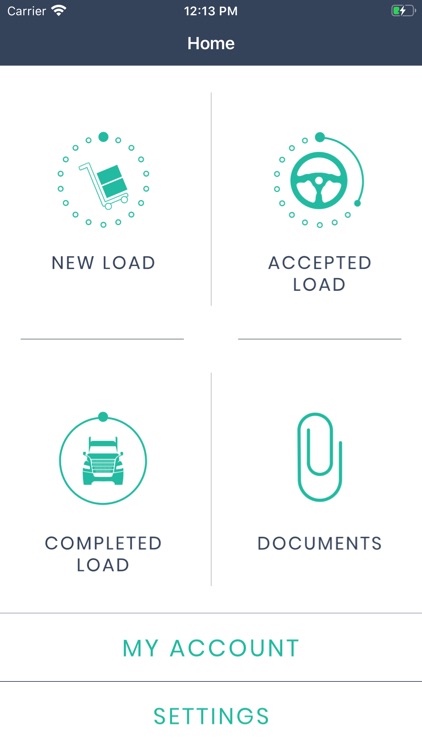
NEW LOAD
Every Load that your company finds for you will appear in the section NEW LOAD. All important details will be provided there (Truck ID, Equipment ID, Drivers’ Names, Empty and Loaded Miles, # of Stops, Weight & Commodity, Stops details as Type [pickup/delivery], Facility Name, Location address, Appointment Time and Special Notes). This section allows you to Accept or Decline a load.
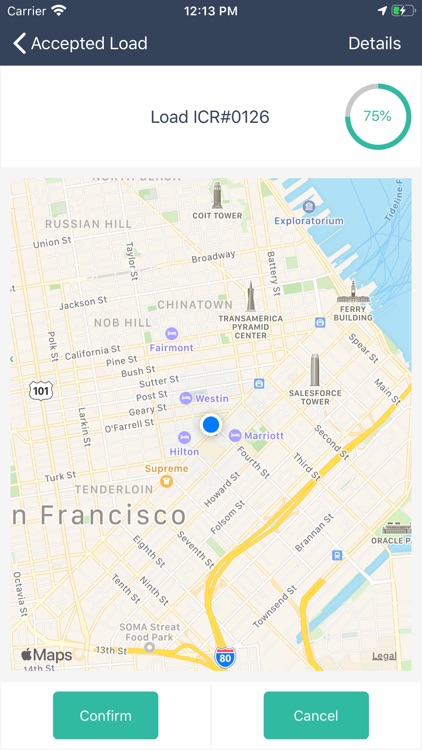
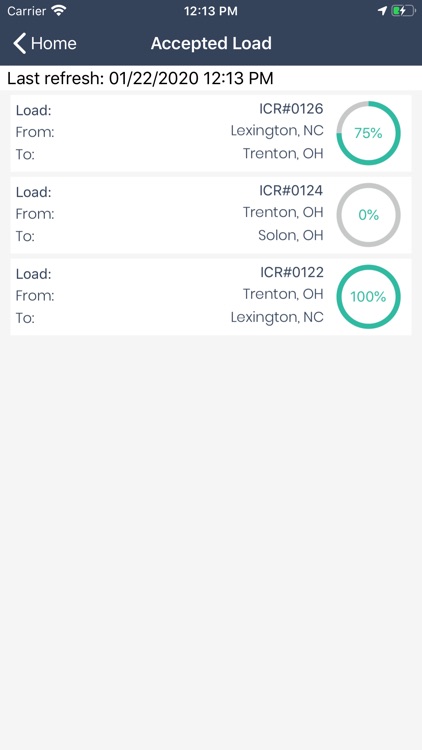
ACCEPTED LOAD
Once accepted, load will appear in the section ACCEPTED LOAD. This section will allow you to start the load, check-in and check-out at every stop you have for each specific load, scan and upload different documents directly to your company and to finish the load. One single work flow will simplify the communication between you and your company and make it more efficient and effective.
COMPLETED LOAD
All completed loads will be shown in this section and you will be able to view all details of every load you have completed, but also to upload additional documents for those loads if needed.
DOCUMENTS
This section will show every document that you have saved and uploaded through the SmarTrackin app and give you the possibility to delete documents from your device.
ACCOUNT
This section will show your account details that company entered for you, so you can be aware of your basic and contact info company has for you.
Disclaimer:
AppAdvice does not own this application and only provides images and links contained in the iTunes Search API, to help our users find the best apps to download. If you are the developer of this app and would like your information removed, please send a request to takedown@appadvice.com and your information will be removed.
AppAdvice does not own this application and only provides images and links contained in the iTunes Search API, to help our users find the best apps to download. If you are the developer of this app and would like your information removed, please send a request to takedown@appadvice.com and your information will be removed.
