You are using an outdated browser. Please
upgrade your browser to improve your experience.

Snagtag Marks the Spot - Snagtag allows you tag anything you see or hear and push that content to your Snagtag inbox for immediate or future access

Snagtag
by Snagtag Inc. (UT)
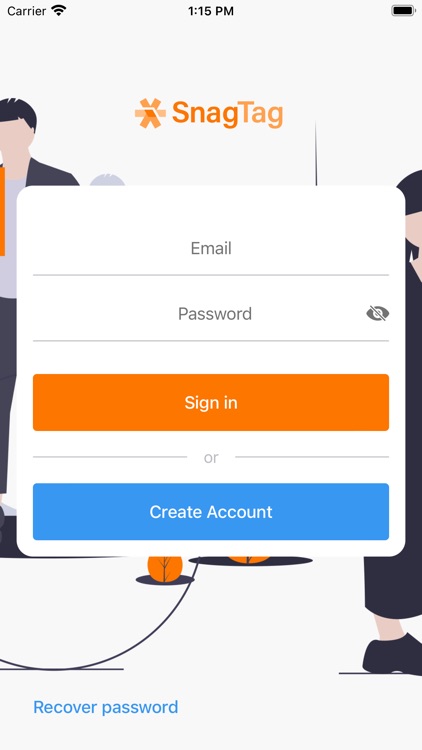
What is it about?
Snagtag Marks the Spot - Snagtag allows you tag anything you see or hear and push that content to your Snagtag inbox for immediate or future access.
App Screenshots

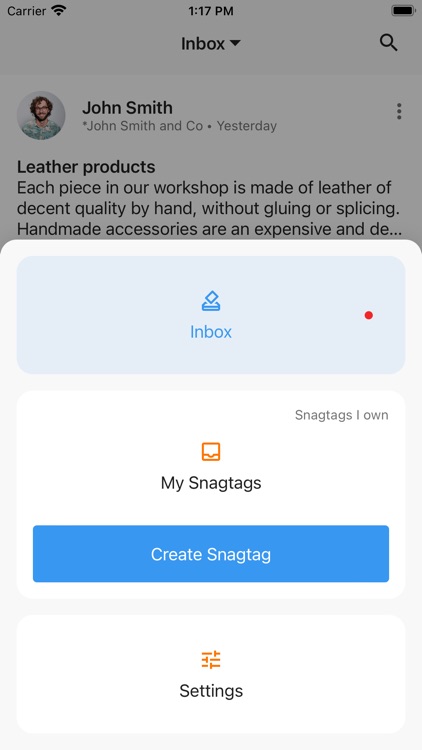
App Store Description
Snagtag Marks the Spot - Snagtag allows you tag anything you see or hear and push that content to your Snagtag inbox for immediate or future access.
HOW IT WORKS:
See it. Snag it. View it.
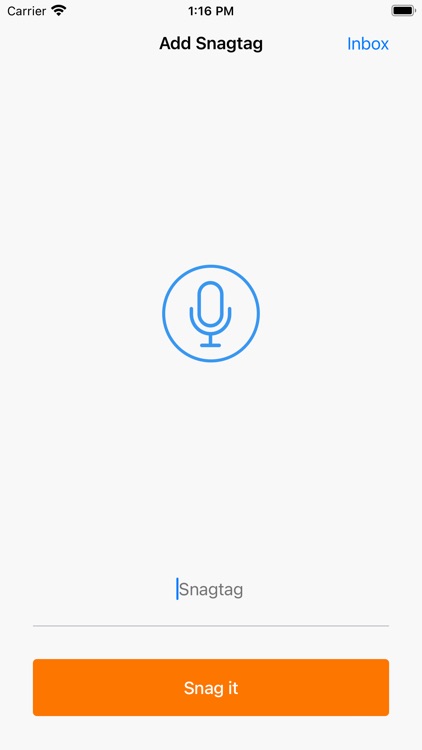
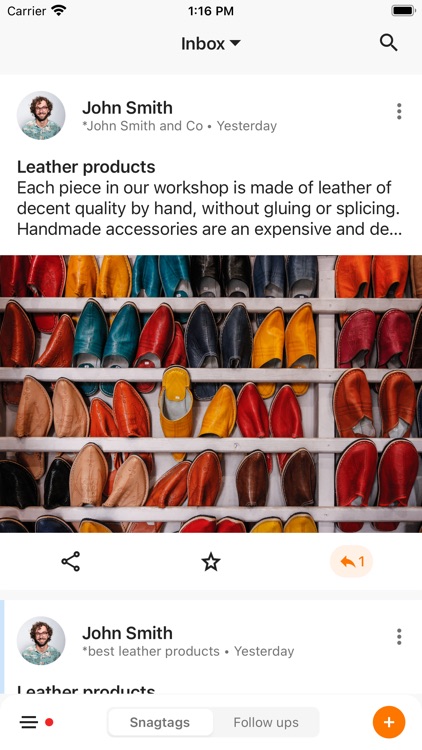
Any time you see an “Snagtag”, a word or phrase preceded by an asterisk (e.g. *BeHappy, *PlayLikeAChampion, *LoveIsAllYouNeed ) enter it into the Snagtag app and have the content associated with that Snagtag placed into your Snagtag inbox for immediate or future access.
EXAMPLES:
- “Snagtag” a radio or TV commercial or program and get a great offer or interesting content:
• You hear on the radio “Snagtag ‘KENZ’ to download today’s program”
• “Snagtag ‘TodaysDeals’ to get 50% off while supplies last”
- “Snagtag” a real estate sign or any “For Sale” sign and get more information regarding the item for sale:
• You drive by a car that displays “*BuyMyCar”. You enter the Snagtag and get information about that specific car.
• You drive by a beautiful home that displays “*Prudential302”. You enter the Snagtag and get information about that specific house.
- “Snagtag” a sign in a store and get current offers for that store:
• As you enter the Polo clothing store and you see a sign that reads “*PoloToday”. You enter this Snagtag and get special in store deals for that day.
- “Snagtag” a person who displays their Snagtag on a shirt, a hat, a name tag or even in a tattoo, and find out what that person wants you to know about them:
• You walk by an interesting looking person who has written on their shirt “*LovingLife”. You enter the Snagtag and see their favorite photos, or quotes, or videos, or a webpage with links to all of these.
THERE’S MORE?:
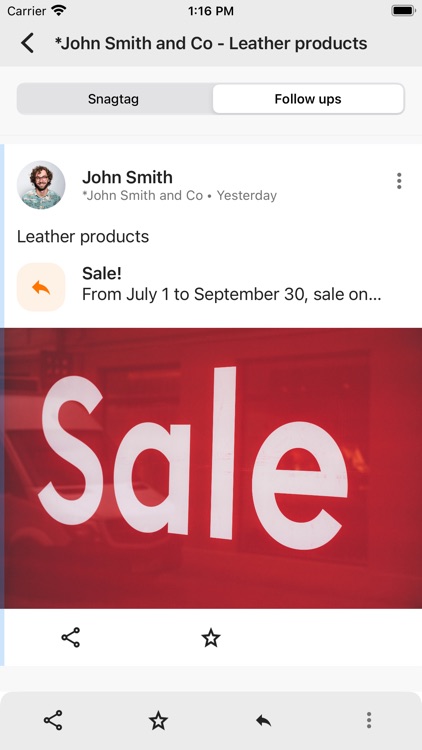
Once you’ve tagged something and put it into your inbox, the owner of that Snagtag can send you additional content related to the item you tagged in the form of a “Follow-up”.
- Example - You Snagtag “*BestDealsEver” to get 25% off of an item. Hours or days later you receive a follow-up for a “Two for one” coupon.
To access “Follow-up” click on the follow-up icon (colored oval with a # in it) to see related content. If you don’t want follow-up offers, don’t click on the follow-up icon or you can turn off or delete the inbox item and never receive additional information from the Snagtag owner again.
CREATE YOUR OWN Snagtag:
Create your own Snagtag in the mobile app. It is simple, takes 1 minute, and your Snagtags are free. Once you’ve created your own Snagtag, display it and start driving people to your passion!
Disclaimer:
AppAdvice does not own this application and only provides images and links contained in the iTunes Search API, to help our users find the best apps to download. If you are the developer of this app and would like your information removed, please send a request to takedown@appadvice.com and your information will be removed.
AppAdvice does not own this application and only provides images and links contained in the iTunes Search API, to help our users find the best apps to download. If you are the developer of this app and would like your information removed, please send a request to takedown@appadvice.com and your information will be removed.
