You are using an outdated browser. Please
upgrade your browser to improve your experience.

Snipps is a Platform to Capture And Share Events

Snipps
by InstantXS Inc
What is it about?
Snipps is a Platform to Capture And Share Events. Captured events by taking Images, Video and Audio , script them and share them to your friends and colleagues.
App Screenshots
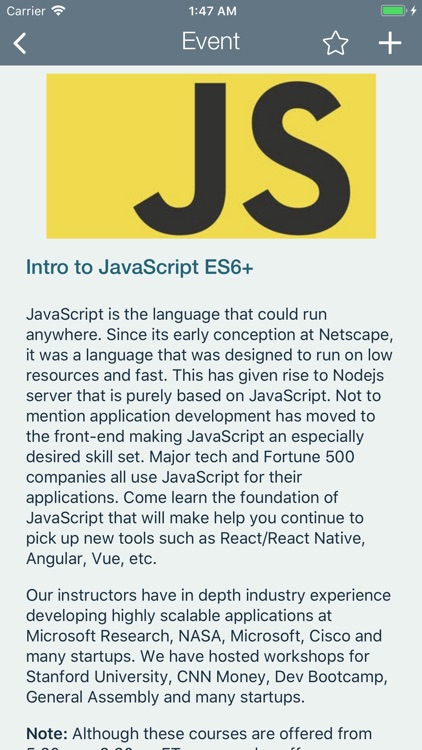
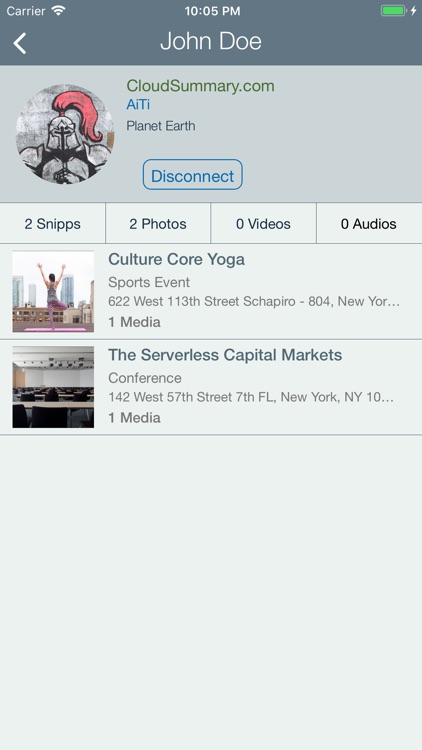
App Store Description
Snipps is a Platform to Capture And Share Events. Captured events by taking Images, Video and Audio , script them and share them to your friends and colleagues.
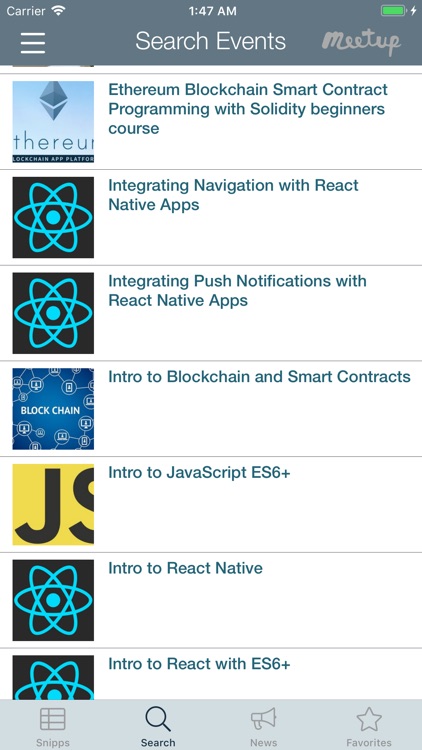
SEARCH EVENTS: Search events in the area (using “Search” Tab). For example a technical conference called “Tech Con”.
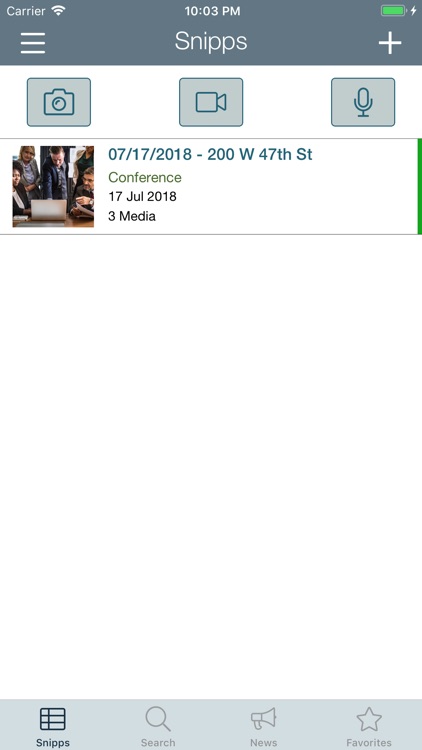
CERATE SNIPPS: Create Snipp from the event (Searched item from “Search” Tab). Snipp is a context under which you are going capture “Tech Con”. When you save Snipp, it automatically saves the location and description. Then this Snipp is listed under “Snipps” Tab. You do following under snipp “Tech Con”
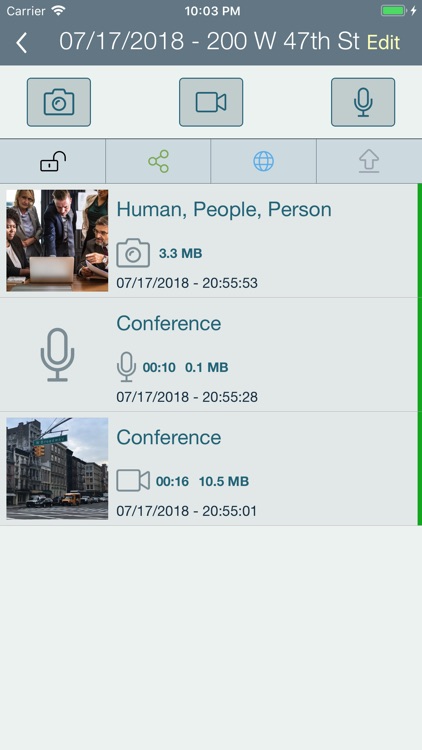
a.Capture multiple audio, video and photos
i.They are automatically order by time
ii.Text is automatically extracted from images and stored on cloud
iii.Audio from video and audio is transcribe into text and stored for you
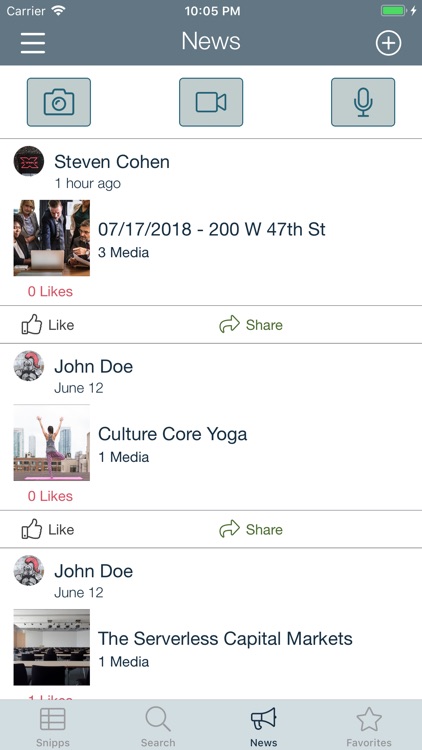
b.Share your snipp with others (This has to be done explicitly). After sharing your snipp will come in newsfeed (“News” Tab)
i.You can control sharing of each item you capture under Snipp
c.Lock a snipp. Locking will make the snipp private
d.Add Snipp as favorite. It will be listed under “Favorite tab”. You can add new snipp shared by other people your following under Favorites.
e.Export the Snipp into PPT and PDF
f.Export the Snipp to PDF and share it on Facebook and twitter.
SHARE: All the Snipps can be shared to people who are using the platform (App).
a.Each snipp you create needs to be explicitly shared.
b.When you share the Snipp (make it public) all media under snipp is shared. But you can go each media and explicitly unshare one by one.
c.So everything you capture is not going to be public right away. You have control over what you capture.
Disclaimer:
AppAdvice does not own this application and only provides images and links contained in the iTunes Search API, to help our users find the best apps to download. If you are the developer of this app and would like your information removed, please send a request to takedown@appadvice.com and your information will be removed.
AppAdvice does not own this application and only provides images and links contained in the iTunes Search API, to help our users find the best apps to download. If you are the developer of this app and would like your information removed, please send a request to takedown@appadvice.com and your information will be removed.
