You are using an outdated browser. Please
upgrade your browser to improve your experience.

instapluss is a user-friendly mobile application that is similar to Instagram and lets you create a personalised app similar to Instagram at ease

SocialMediaPlus
by BrickSteel Enterprises Infotech Private Limited


What is it about?
instapluss is a user-friendly mobile application that is similar to Instagram and lets you create a personalised app similar to Instagram at ease. Bringing you closer to the people and things you love. – instapluss
App Screenshots




App Store Description
instapluss is a user-friendly mobile application that is similar to Instagram and lets you create a personalised app similar to Instagram at ease. Bringing you closer to the people and things you love. – instapluss
Connect with friends, share what you're up to or see what's new from others all over the world. Explore our community where you can feel free to be yourself and share everything from your daily moments to life's highlights. This app is packed with numerous features that let you capture and share the highlights and the things you love. Use the image or video filters coupled with editing features and make interactive posts with likes and comments. Discover and browse through photos or videos from the friends you follow and see what they’re up to.
Features of instapluss:
Account setup
Register an account by adding the basic information.
Once an account is created, gain access to the app by providing the username/email and
password.
Alternatively, users can log in to the app using Facebook login as well.
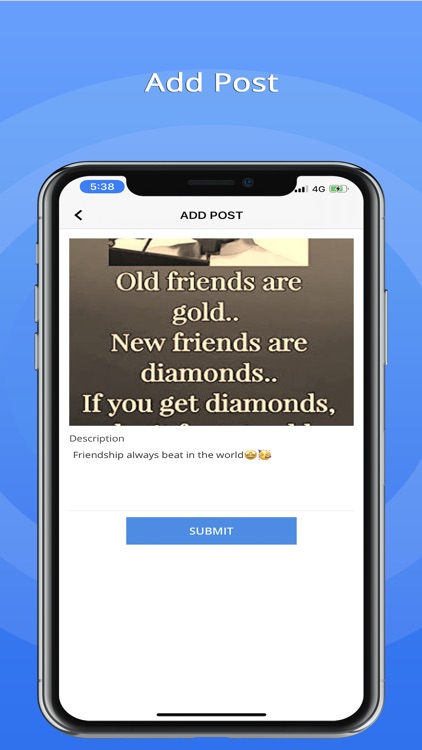
Post photos or videos
This feature facilitates to post photos and videos which appear on the profile grid.
Users can view the most recent photos and videos in the photo library.
Besides, users can also choose to take a new photo or video by tapping on “Photo” or
“Video”. Captions can be included along with the post and it appears right below the media when the post is published.
Image and video filters
instapluss provides several edit options that enhance the images or videos.
Once the media is selected, users can apply a filter, crop portions of the image or edit its
brightness, contrast, and more.
Similarly, videos can be edited by adding filters and by toggling the audio option.
Media posts
Users can view a scrollable feed of photos or videos, those they have added and the ones shared by the people that they follow.
Users can tap on the heart image to like it, or press the speech bubble icon to comment on the post. Inappropriate posts can be reported.
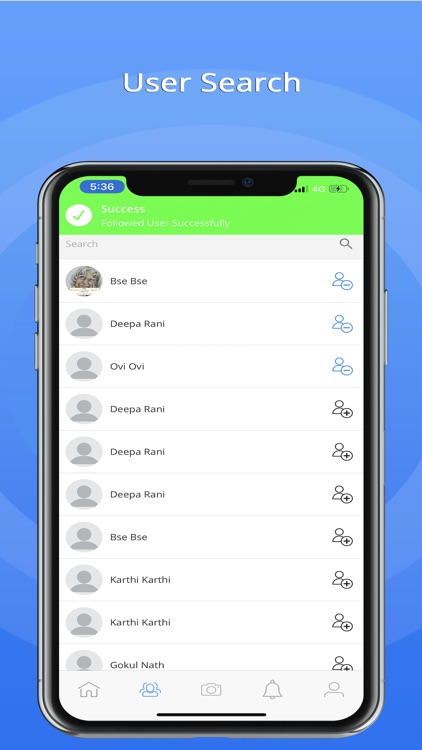
Follow users
Go ahead and connect with people by searching for friends using their name in People tab.
Tap the search bar at the top to search for users, view user’s profile and opt to follow or unfollow them.
Once you’ve followed some users, you’ll begin to see their photos appear in your news feed, accessed by tapping the icon that looks like a house on the bottom bar.
Profile
You can have a look at your account by viewing the posts that you have added, the list of followers and the list of users whom you follow.
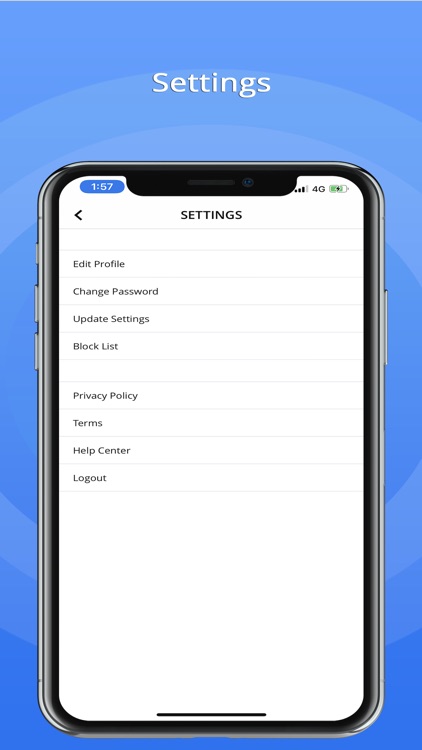
Further, options are available to edit the profile info, reset the password, view follow requests from other users and the list of blocked users.
Get Notified
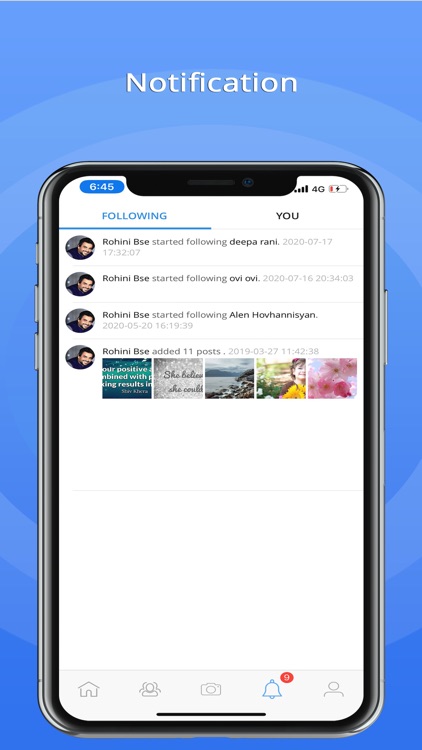
Notifications are segregated as 'You' and 'Following'.
By tapping ‘Following’, you can see what the people you follow have been liking and
the accounts that they've started following too.
Whereas ‘You’ contains all of your recent activity.
To control the notifications on your device, click on the Settings while viewing your
profile and you can enable or disable notifications.
Privacy
Secure your account using privacy settings.
This feature helps you to give a secure platform for all your broadcasting.
Never be bothered about the safety, instapluss can make your profile visible to other users in a safe manner.
Therefore, only your accepted followers will be allowed to view your profile.
Disclaimer:
AppAdvice does not own this application and only provides images and links contained in the iTunes Search API, to help our users find the best apps to download. If you are the developer of this app and would like your information removed, please send a request to takedown@appadvice.com and your information will be removed.
AppAdvice does not own this application and only provides images and links contained in the iTunes Search API, to help our users find the best apps to download. If you are the developer of this app and would like your information removed, please send a request to takedown@appadvice.com and your information will be removed.
