You are using an outdated browser. Please
upgrade your browser to improve your experience.
It is a custom keyboard app that helps users to easily fill in template text directly from the keyboard without having to switch to another copy and paste location

Spam Text : Paste Keyboard
by SPETSYFIK KHISTORIKAL SPICH


What is it about?
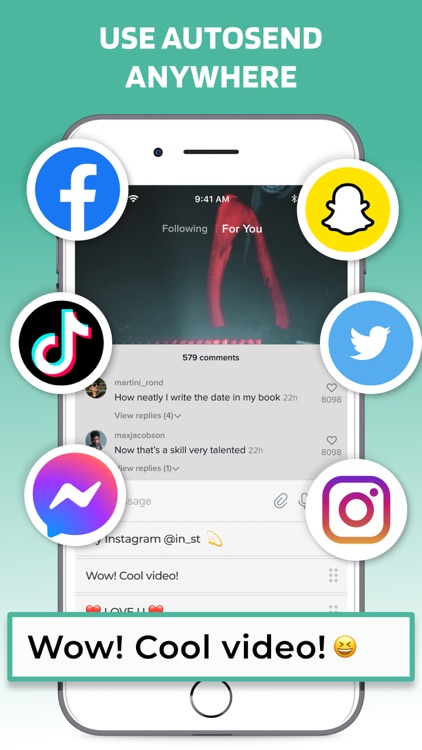
It is a custom keyboard app that helps users to easily fill in template text directly from the keyboard without having to switch to another copy and paste location.
App Screenshots

App Store Description
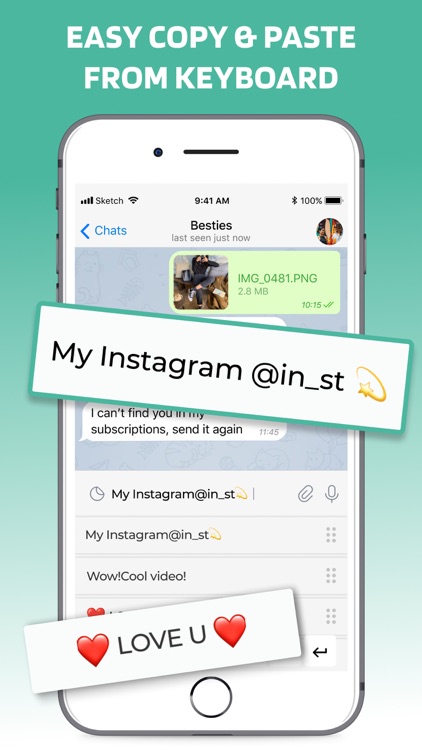
It is a custom keyboard app that helps users to easily fill in template text directly from the keyboard without having to switch to another copy and paste location.
If you find it difficult to type similar text over and over again, such as address, phone number, greeting messages, then this copy and paste app is perfect for saving you time.
Premium features of the app:
• Create the most common phrases and sort them into categories.
• Use phrases in any application right on your keyboard.
• Change the phrase font to match your choice.
• Choose which fonts are included and manage their order.
• Use all types of emoji to express your creativity.
• Just press a button to send a quick response.
• Great tool for business professionals and social media creators.
You can create your own templates or phrases such as email reply, reusable addresses, game promo code, etc. Then use the auto-insert keyboard to paste them into any application just by pressing a key.
Some people use this app to spam friends for fun, some use it to speed up their writing. It’s up to you how to use this keyboard!
There is no free content inside the app. You need to start free trial or plan to use it.
Trial automatically renews into paid plan and will continue to renews until you cancel.
Upon confirmation of purchase of your plan, payment will be charged to your iTunes account.
Plan will auto-renew unless auto-renew is turned off at least 24 hours before the end of the current period and payment is charged to your iTunes account.
The renewal cost depends on your subscription plan. Our standard subscription plan is $5.99/week
For other currencies, the price matches the price level in the App Store Price Matrix.
Subscription with a free trial period automatically renews to a paid subscription. You can cancel or manage the automatic renewal of the free trial by going to your Account Settings after purchase. Cancellation will take effect 24 hours after the last day of the current subscription period and you will be transferred to a free service.
Please note: Any unused portion of the three-day free trial period (if offered) will be forfeited when purchasing a premium subscription during the free trial period.
For any other information, see our privacy policy and terms of use.
Privacy Policy: https://docs.google.com/document/d/1S-dzTi0HhWzeOR04SyWTFn1qG2DuKlSsrzDSBE7QmLA/edit?usp=sharing
Terms of use: https://docs.google.com/document/d/1blVAopRvhS27_hqvRqFlQZYN8vbZ3h1w_CBruudEhGE/edit?usp=sharing
Disclaimer:
AppAdvice does not own this application and only provides images and links contained in the iTunes Search API, to help our users find the best apps to download. If you are the developer of this app and would like your information removed, please send a request to takedown@appadvice.com and your information will be removed.
AppAdvice does not own this application and only provides images and links contained in the iTunes Search API, to help our users find the best apps to download. If you are the developer of this app and would like your information removed, please send a request to takedown@appadvice.com and your information will be removed.
