You are using an outdated browser. Please
upgrade your browser to improve your experience.

Sumi automatically tracks your spending, converts foreign charges to your main currency, and offers AI-powered guidance so you can save more without the stress

Spending Tracker: Sumi
by Constantin Ginga
What is it about?
Sumi automatically tracks your spending, converts foreign charges to your main currency, and offers AI-powered guidance so you can save more without the stress.
App Screenshots

App Store Description
Sumi automatically tracks your spending, converts foreign charges to your main currency, and offers AI-powered guidance so you can save more without the stress.
Why you’ll love Sumi:
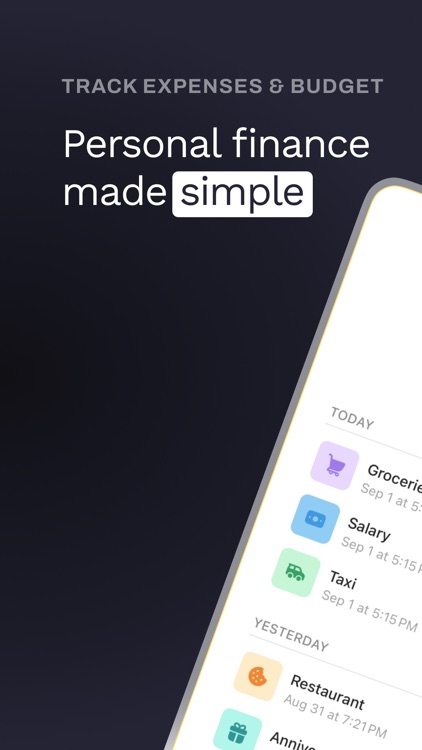
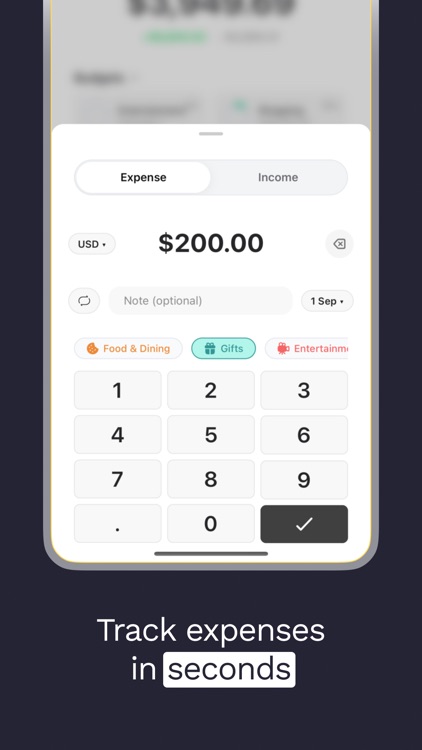
- Save time. Auto-track purchases with Apple Pay while Sumi categorizes and logs them in the background, or add transactions manually in a few quick taps.
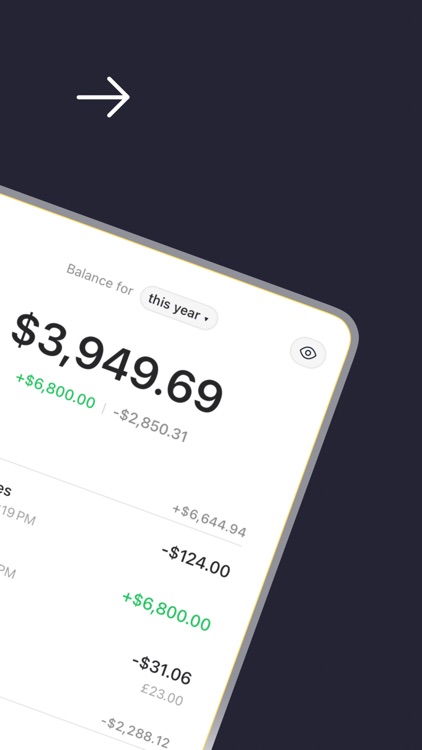
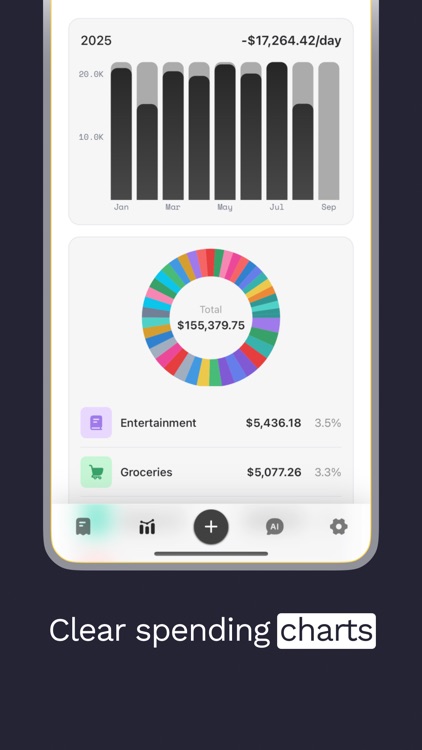
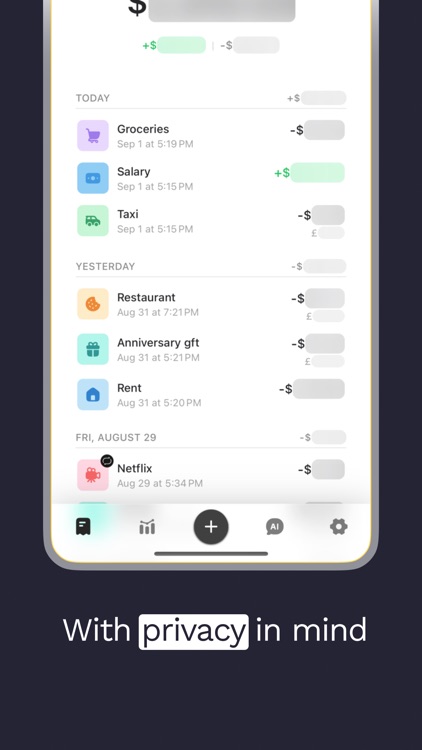
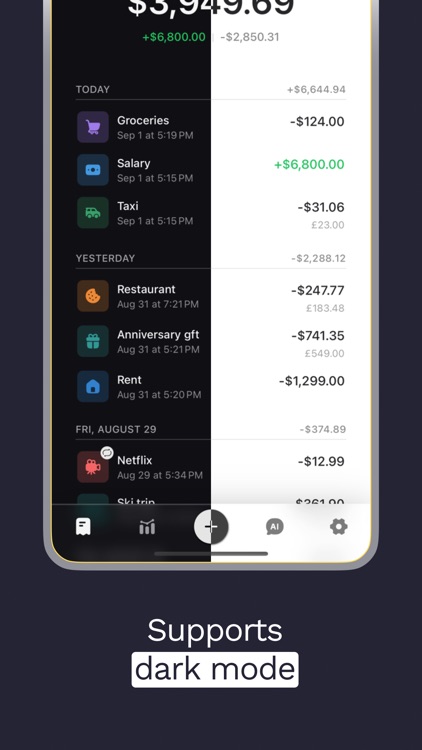
- Feel confident. See exactly where your money goes by day, category, or month with clear charts and daily averages.
- Travel carefree. Foreign transactions are auto-converted to your main currency using current exchange rates.
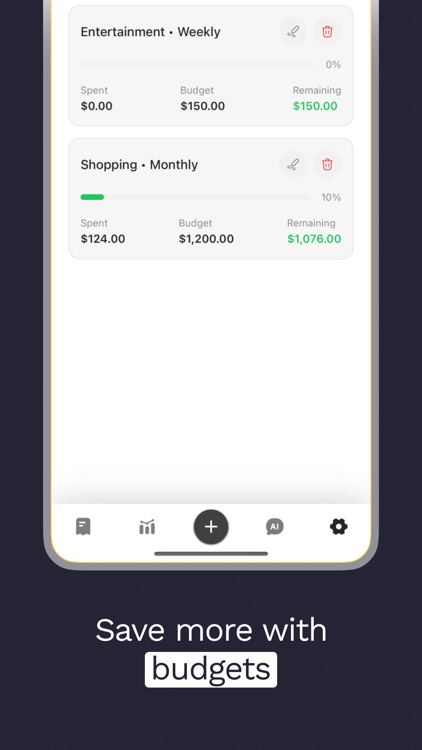
- Stay in control. Set overall or per-category budgets and get gentle nudges before you overspend.
- Hands-free recurring tracking. Create recurring payments once, and Sumi will log them automatically each billing cycle.
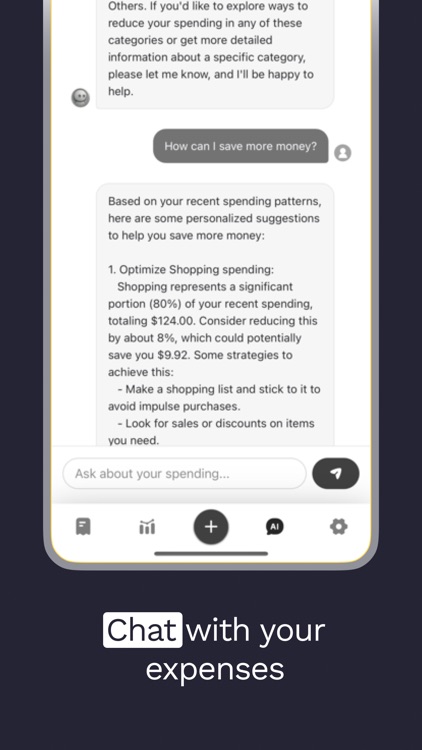
- Smart help, anytime. Chat with Sumi’s AI for spending insights, saving tips, or to log new transactions by conversation.
Key features:
- Auto-track transactions — Pay with Apple Pay and Sumi assigns categories, converts amounts to your main currency, and logs expenses automatically; manual entry is fast and easy.
- Auto-convert foreign currencies — Track purchases abroad and see them converted to your main currency using up-to-date exchange rates.
- Budgets that work — Create global or category budgets and monitor progress so you’re never surprised.
- Chat with AI — Ask Sumi where your money goes, get tailored saving strategies, or add transactions through chat or quick-tap entry.
- Subscriptions & recurring payments — Detect and track subscriptions; set recurring payments and Sumi logs them each cycle.
- Insightful charts — Visualize spending versus income, category breakdowns, daily averages, and trends over time.
Start using Spending Tracker: Sumi to understand where your money goes, make smarter choices, and move toward your financial goals with confidence.
Sumi Pro:
Unlock all features of Sumi: track expenses and income in multiple currencies with automatic conversion to your main currency, and use the built-in AI assistant. All prices below are in USD and may vary by region. Pricing and offers are subject to change.
- Pro Weekly: $4.99/week, 3-day free trial, auto-renews weekly.
- Pro Annual: $24.99/year, no free trial, auto-renews annually.
- Lifetime: one-time $39.99.
Terms of Use: https://sumi.constantout.com/terms
Privacy Policy: https://sumi.constantout.com/privacy
Disclaimer:
AppAdvice does not own this application and only provides images and links contained in the iTunes Search API, to help our users find the best apps to download. If you are the developer of this app and would like your information removed, please send a request to takedown@appadvice.com and your information will be removed.
AppAdvice does not own this application and only provides images and links contained in the iTunes Search API, to help our users find the best apps to download. If you are the developer of this app and would like your information removed, please send a request to takedown@appadvice.com and your information will be removed.
