You are using an outdated browser. Please
upgrade your browser to improve your experience.

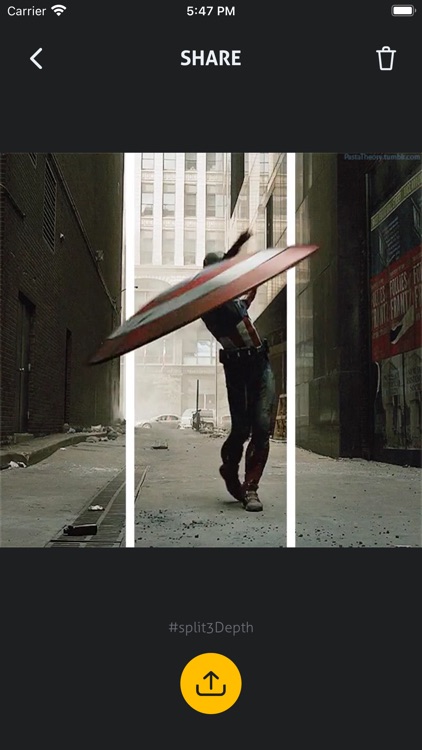
#split3Depth application will allow you to create videos using the Split Depth technique which consists in adding white stripes or edges giving the illusion of 3D, simulating a depth effect by highlighting people, animals or objects of interest in the foreground in a few steps:

split3Depth (3D effect video)
by Nelson Cruz


What is it about?
#split3Depth application will allow you to create videos using the Split Depth technique which consists in adding white stripes or edges giving the illusion of 3D, simulating a depth effect by highlighting people, animals or objects of interest in the foreground in a few steps:
App Screenshots
App Store Description
#split3Depth application will allow you to create videos using the Split Depth technique which consists in adding white stripes or edges giving the illusion of 3D, simulating a depth effect by highlighting people, animals or objects of interest in the foreground in a few steps:
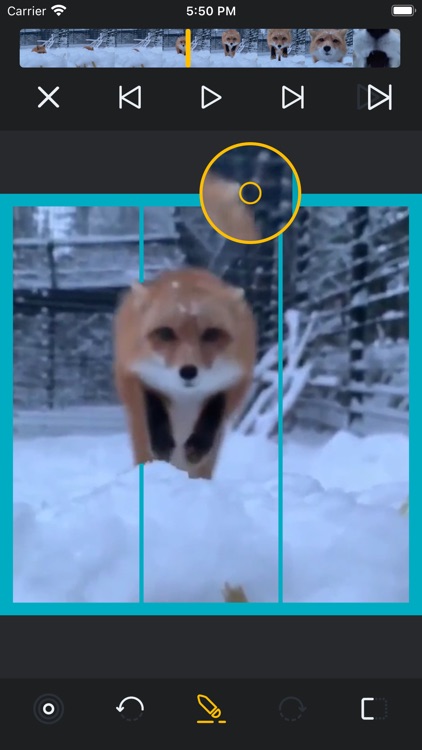
• Export a video from the library or camera
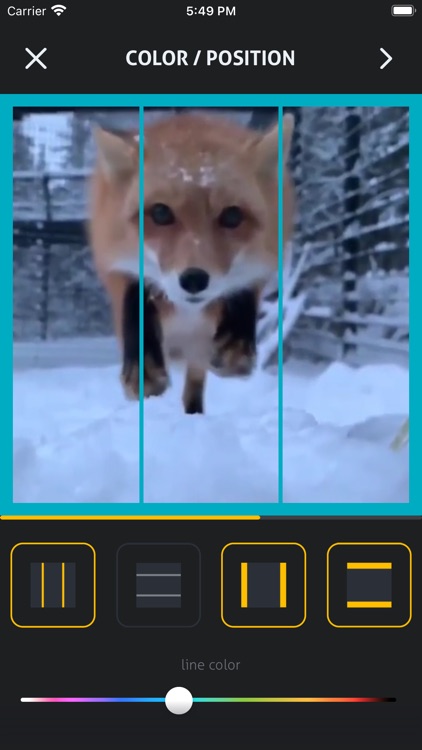
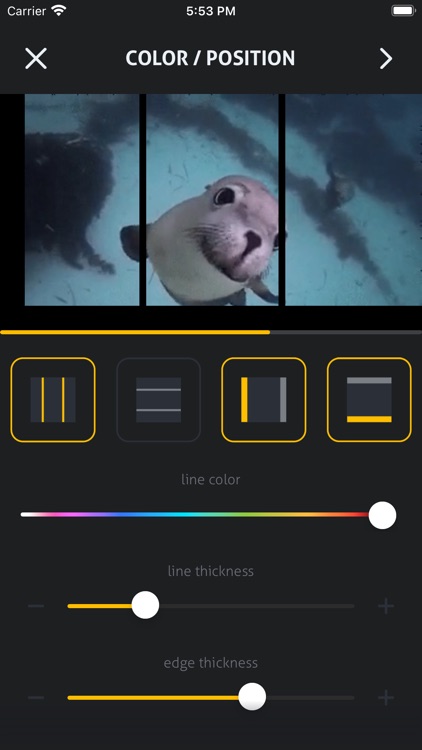
• Add lines or borders usign custom templates
• Adjust position, thickness and color of lines or borders
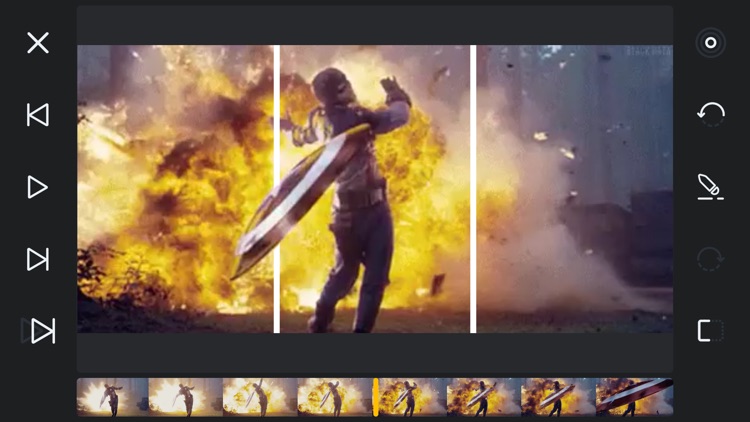
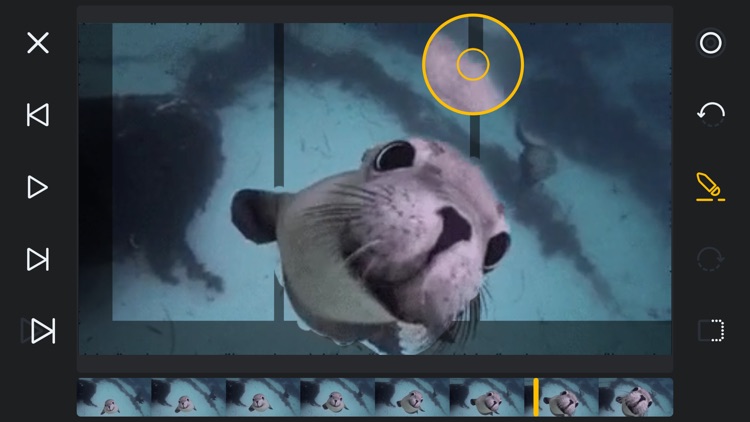
• Draw/Erase fragments of lines or borders to highlight the object of interest frame-by-frame in editor mode
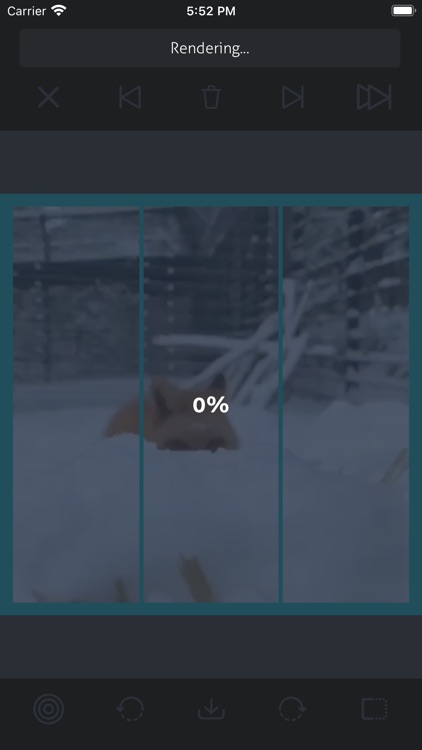
• Preview using the scroll bar or rendering the video
• Export it to your SPLIT list so you can share it any time
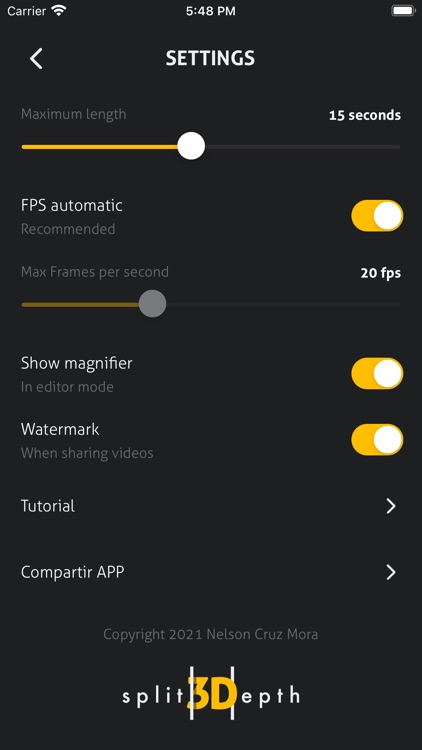
Review the additional settings of the application:
• Set maximum duration from 3 to 30 seconds
• Set Max frames per second (FPS) automatically or manually (20 to 30)
• Show Magnifier in edit mode
• Hide watermark in exported videos
Disclaimer:
AppAdvice does not own this application and only provides images and links contained in the iTunes Search API, to help our users find the best apps to download. If you are the developer of this app and would like your information removed, please send a request to takedown@appadvice.com and your information will be removed.
AppAdvice does not own this application and only provides images and links contained in the iTunes Search API, to help our users find the best apps to download. If you are the developer of this app and would like your information removed, please send a request to takedown@appadvice.com and your information will be removed.
