You are using an outdated browser. Please
upgrade your browser to improve your experience.

Select Service

Spot Supply
by Spot Supply


What is it about?
Select Service
App Screenshots
App Store Description
Select Service
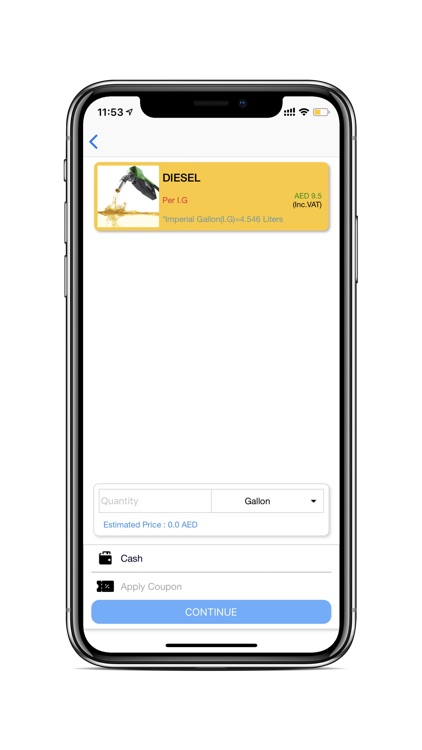
Select Spot order for on demand requirement and Scheduled Order for the Future requirement. Enter the delivery location, quantity, and Payment Method.
Tracking
When the supplier accepts the Order, you will get a notification. From the notification you can track the supplier vehicle location and also you can view the estimated time of arrival of delivery.
Look For Nearby Vehicles
Once the order is generated, our system will check for the nearest supplier vehicle near to your delivery location and assigned the delivery the delivery to that vehicle.
Accept/Reject
After the product is delivered, you will get a delivery receipt and you can confirm the delivery.
Disclaimer:
AppAdvice does not own this application and only provides images and links contained in the iTunes Search API, to help our users find the best apps to download. If you are the developer of this app and would like your information removed, please send a request to takedown@appadvice.com and your information will be removed.
AppAdvice does not own this application and only provides images and links contained in the iTunes Search API, to help our users find the best apps to download. If you are the developer of this app and would like your information removed, please send a request to takedown@appadvice.com and your information will be removed.
