You are using an outdated browser. Please
upgrade your browser to improve your experience.

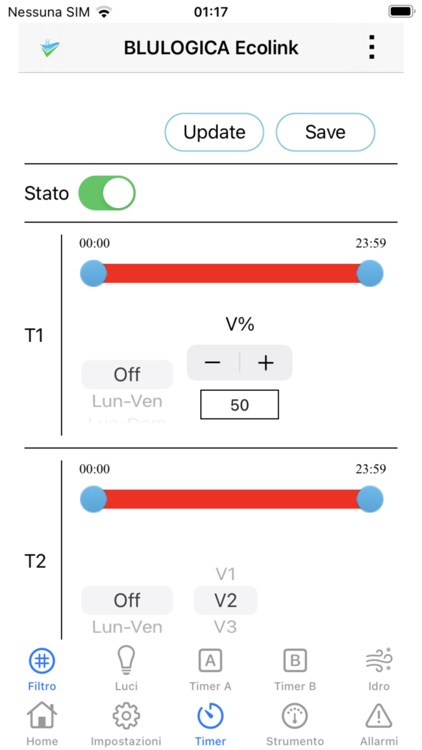
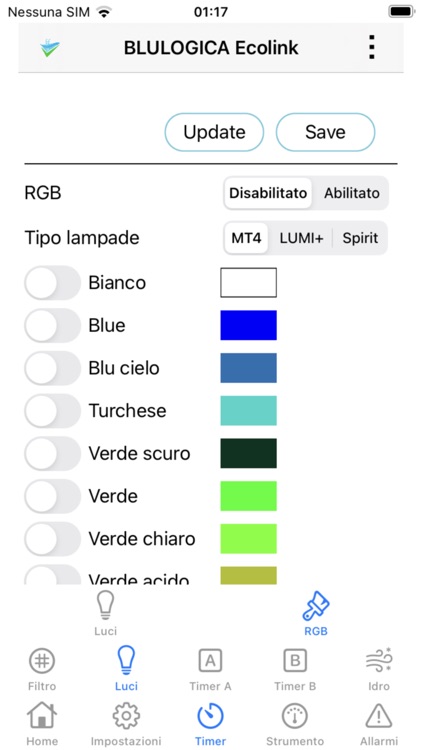
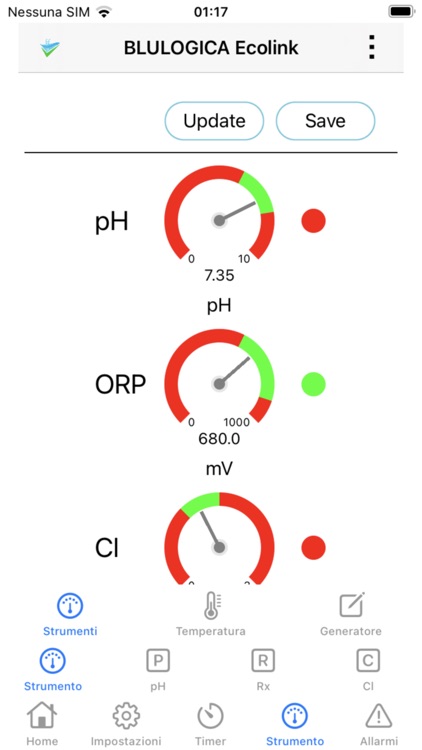
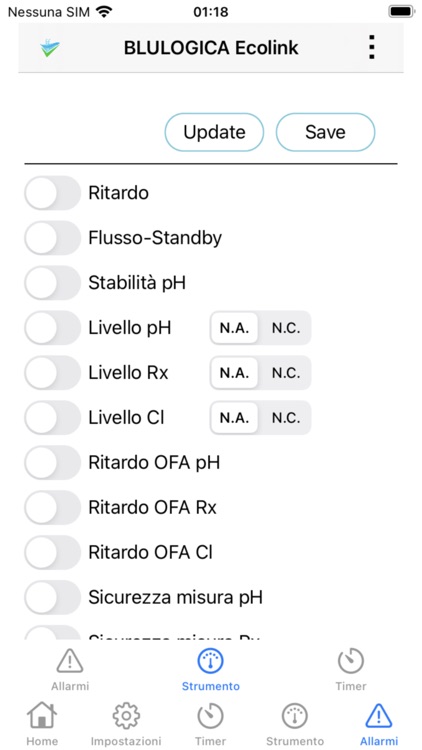
The Blulogica Stat Pool App is able to read and write the parameters of the Blulogica Ecolink WiFi iOT devices: chlorine generators, devices for reading and regulating pH and Rx, for the management of heaters, whirlpools, pumps, RGB lamps

Start Pool by Blulogica
by Blulogica Srl
What is it about?
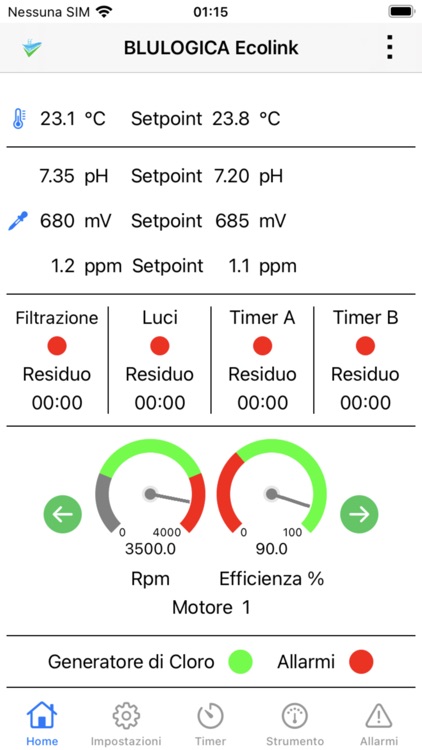
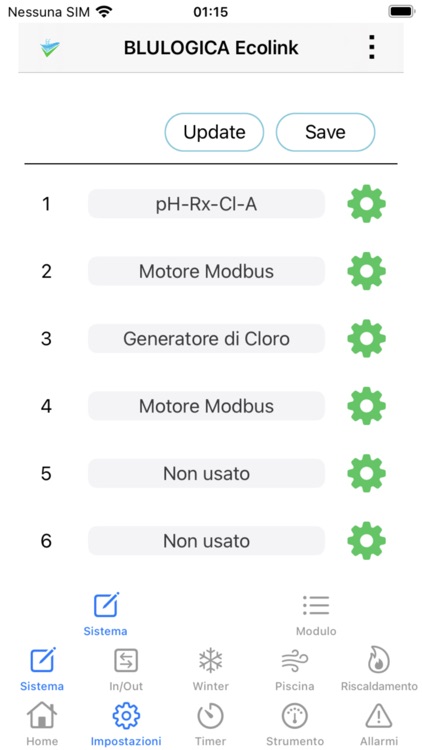
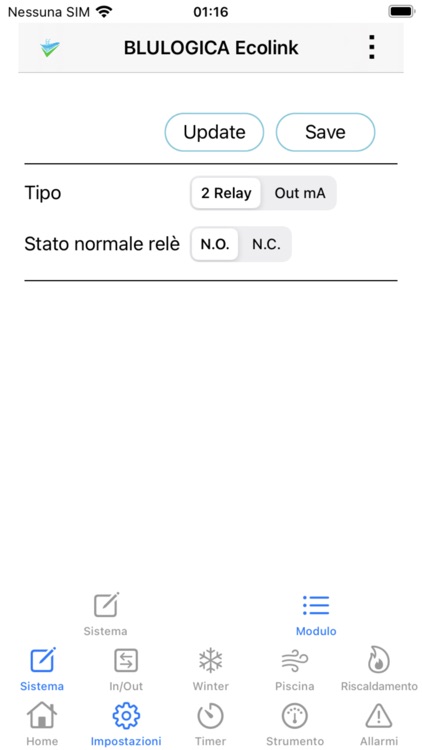
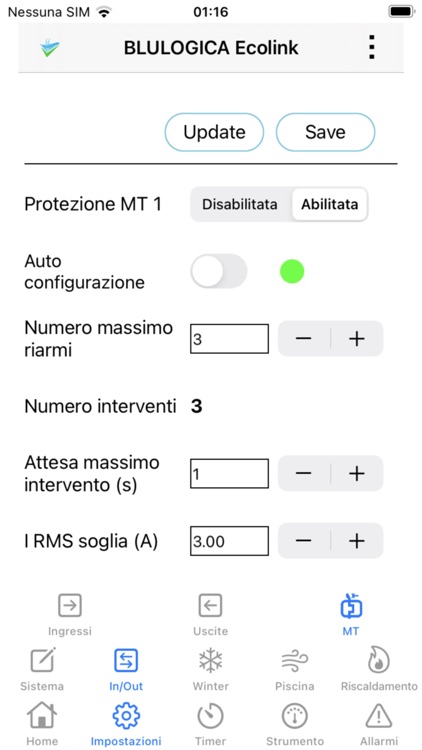
The Blulogica Stat Pool App is able to read and write the parameters of the Blulogica Ecolink WiFi iOT devices: chlorine generators, devices for reading and regulating pH and Rx, for the management of heaters, whirlpools, pumps, RGB lamps. The devices are seen as WiFi Access Points. The App user must select the WiFi of a device in the iPhone settings before opening the App and connecting to it. The WiFi device must be close to the iPhone, at most a few meters. The App allows you to simulate the connection to a device, if the device is not physically available.
App Screenshots


App Store Description
The Blulogica Stat Pool App is able to read and write the parameters of the Blulogica Ecolink WiFi iOT devices: chlorine generators, devices for reading and regulating pH and Rx, for the management of heaters, whirlpools, pumps, RGB lamps. The devices are seen as WiFi Access Points. The App user must select the WiFi of a device in the iPhone settings before opening the App and connecting to it. The WiFi device must be close to the iPhone, at most a few meters. The App allows you to simulate the connection to a device, if the device is not physically available.
Disclaimer:
AppAdvice does not own this application and only provides images and links contained in the iTunes Search API, to help our users find the best apps to download. If you are the developer of this app and would like your information removed, please send a request to takedown@appadvice.com and your information will be removed.
AppAdvice does not own this application and only provides images and links contained in the iTunes Search API, to help our users find the best apps to download. If you are the developer of this app and would like your information removed, please send a request to takedown@appadvice.com and your information will be removed.
