You are using an outdated browser. Please
upgrade your browser to improve your experience.
STATE BANK NO Queue is a unique App to enable customers to book a Virtual Queue Ticket (e-Token) for select services at select SBI branches

State Bank NoQueue
by State Bank of India
What is it about?
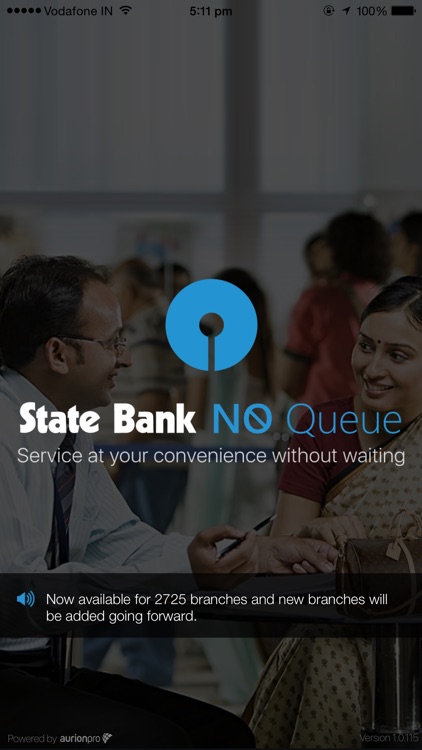
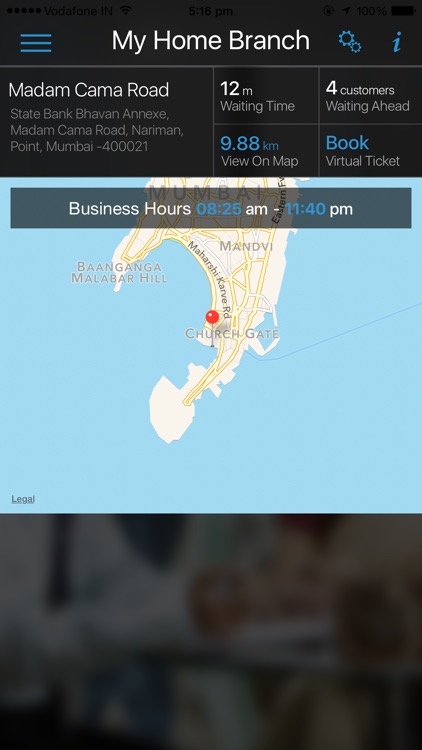
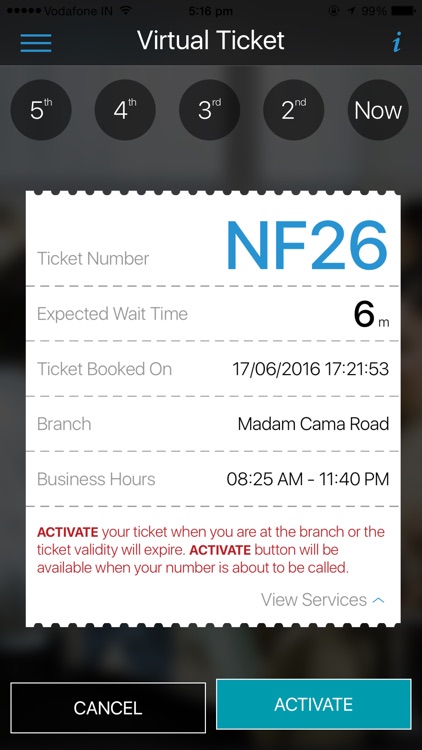
STATE BANK NO Queue is a unique App to enable customers to book a Virtual Queue Ticket (e-Token) for select services at select SBI branches. Customers can generate e-Token before reaching the branch, thus avoiding waiting in the queue at the branch and saving valuable time. The App also conveys the estimated waiting time, number of customers ahead and a map showing the direction to reach the branch. Customers will be updated about their position in the queue through instant alerts.
App Screenshots
App Store Description
STATE BANK NO Queue is a unique App to enable customers to book a Virtual Queue Ticket (e-Token) for select services at select SBI branches. Customers can generate e-Token before reaching the branch, thus avoiding waiting in the queue at the branch and saving valuable time. The App also conveys the estimated waiting time, number of customers ahead and a map showing the direction to reach the branch. Customers will be updated about their position in the queue through instant alerts.
How to use STATE BANK NO Queue :
1. Download the State Bank NO Queue App from Apple App Store
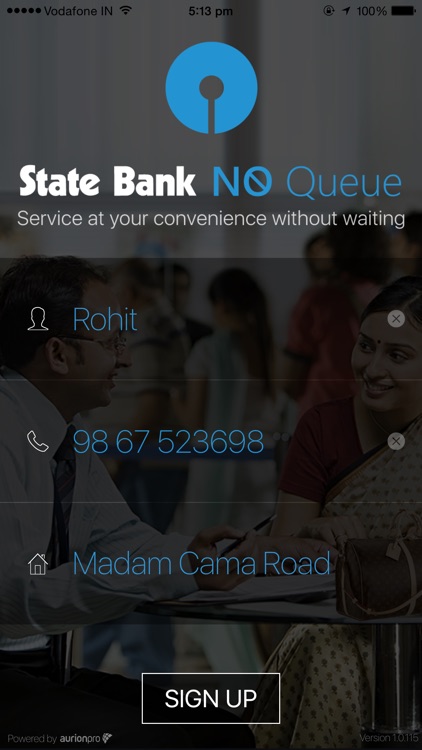
2. One time Sign-Up with basic information viz. Name and Mobile Number.
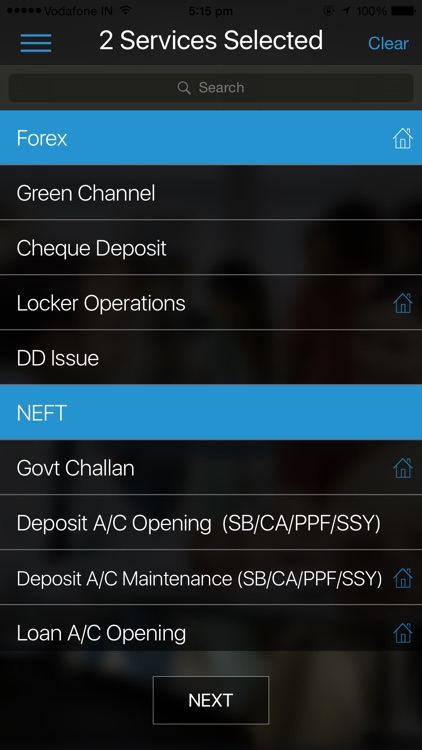
3. Choose from the list of select services that you wish to avail at SBI branches.
4. Locate get the list of branches close to your current location with detailed information about the expected waiting time and number of customers ahead of you.
5. Book Your Virtual Queue Ticket. Conveniently join the queue even before you visit the branch and save your valuable time
Important Note :
This service is available for all SBI and Non SBI Customers.
Customers can book a virtual ticket only during the branch business hours.
Make sure you have :
1. iOS version 8.0 or later.
2. Access to Internet data services either through wireless facility or 4G/3G/GPRS/Edge.
3. Location service on your phone has to be “ON” in order to get the list of nearest branches.
4. Application functioning is subject to the reception quality of your data plan.
Disclaimer:
AppAdvice does not own this application and only provides images and links contained in the iTunes Search API, to help our users find the best apps to download. If you are the developer of this app and would like your information removed, please send a request to takedown@appadvice.com and your information will be removed.
AppAdvice does not own this application and only provides images and links contained in the iTunes Search API, to help our users find the best apps to download. If you are the developer of this app and would like your information removed, please send a request to takedown@appadvice.com and your information will be removed.
