You are using an outdated browser. Please
upgrade your browser to improve your experience.

Running out of space on an iPhone or iPad

Storage Manager: Clean Space
by UXGROUP L.L.C-FZ

What is it about?
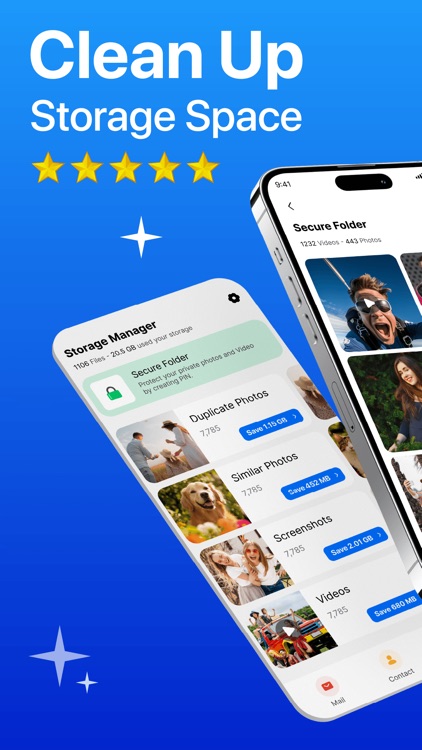
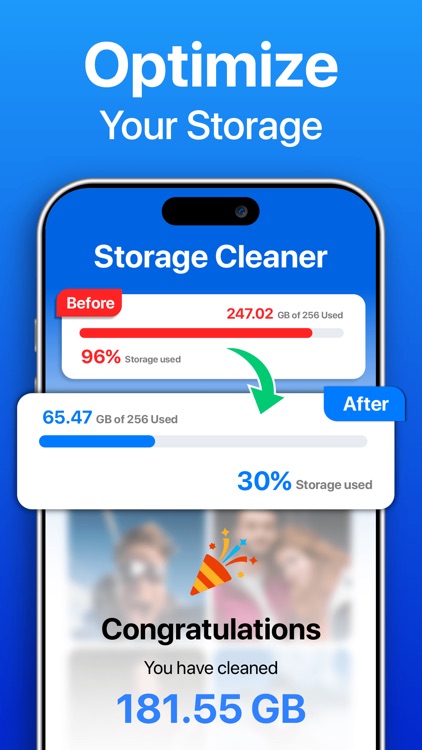
Running out of space on an iPhone or iPad? Storage cleaner app helps show what’s using storage and makes it easier to manage files. Quickly see what’s using space, delete unwanted files, and keep photos and documents safe in a safe folder. No more slow phones or storage alerts—manage the device using clean storage app. Clean, organize, and protect to keep everything running fast and smoothly.
App Screenshots
App Store Description
Running out of space on an iPhone or iPad? Storage cleaner app helps show what’s using storage and makes it easier to manage files. Quickly see what’s using space, delete unwanted files, and keep photos and documents safe in a safe folder. No more slow phones or storage alerts—manage the device using clean storage app. Clean, organize, and protect to keep everything running fast and smoothly.
Smart Storage Manager
Phone Cleaner app gives a clear report of device storage, showing which files and apps use the most space. Clean phone app breaks down storage into easy categories like photos, videos, apps, and documents to quickly see where space is being used. Phone Storage Cleaner app helps decide which files to keep or delete. Understanding storage helps avoid running out of space suddenly.
Photo & Video Compression
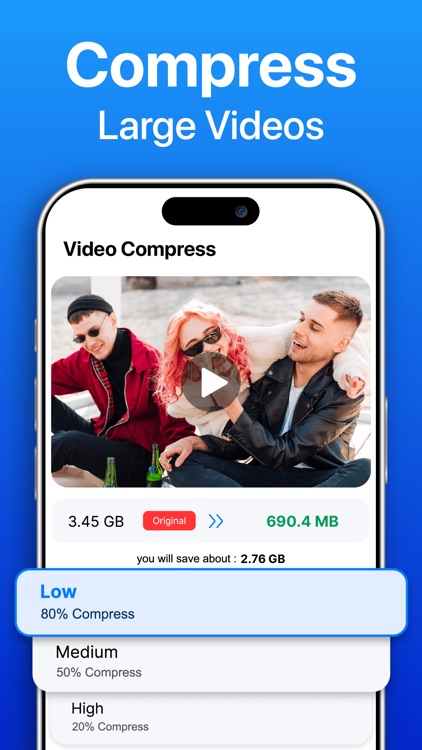
Make more space by compressing large photos and videos without losing quality. This keeps memories clear while using less storage. Compressed files stay safe and can be restored anytime. It’s a smart way to manage storage without deleting important content. Keep the gallery clean and the device running smoothly.
Secure Folder
Keep personal and important files safe in a secure folder. This folder is protected and can only be opened with a passcode or Face ID. It's an easy way to hide photos, videos, and documents from others who might use the phone.
Face Lock for Secure Folder
Add an extra layer of protection with Face Lock for the Secure Folder. Only the device owner can access hidden photos, videos, or documents using Face ID—no need for passwords. Face Lock ensures your private files stay private while making access fast and secure.
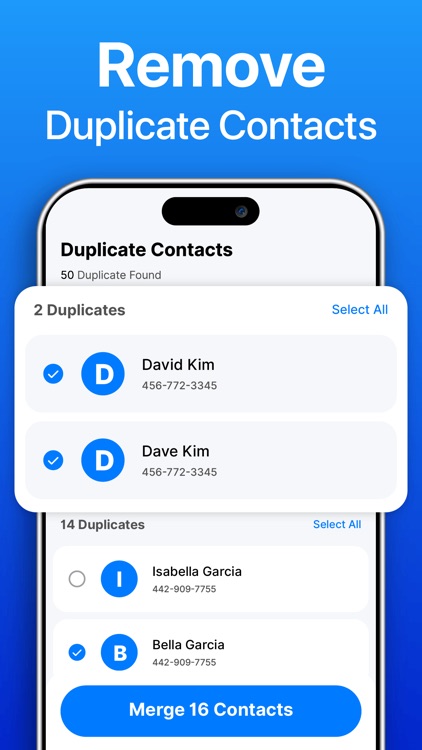
Duplicate Contact Remover
Find and delete duplicate or old contacts in one tap. Merge entries, keep your list organized, and restore anytime with the backup option. A clean phonebook saves space and makes calling faster.
Clean & Organize Emails
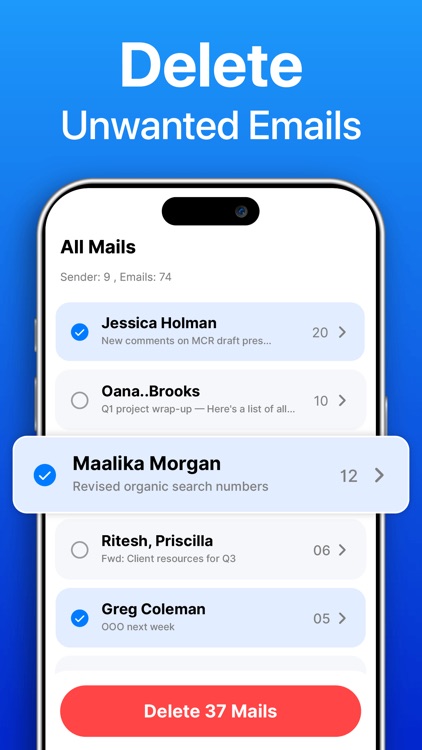
Phone Cleaner app groups unwanted emails so you can review them easily. With one tap, remove all unnecessary emails and keep your inbox clean and organized.
Payment & Subscription Terms:
Choose between the following subscription options for unlimited access to all features:
• Weekly Subscription (7-day FREE Trial)
• One-Time Lifetime Purchase
FREE TRIAL FOR 7 DAYS – Get unlimited access to all features, compression, and a secure folder.
Your iTunes account will be charged for renewal within 24 hours before the end of the free trial period, based on the subscription plan selected. Auto-renewal can be cancelled anytime at least 24 hours before the end of the current period.
Any unused portion of the free trial will be forfeited when a subscription is purchased.
Manage your subscription directly from your iPhone:
Open the Settings app.
Tap your name.
Tap Subscriptions.
Tap the subscription you want to manage.
We value your feedback! Have suggestions or questions? Reach out anytime—your feedback helps us improve and enhance Storage Manager App further.
Privacy policy: https://uxgroup.blogspot.com/2025/05/privacy-policy_20.html
Terms of Use: https://uxgroup.blogspot.com/2025/05/terms-conditions_20.html
Disclaimer:
AppAdvice does not own this application and only provides images and links contained in the iTunes Search API, to help our users find the best apps to download. If you are the developer of this app and would like your information removed, please send a request to takedown@appadvice.com and your information will be removed.
AppAdvice does not own this application and only provides images and links contained in the iTunes Search API, to help our users find the best apps to download. If you are the developer of this app and would like your information removed, please send a request to takedown@appadvice.com and your information will be removed.
