You are using an outdated browser. Please
upgrade your browser to improve your experience.

- This Sudoku platform is for players who like to get into patterns formed by the possible values for unsolved cells, in order to solve puzzles that otherwise require guessing

SudokuPlay
by Dave Mondoux
What is it about?
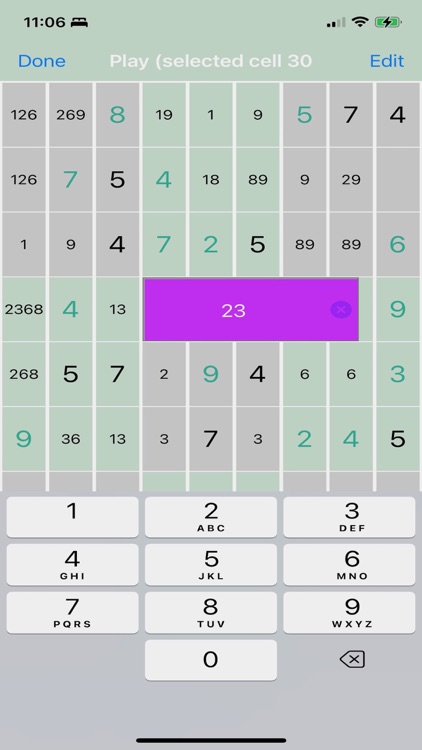
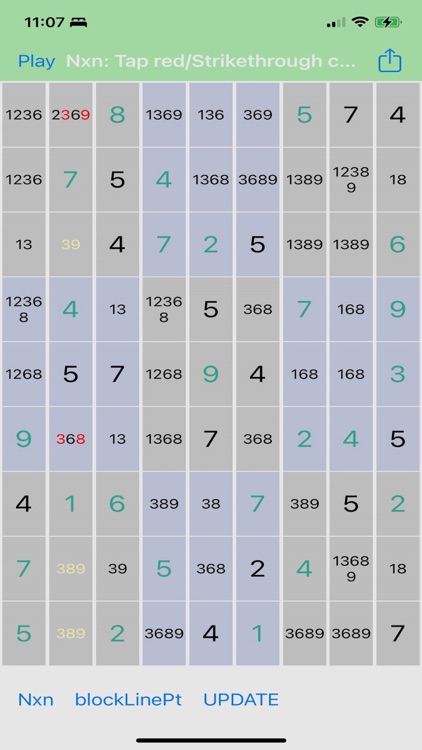
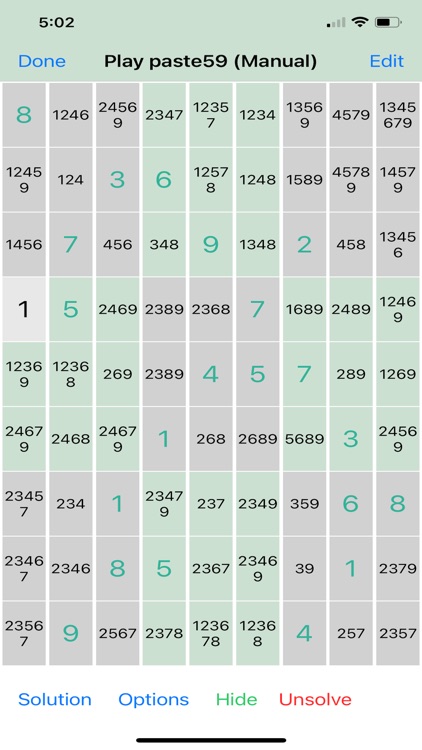
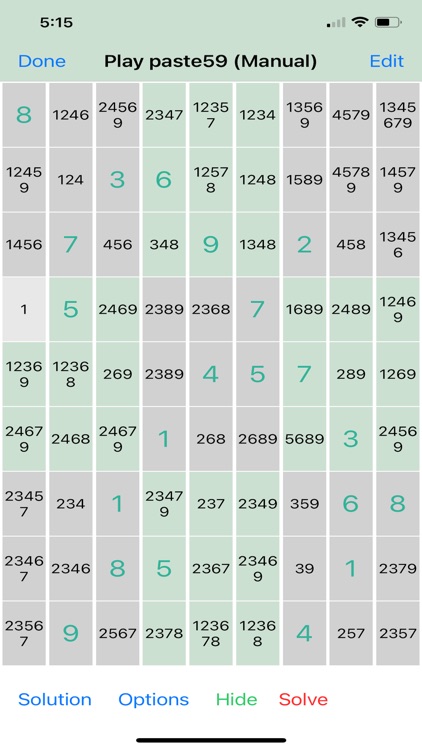
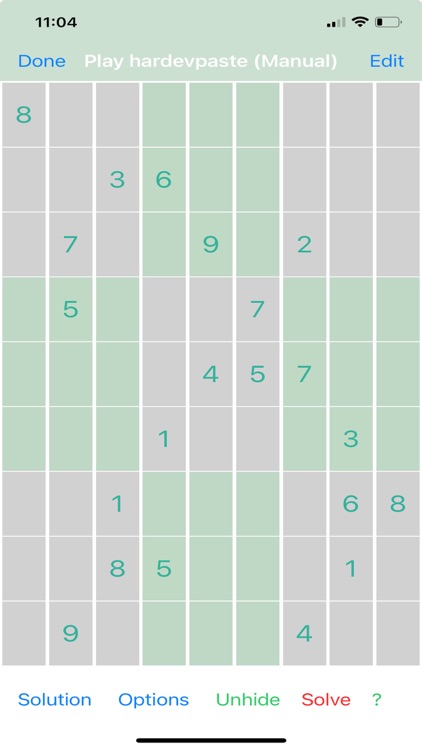
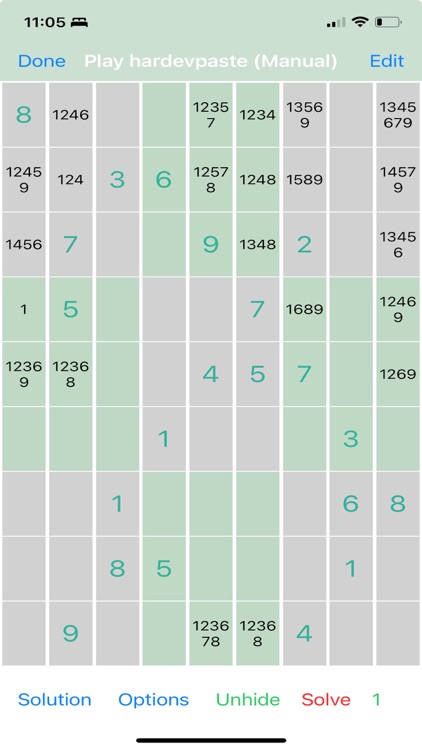
- This Sudoku platform is for players who like to get into patterns formed by the possible values for unsolved cells, in order to solve puzzles that otherwise require guessing. Many of the well known strategies are illustrated in Automatic mode, leaving the game-play mode Manual untouched - unless you ask that cells be updated.
App Screenshots
App Store Description
- This Sudoku platform is for players who like to get into patterns formed by the possible values for unsolved cells, in order to solve puzzles that otherwise require guessing. Many of the well known strategies are illustrated in Automatic mode, leaving the game-play mode Manual untouched - unless you ask that cells be updated.
- Look for patterns yourself by displaying only cells that contain possibles you specify, or that contain possibles that occur a specified number of times in a row, column or square, or cells that contain a specified number of possibles, or a combination of these display specifics.
- If you prefer educated guesses then take advantage of the "Undo to Checkpoint" feature that restores all cell values back to the state when the checkpoint was set.
- There are no in-app purchases. Pay once to access the entire library of games in five skill levels: Easy, Medium, Difficult, Very Difficult, Unsolvable and to generate, copy, photo and screen-shot games.
KEY FEATURES
:::::::::::::::::::::::::
o Includes Endless Puzzles, Get rated games at your desired difficulty level, or generate a random game.
o Scratch Pad: Enter a single value as a guess then promote it with a button to make it the solution for the cell.
o Uses Apple text editor.
o Hide cell contents unless they contain specific possibles.
o Show only cells that have 2, 3, 4, etc. possibles.
o Show only cells that have possibles that appear 2, 3, 4, etc. times per row, column and/or cell.
o Undo single moves or all moves since setting a checkpoint cell with a trial value.
o Learn advanced techniques with cell highlighting and colour-coded possibilities, perfect for improving your skills.
o Markup: Highlight cells and colour key possibles to mimic or create advanced strategies.
o Share games via the default pasteboard using the Copy/Paste feature. Text or email to other players.
o Use your phone’s camera to copy puzzles from paper and screen shots with our OCR technology.
o Expand the view for a magnified picture.
o Swipe back and forth between Automatic mode and Manual mode to get hints on what patterns to look for.
o Play in Manual mode but get updated cell contents from Automatic mode after solving cells.
New to Sudoku? For the rules of Sudoku and some basic moves see SudokuNavigator.com/sudoku-rules
Disclaimer:
AppAdvice does not own this application and only provides images and links contained in the iTunes Search API, to help our users find the best apps to download. If you are the developer of this app and would like your information removed, please send a request to takedown@appadvice.com and your information will be removed.
AppAdvice does not own this application and only provides images and links contained in the iTunes Search API, to help our users find the best apps to download. If you are the developer of this app and would like your information removed, please send a request to takedown@appadvice.com and your information will be removed.
