You are using an outdated browser. Please
upgrade your browser to improve your experience.

Sunquest Clinical Collect™ is designed to be used on the Android™ and Apple Inc

Sunquest Collect
by Sunquest Information Systems
What is it about?
Sunquest Clinical Collect™ is designed to be used on the Android™ and Apple Inc.’s mobile operating systems as well as on a PC. Collect is available for Android mobile devices and Apple (iOS) mobile devices, such as an iPhone® or an iPad®. Collect is also available on a PC running Windows® operating systems versions 7 or 8.1. In
App Store Description
Sunquest Clinical Collect™ is designed to be used on the Android™ and Apple Inc.’s mobile operating systems as well as on a PC. Collect is available for Android mobile devices and Apple (iOS) mobile devices, such as an iPhone® or an iPad®. Collect is also available on a PC running Windows® operating systems versions 7 or 8.1. In
Sunquest Clinical Collect is a comprehensive software application intended to be used by trained health care professionals. Collect helps users manage the
following activities:
• Recording specimen collection
• Monitoring specimen collection
• Rescheduling an order
• Adding a test to an order
• Crediting an order
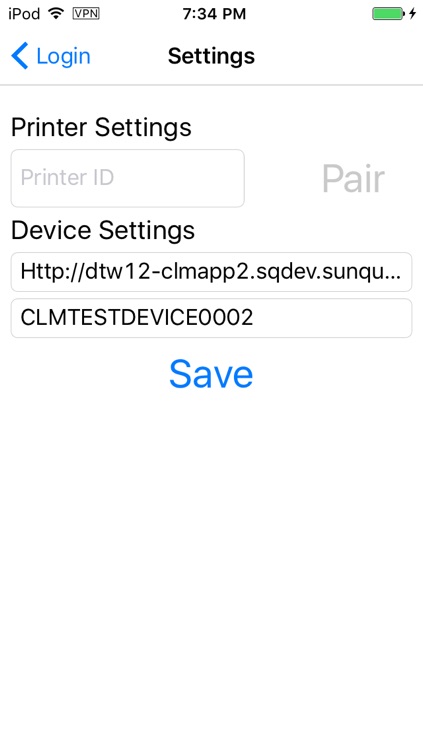
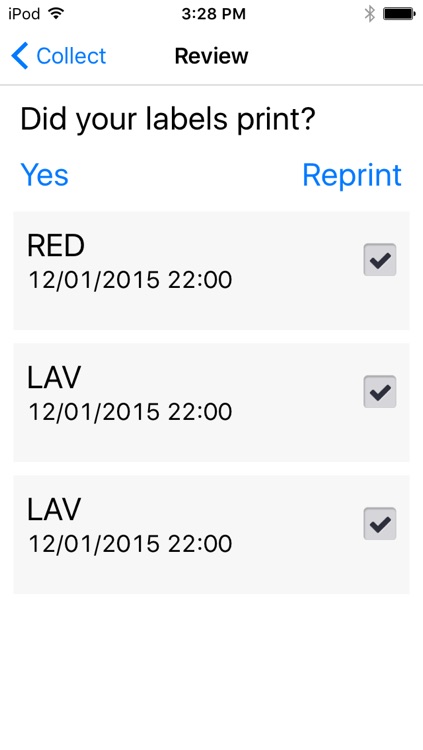
• Printing labels
Note: Collect is not intended for use in the diagnosis of disease or other conditions, or in the cure, mitigation, treatment, or prevention of disease.
Sunquest Clinical Collect automates many specimen collection processes and helps to ensure timely specimen gathering, positive patient identification, and accurate
specimen labels.
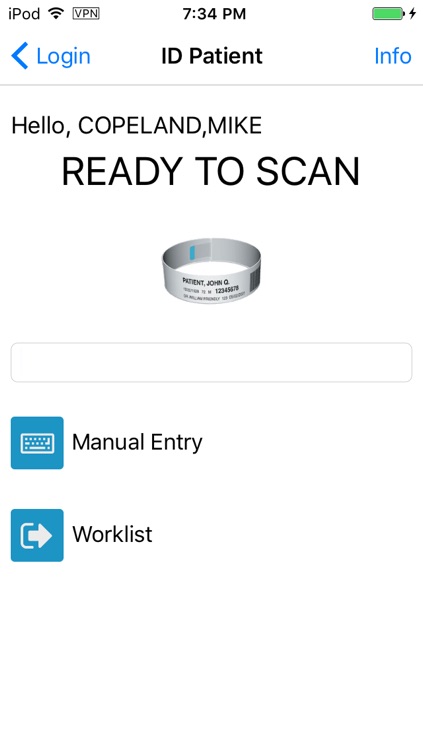
The use of a barcode scanner enables accurate, safe scanning of the patient identification wristband. In order to scan, smart phones and tablets may require additional scanning hardware, such as scanning sleds or wired scanners that attach to the devices. Using the device’s camera as a scanner is not supported.
After a patient has been identified, Collect displays the patient collection information and permits bedside label printing. The label is then applied to the specimen container and verified using the scanning technology.
Integration with Sunquest Laboratory provides a complete automated specimen collection solution from the moment an order is placed through specimen receipt and results reporting.
Disclaimer:
AppAdvice does not own this application and only provides images and links contained in the iTunes Search API, to help our users find the best apps to download. If you are the developer of this app and would like your information removed, please send a request to takedown@appadvice.com and your information will be removed.
AppAdvice does not own this application and only provides images and links contained in the iTunes Search API, to help our users find the best apps to download. If you are the developer of this app and would like your information removed, please send a request to takedown@appadvice.com and your information will be removed.
