You are using an outdated browser. Please
upgrade your browser to improve your experience.

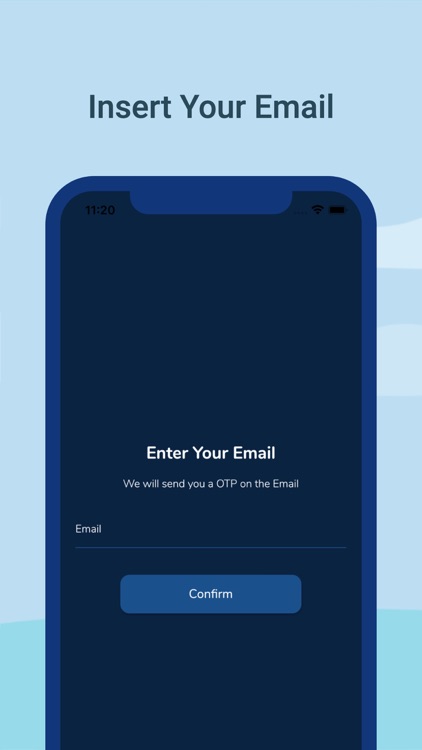
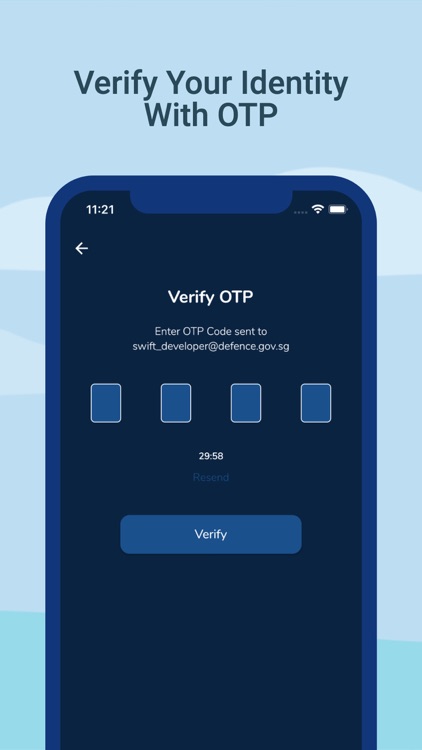
Sign up within seconds using your official email

SwiftPass
by Swift Office
What is it about?
Sign up within seconds using your official email!
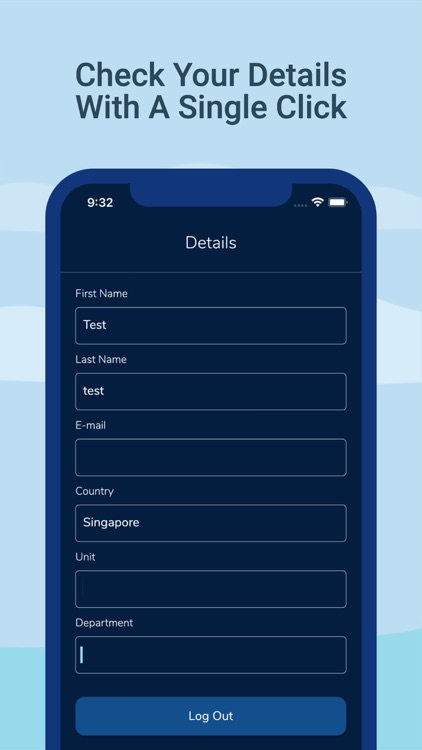
App Screenshots

App Store Description
Sign up within seconds using your official email!
SET UP IN 3 EASY STEPS
All you need is a smartphone, internet connection, and a registered SwiftPass account.
• Step 1: Install the SwiftPass app.
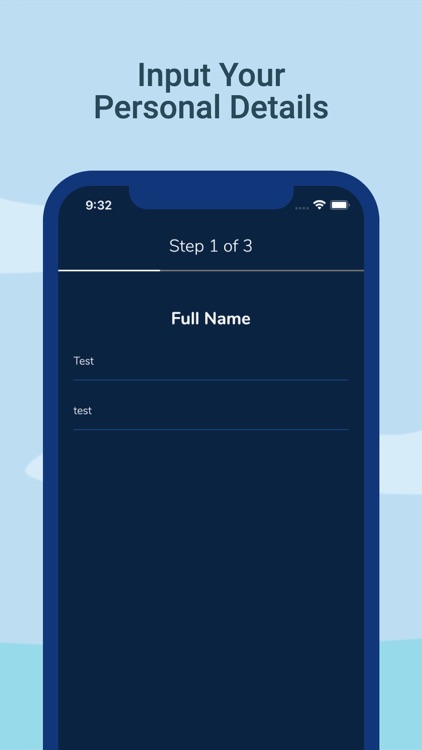
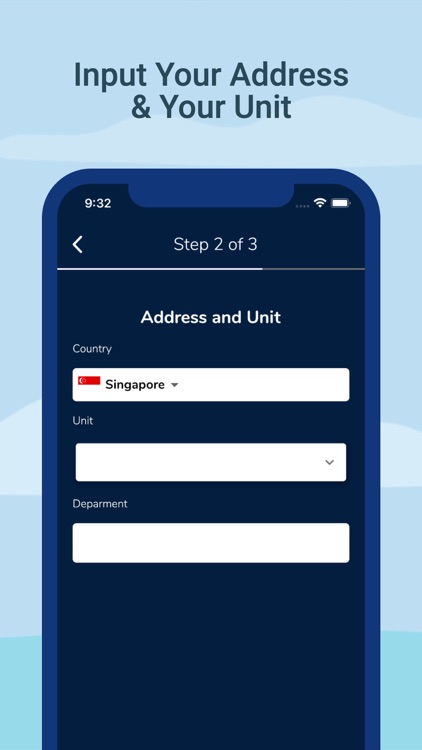
• Step 2: Complete a one-time set up.
• Step 3: Your Swift digital identity is now ready for use! You can access digital services via the SwiftPass app.
FEEDBACK
We want to hear from you! For feedback or questions, please email us at support@swiftoffice.org.
This application is brought to you by the Swift.
COMMON ISSUES
If you’re encountering a “Connecting timed out” prompt, try click the Confirm button again.
Disclaimer:
AppAdvice does not own this application and only provides images and links contained in the iTunes Search API, to help our users find the best apps to download. If you are the developer of this app and would like your information removed, please send a request to takedown@appadvice.com and your information will be removed.
AppAdvice does not own this application and only provides images and links contained in the iTunes Search API, to help our users find the best apps to download. If you are the developer of this app and would like your information removed, please send a request to takedown@appadvice.com and your information will be removed.
