You are using an outdated browser. Please
upgrade your browser to improve your experience.

A program to train the handling of 1 or 2 switches

SwitchTrainer
by LIFEtool Solutions GmbH
What is it about?
A program to train the handling of 1 or 2 switches
App Screenshots
App Store Description
A program to train the handling of 1 or 2 switches
SwitchTrainer is available in 2 versions:
* In SwitchTrainer only one game is available. The others can be purchased via In-App Purchase.
* In SwitchTrainer Pro all games are available.
Hint: SwitchTrainer shows one of six exercises for learning to operate a program with switches. The full version with all six exercises is also available as an app. The free version allows you to fully test the different alternative operating modes and settings.
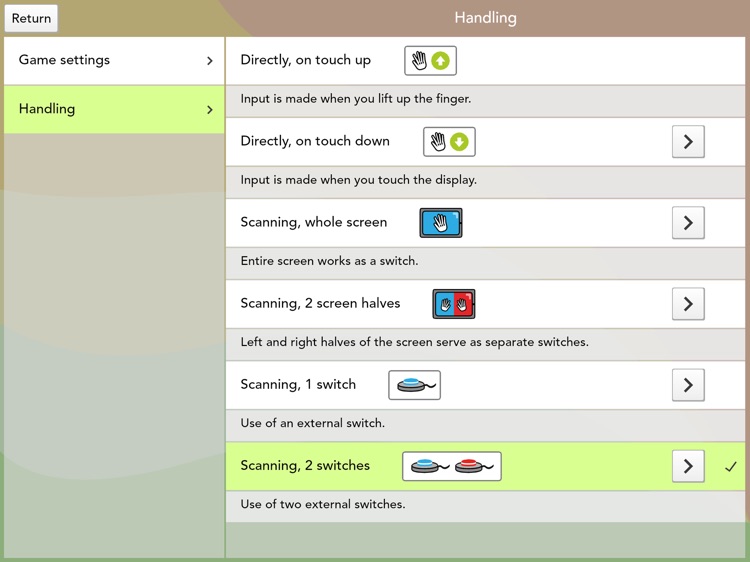
SwitchTrainer is an app designed to learn how to use one or two switches. The app offers a special feature, i.e. that the touchscreen itself may be used for scan operation instead of external switches (Touch-Scanning). The entire screen or the screen divided into two halves will then work like switches. Furthermore, SwitchTrainer is perfectly suited for learning to use a touchscreen. The target groups are children with physical impairments or with a learning disability.
Apart from having fun with playing, it is the aim of the program to automatize the use of one or two switches to finally be able to use 2-switch-scanning. The different games offer a range of possibilities to learn, train and implement the use of two switches or the handling of the touchscreen. The player’s self-initiative and learning by doing are the key issues rather than reacting to given tasks and solving of exercises.
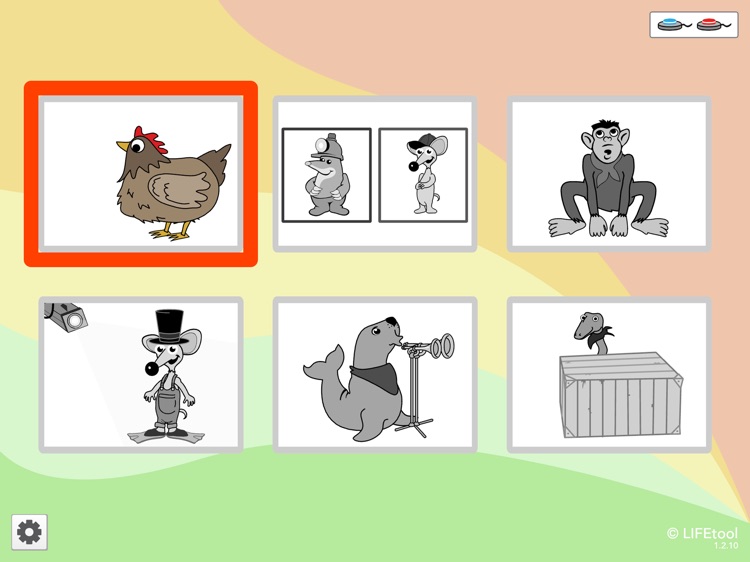
Six games are available:
-Animations
-Make a choice
-Monkey playground
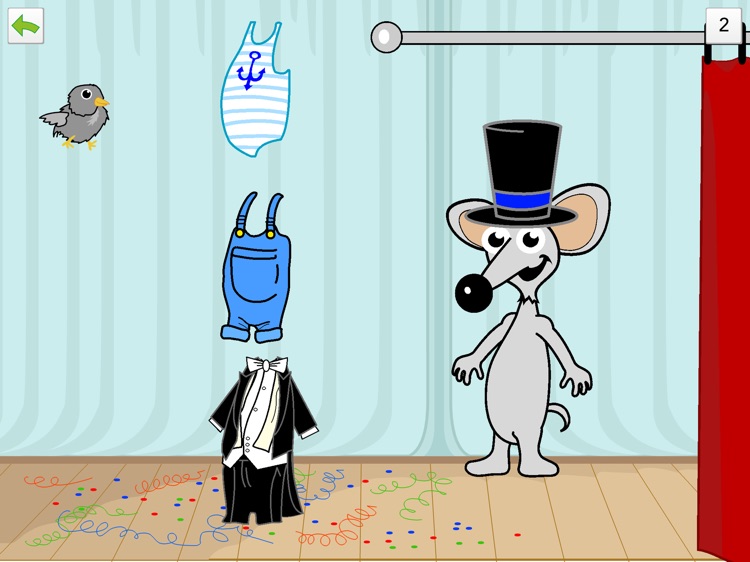
-Dress up the mouse
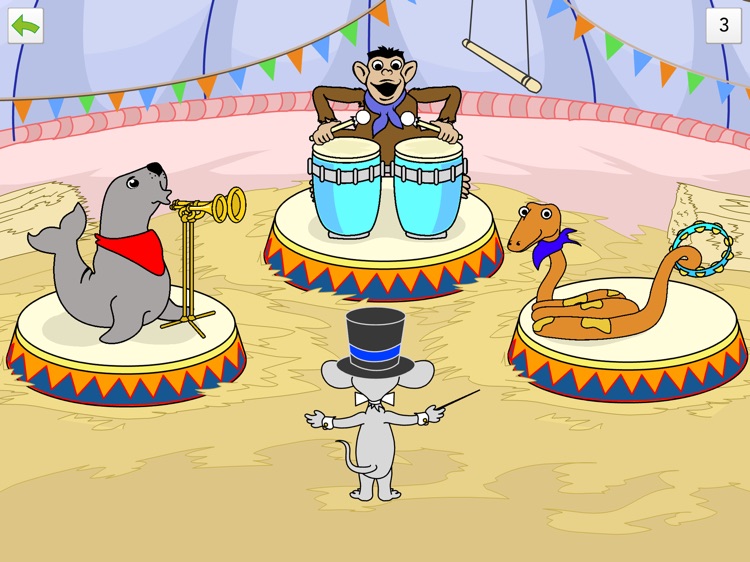
-Orchestra
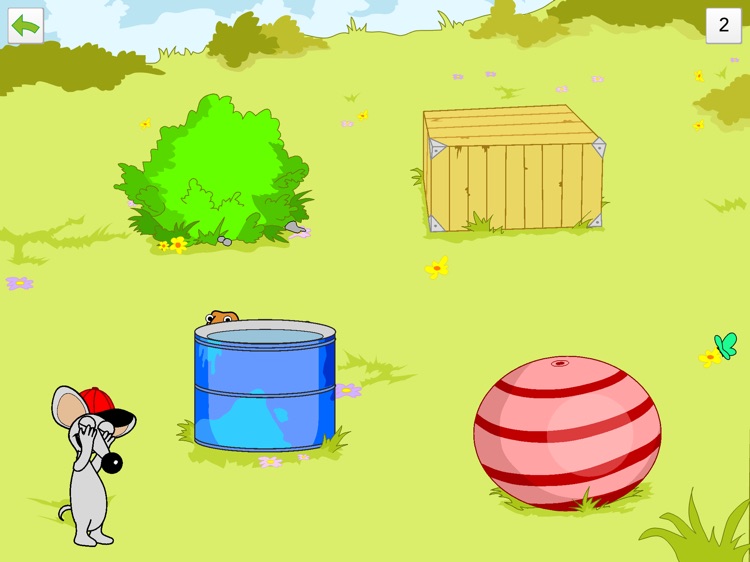
-Hide and seek
Fields of operation
Nursery school, Early intervention
Switch training
Ergotherapy
Children with physical impairments
Computer games
Operating modes
External keyboard (Space and Enter)
Scanning with 1 or 2 external switches
Touch-Scanning: iPad Screen can be used as one or two switches
Touch Exit
Touch Enter
Disclaimer:
AppAdvice does not own this application and only provides images and links contained in the iTunes Search API, to help our users find the best apps to download. If you are the developer of this app and would like your information removed, please send a request to takedown@appadvice.com and your information will be removed.
AppAdvice does not own this application and only provides images and links contained in the iTunes Search API, to help our users find the best apps to download. If you are the developer of this app and would like your information removed, please send a request to takedown@appadvice.com and your information will be removed.
