You are using an outdated browser. Please
upgrade your browser to improve your experience.

Text Pics will detect text in any photo, and turn it into pictures

Text Pics!
by Craig Grummitt
What is it about?
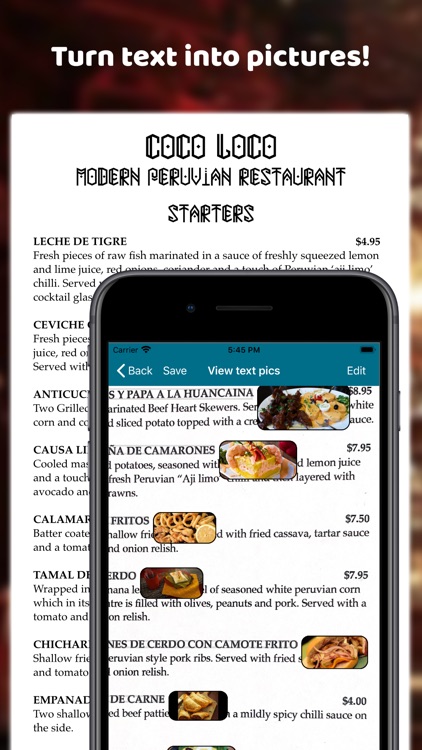
Text Pics will detect text in any photo, and turn it into pictures!
App Screenshots
App Store Description
Text Pics will detect text in any photo, and turn it into pictures!
Text Pics is perfect for:
• Understanding restaurant menus in a foreign country!
• Making a shopping list easier to follow!
• Helping you to visualise a dry technical text.
• Lots more! Tell us what you're using Text Pics for!
How to use:
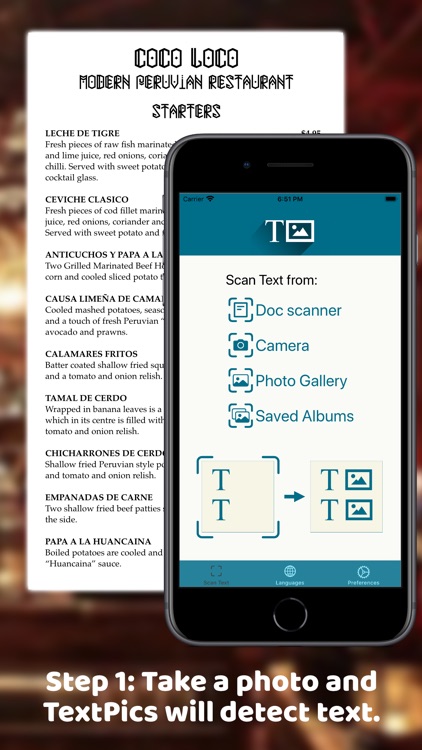
Step 1: Get your photo - you can use the document scanner, take a regular photo, or grab the photo from your photo library.
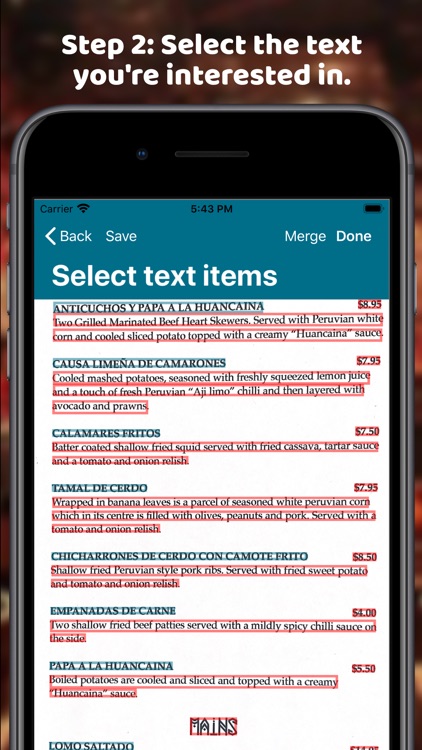
Step 2: After Text Pics automatically detects text, you can select which text you're interested in.
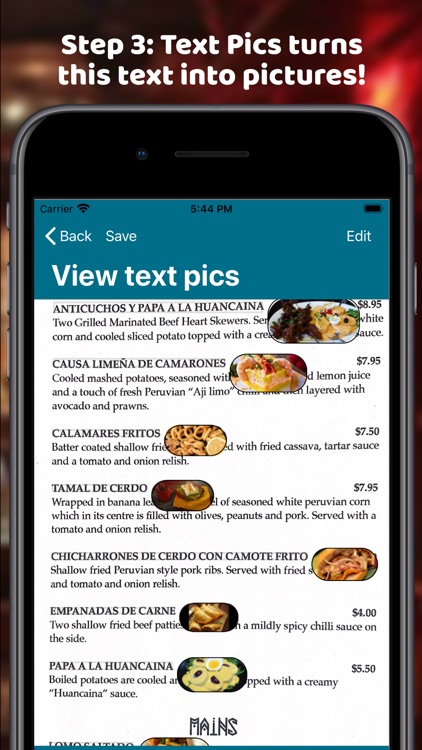
Step 3: After you tap 'Done', Text Pics will automatically display pictures for the text you've selected!
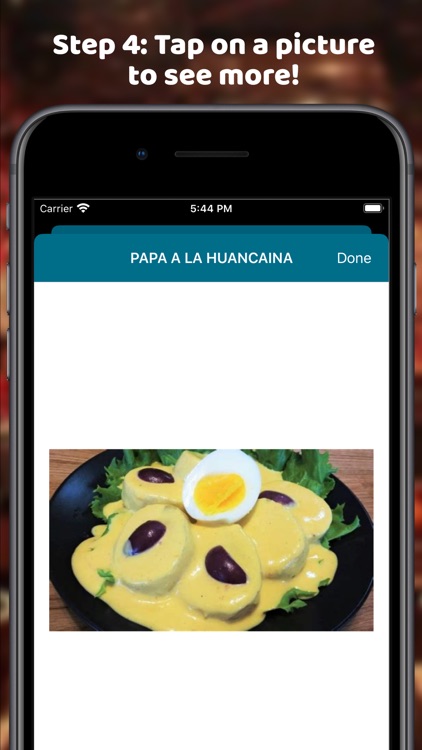
Step 4: Tap on a pic if you're interested to see more pics.
Where did the inspiration for Text Pics come from?
Have you ever sat down in a restaurant in a foreign country, and then realised the menu doesn't have any pictures and you have no idea what to order? Well, it happened to me once in China! Famished, I had no choice but to order at random. 10 minutes later I was presented with a massive bowl of bok choy. Not exactly what I was hoping for. (sigh!) If I had Text Pics, it would have been a piece of cake to understand the menu with pictures!
Disclaimer:
AppAdvice does not own this application and only provides images and links contained in the iTunes Search API, to help our users find the best apps to download. If you are the developer of this app and would like your information removed, please send a request to takedown@appadvice.com and your information will be removed.
AppAdvice does not own this application and only provides images and links contained in the iTunes Search API, to help our users find the best apps to download. If you are the developer of this app and would like your information removed, please send a request to takedown@appadvice.com and your information will be removed.
