You are using an outdated browser. Please
upgrade your browser to improve your experience.

TextScanner + Translator is an OCR App to recognize text from image,document,receipt etc and translate scanned text in different languages

TextScanner + Translator: OCR scan, recognize and translate any document
by Abdul Quium
What is it about?
TextScanner + Translator is an OCR App to recognize text from image,document,receipt etc and translate scanned text in different languages.
App Screenshots
App Store Description
TextScanner + Translator is an OCR App to recognize text from image,document,receipt etc and translate scanned text in different languages.
The advantage of using TextScanner + Translator application is below.
- Translation of English documents
- Report of business or work
- Homework of students
- Conversion (Image to Text)
- Copy to text from English documents (Send to Email, SMS)
HOW TO USE
==========
1. Load a gallery image or Take a picture by camera.
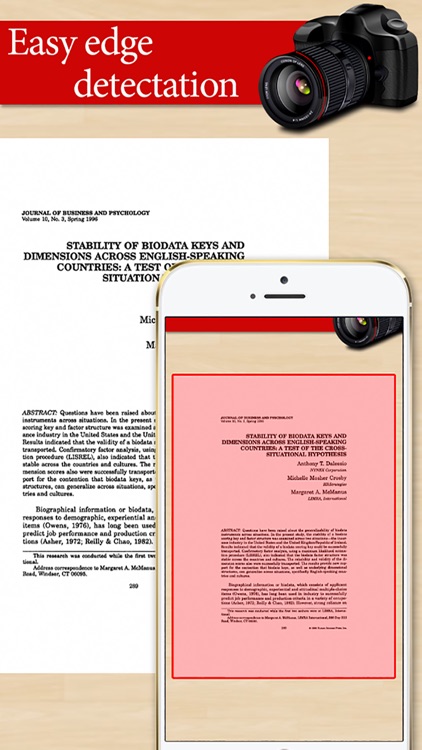
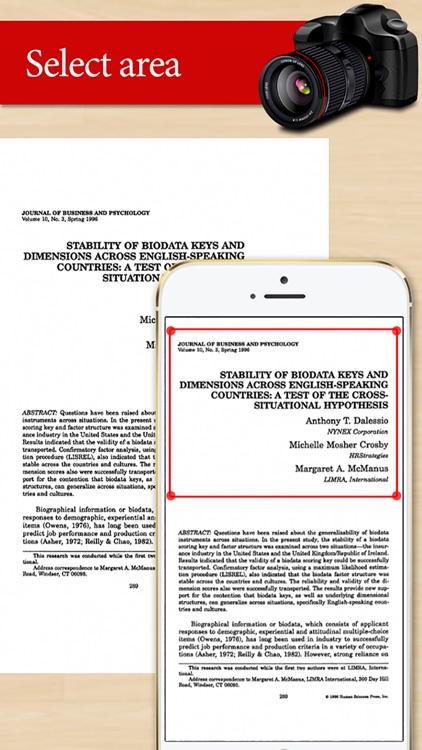
2. Select image's English text area by crop picture function.
3. Tap to match the picture horizontally.
4. Tap a recognize icon.
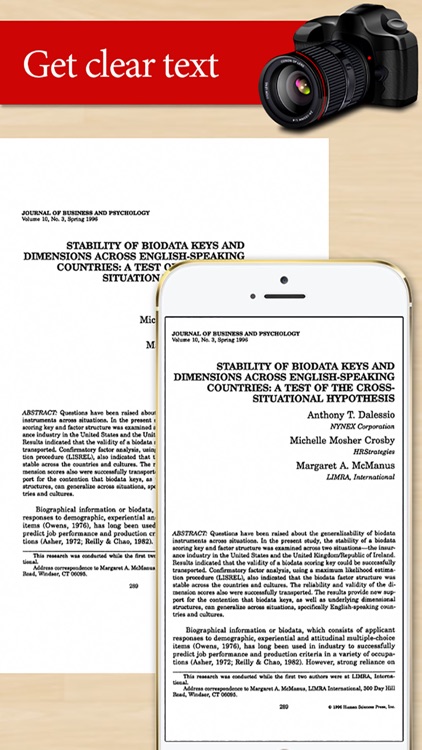
5. Check the text result.
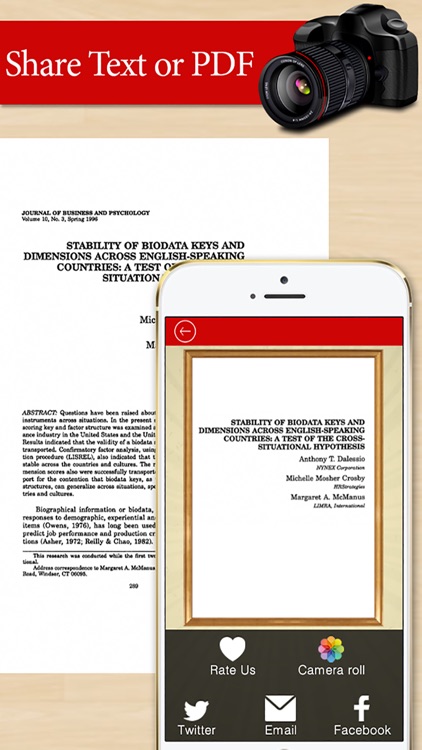
6. The text result can be used to translate, copy & paste function & share to another application.
Disclaimer:
AppAdvice does not own this application and only provides images and links contained in the iTunes Search API, to help our users find the best apps to download. If you are the developer of this app and would like your information removed, please send a request to takedown@appadvice.com and your information will be removed.
AppAdvice does not own this application and only provides images and links contained in the iTunes Search API, to help our users find the best apps to download. If you are the developer of this app and would like your information removed, please send a request to takedown@appadvice.com and your information will be removed.
