You are using an outdated browser. Please
upgrade your browser to improve your experience.

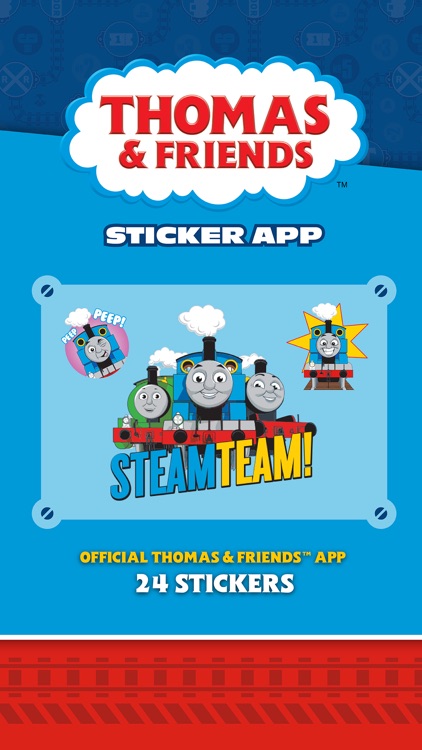
FEATURES 24 STICKERS

Thomas & Friends Stickers
by StartApp Inc.
What is it about?
FEATURES 24 STICKERS
App Screenshots
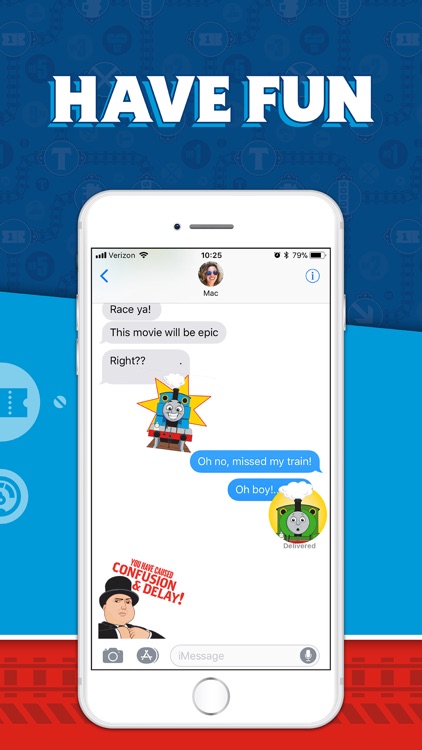
App Store Description
FEATURES 24 STICKERS
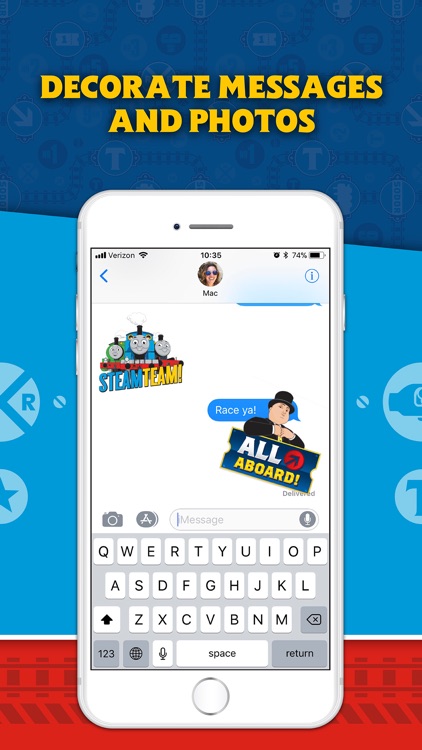
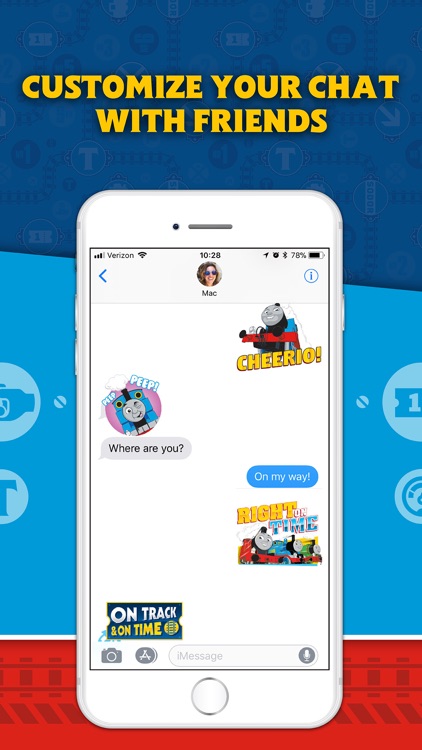
- Energize your messaging with vibrant stickers
- Customize your conversations by placing stickers anywhere
- Decorate your chat with layers of stickers that you can rotate and resize in any part of the conversation
Unlock the full pack for $0.99:
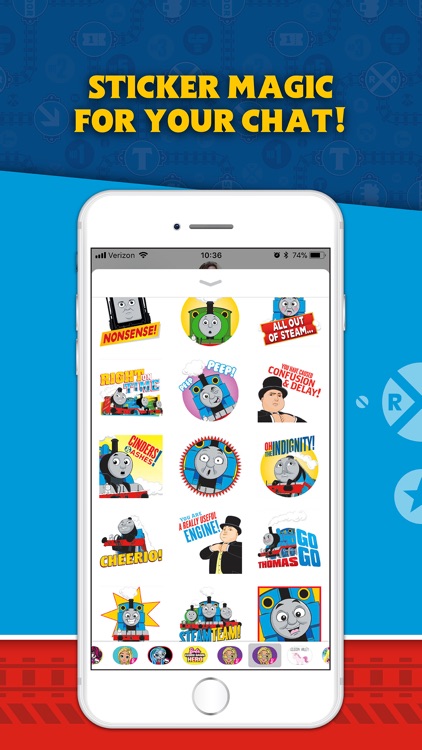
• Hi
• BFFs
• Flatten my funnel!
• Go! Go!
• Good job
• Cheerio
• Oh, the indignity
• Shocking
• Cinders and ashes!
• Confusion and Delay
• Peep peep
• Right on time
• Tired and out of steam
• Worried
• Nonsense
• Happy Birthday
• On the Move
• Mad
• Shy
• Sleeping
• Trouble
• On track & on time
• Full steam ahead
• All Aboard!
How To Access Stickers with iOS 11
• NEWLY INSTALLED: Go to iMessage, tap on App Store icon, scroll left or right on sticker drawer at bottom of the screen until you find Hot Wheels app icon, then tap to open.
• RECENTLY USED: Tap the App Store icon next to compose field and then tap on green clock icon to access recently used stickers.
• BUY IN iMESSAGE: Tap on App Store Icon next to text entry field, then tap on App Icon on the sticker drawer at bottom of the screen, tap on Visit Store to access the App Store for iMessage. Use keywords like "Hot Wheels Stickers" with search to find sticker app.
• ADD TO FAVORITES: Tap the App Store icon, scroll through app tray to 3-ovals icon icon, tap Edit, tap + to add to your favorites
How To Access Stickers with iOS 10 or Older
• NEWLY INSTALLED: Tap the four-oval icon on the lower left corner which brings up the app drawer.
• RECENTLY USED: Tap the App Store icon alongside the compose field to see your most recently used iMessage app.
• BUY IN iMESSAGE: Tap the plus icon to access the App Store for iMessage. Use keywords like "Hot Wheels Stickers".
How To Use Stickers
• SEND: Tap to send
• PLACE/LAYER: Tap and hold to place them on chat bubbles, photos and other stickers
• ROTATE: Tap, hold, and rotate before placing them on chat bubbles, photos and other stickers
NOTE: Older OS versions may show images inline and therefore, they are unable to be pasted on top of chat bubbles, photos and other stickers
Disclaimer:
AppAdvice does not own this application and only provides images and links contained in the iTunes Search API, to help our users find the best apps to download. If you are the developer of this app and would like your information removed, please send a request to takedown@appadvice.com and your information will be removed.
AppAdvice does not own this application and only provides images and links contained in the iTunes Search API, to help our users find the best apps to download. If you are the developer of this app and would like your information removed, please send a request to takedown@appadvice.com and your information will be removed.
